Minimal Welcome Screen UI in Flutter
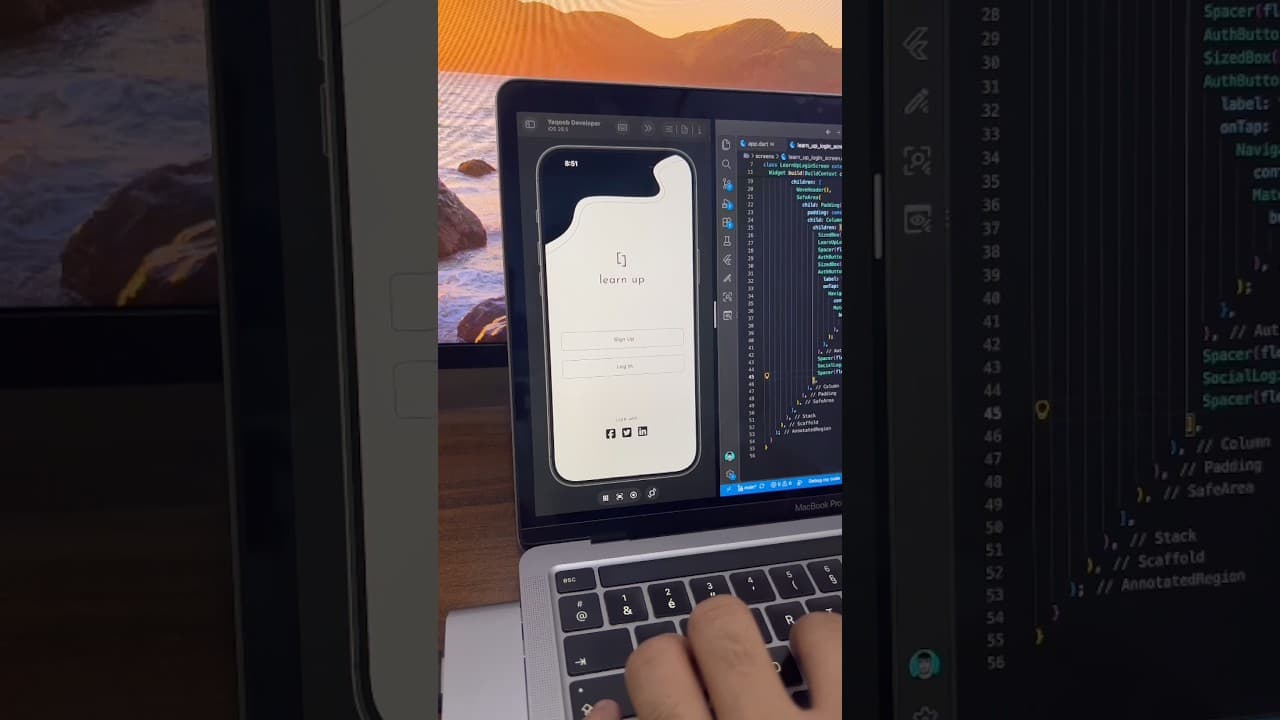
A minimal black and white welcome screen built in Flutter, with a custom wave header, centered logo, Sign Up and Log In buttons, and social login icons.
- #Welcome Screen
- #Landing Screen
- #Custom Clipper
- #Wave Header
- #Minimal UI
- #Black and White
- #Social Login
Overview
This project is a minimal black and white welcome screen built in Flutter, designed as the first screen users see before they sign up or log in. It follows a clean, monochrome style that feels modern and confident, and it works well for education apps, productivity tools, portfolio apps and any brand that prefers a simple, focused look over bright colors. The most eye-catching part of the screen is the custom wave header at the top. A solid black shape flows across the top of the screen with a smooth, organic curve, and just below it a thin grey line follows the same wave path with a small gap in between. This double-curve effect adds depth and movement without needing any images or illustrations. The header is drawn entirely in Flutter, which makes this project a great reference for learning how to create custom shapes using clippers and custom painters instead of relying on image assets. In the center of the screen sits the app's branding. A simple bracket-style logo mark is placed above the app name, "learn up", written in a light, wide-spaced lowercase font. The generous spacing around the logo gives it room to breathe and keeps the focus on the brand. You can easily replace the logo and name with your own to match any project. Below the branding are two full-width outlined buttons, Sign Up and Log In. Both use a thin grey border, slightly rounded corners and bold black text, giving them equal weight so users can choose either path without being pushed toward one. This layout is common in real-world apps where new and returning users land on the same screen. Tapping Log In takes the user to the matching login screen, which is available as a separate project. At the bottom of the screen is a "Log in with" label followed by three social icons for Facebook, Twitter and LinkedIn. The icons use solid black rounded squares, staying consistent with the monochrome theme instead of adding colorful brand logos. This makes the screen feel unified and polished while still offering quick social sign-in options. The color palette is pure black, white and soft grey. Because the design has no accent color, it's very easy to rebrand. You can swap the black for your brand color, change the wave shape, or adjust the font, and the layout will still look balanced and clean. This UI works well for e-learning and course apps, note-taking and study apps, professional networking apps, portfolio and resume apps, and any startup that wants a sleek first impression. It's also a useful example for beginners who want to understand how to build a welcome or landing screen with a clear layout, strong branding and simple navigation. The project is built entirely with Flutter widgets and is easy to customize. You can connect the buttons to your own sign-up and login flows, and link the social icons to Facebook Login, LinkedIn or any other authentication provider. If you're learning Flutter, this project is a practical way to understand custom clippers, stack layouts, outlined buttons and clean screen structure.
Watch the build
Keep exploring
Related projects
 Onboarding UI
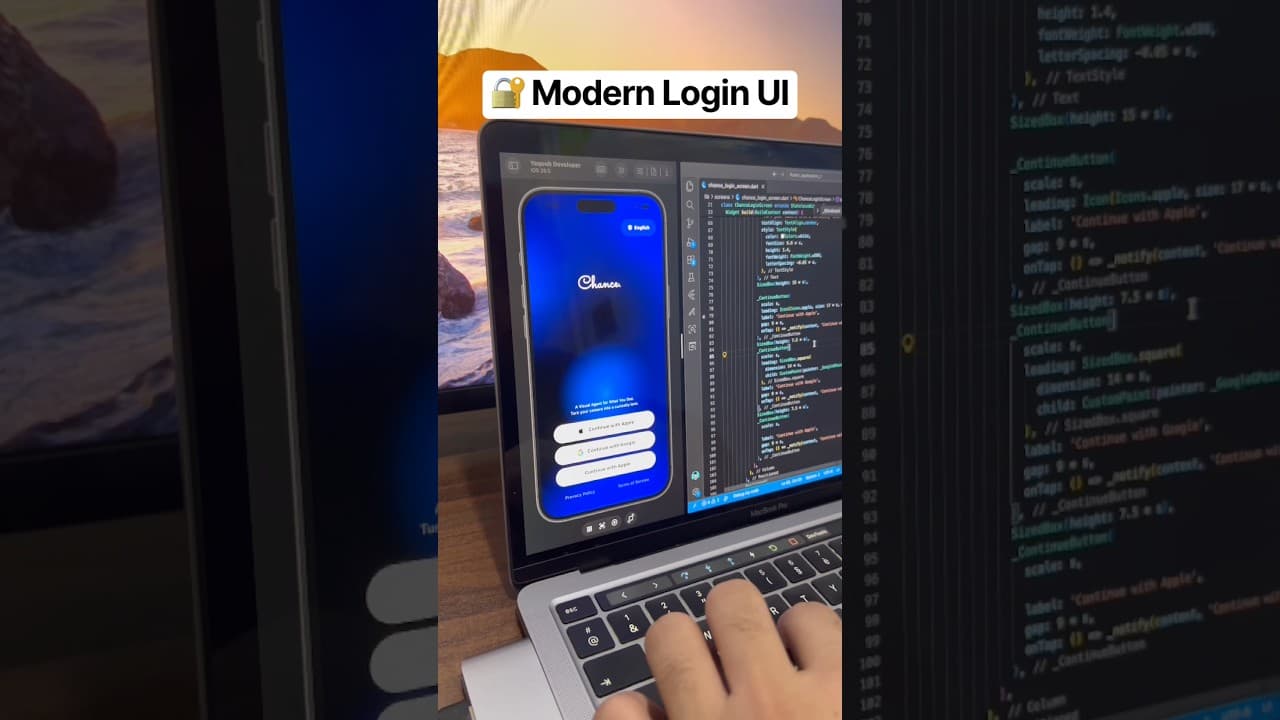
Chance AI Login Screen UI in Flutter
A sleek dark-blue gradient login screen inspired by the Chance AI app, built in Flutter. Includes a script-style logo, language selector, and Apple, Google, and Email sign-in buttons.
- #Login Screen
- #Authentication UI
- #Social Login
 Auth / Login UI
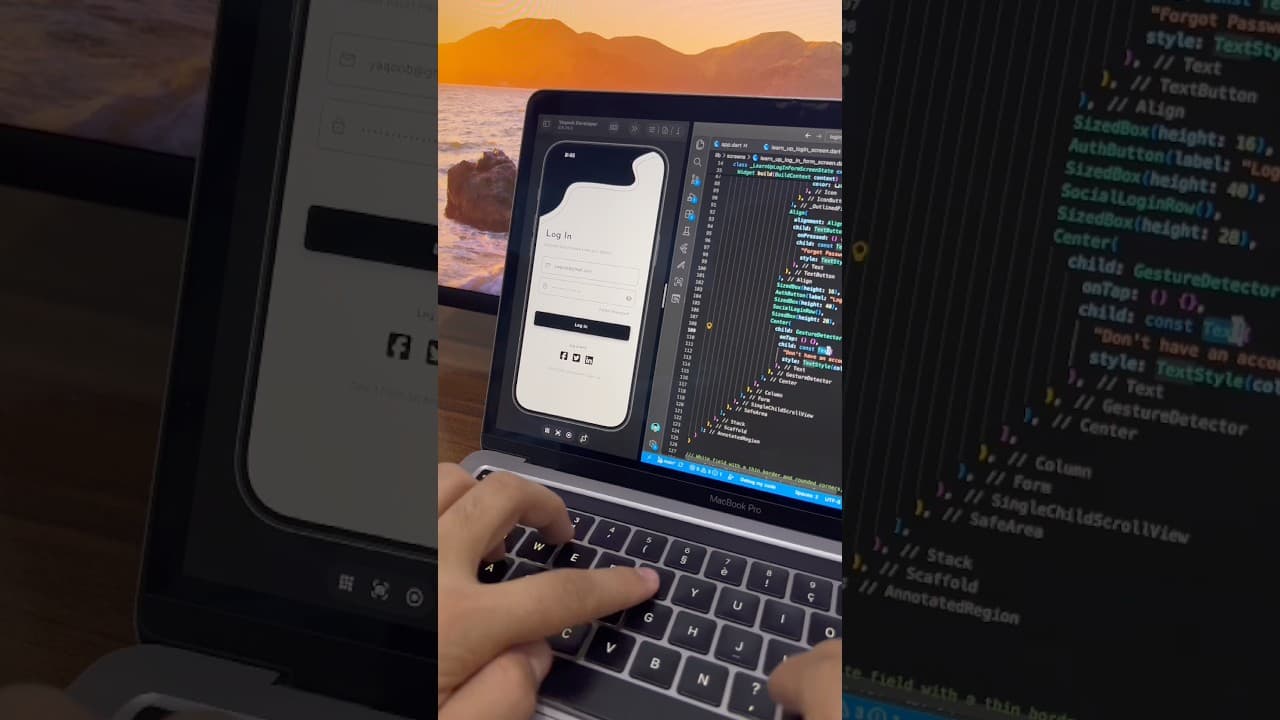
Minimal Login Screen UI in Flutter
A minimal black and white login screen built in Flutter, with a custom wave header, outlined input fields, password toggle and social login icons.
- #Login
- #Sign In
- #Authentication
 Auth / Login UI
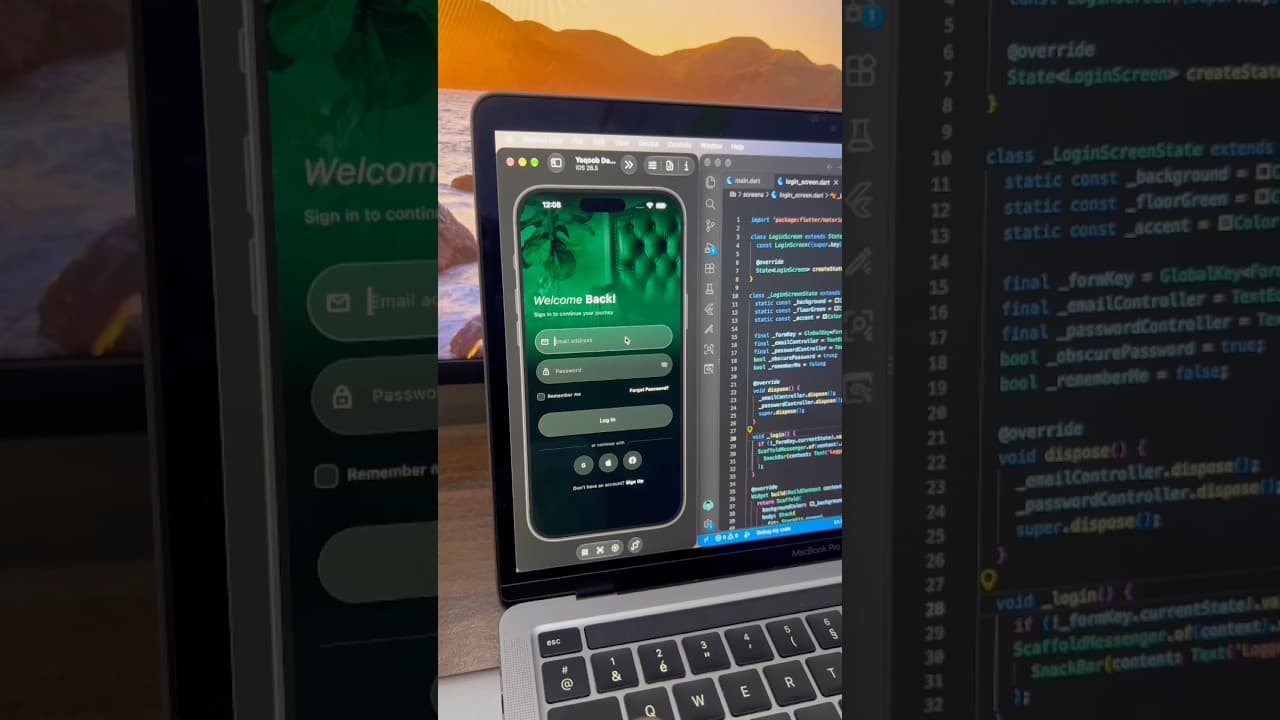
Dark Luxury Login Screen UI in Flutter
A dark, elegant login screen built in Flutter, with a full-screen green-tinted background image, glassy input fields, password toggle and social login buttons.
- #Login
- #Authentication
- #Dark UI