Candle Focus Timer UI in Flutter
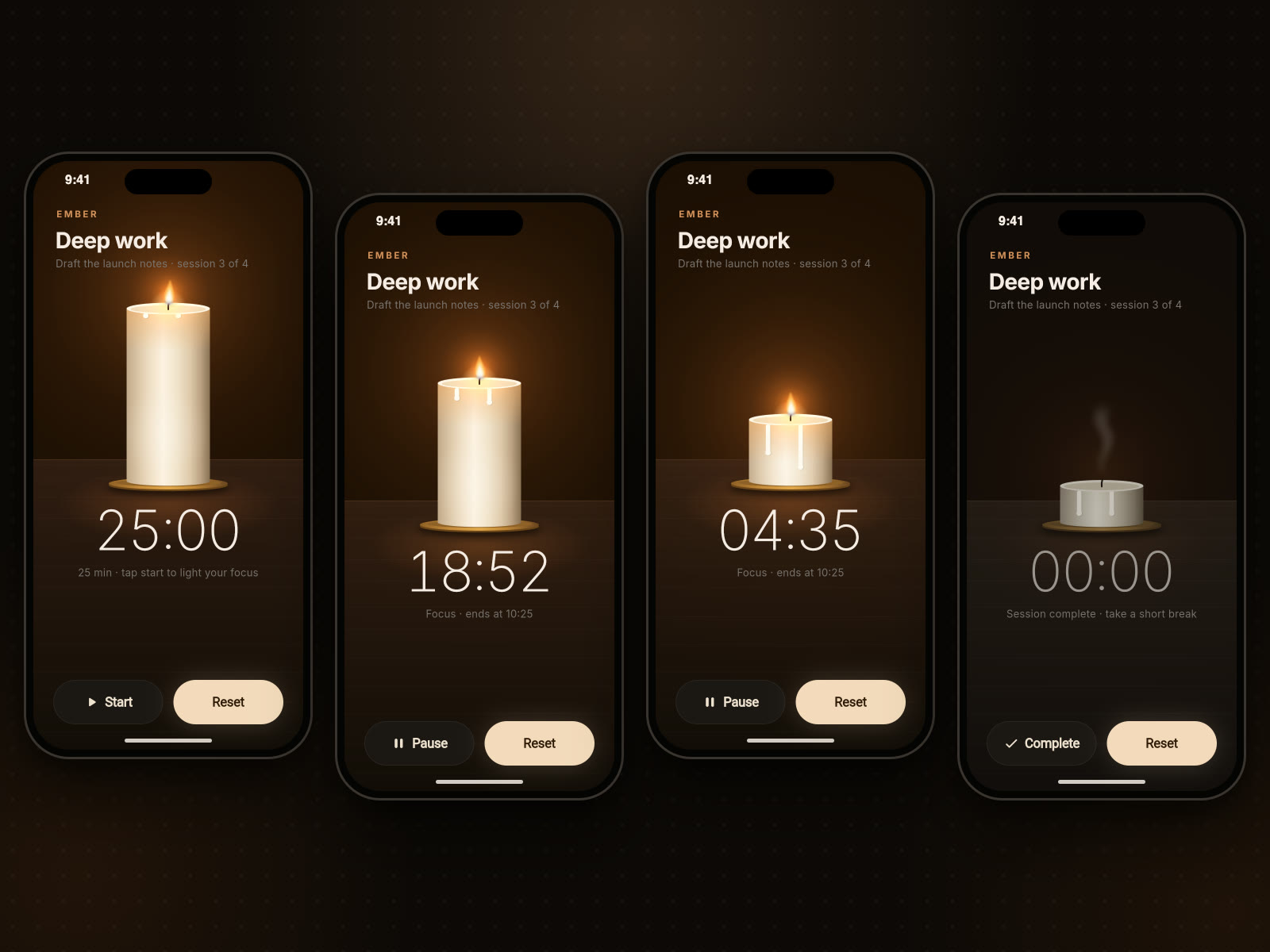
A calm Pomodoro focus timer in Flutter: a candle lights itself and melts while you focus, the digits roll, and the flame goes out with a curl of smoke when the session ends.
- #Pomodoro
- #Focus Timer
- #Candle
- #CustomPainter
- #Animation
- #Productivity
The full source code is in the Flutter Source Club · $9/month.
Overview
Ember is a calm Pomodoro focus timer built in Flutter. Instead of a progress ring, a real-looking candle shows how much of your session is left. It lights itself when the screen opens, melts down while you work, and goes out with a soft curl of smoke when the time is up. The screen is simple on purpose. At the top you see the session name, the task you are working on and which session of the day this is, for example "session 3 of 4". In the middle, the candle stands on a brass plate on a wooden table. Below it are the countdown, a short hint line and two buttons: Start and Reset. When the app opens, a few sparks fly from the wick and the flame grows with a small bounce. The wall and the table slowly fill with warm orange light. Tap Start and the countdown begins. The hint changes to "Focus · ends at 10:25", so you always know when the session will finish. Tap Pause and the flame gets smaller and the room a little darker, as if the candle is waiting for you. Resume brings the full flame back. The candle is not an image or a video. The whole scene is painted in code with one CustomPainter: the wall, the wooden table with its grain lines, the brass plate, the wax, the melted pool on top, the wick, the drips, the flame, the smoke and the sparks. Because everything is drawn from numbers, the candle can melt smoothly to any height, and you can change its size and colours in a few lines. The melting is tied directly to the timer. The share of time left sets the candle's height, somewhere between its full height and a short stub. As it burns down, two wax drips on the side grow longer. A horizontal gradient shades the wax so it looks round, and that gradient blends between a cold grey palette and a warm one depending on how much light the flame gives. The flame is built from several layered teardrop shapes: a soft blurred orange glow, an orange outer edge with a hint of blue at the root, a yellow body and a white-hot core. A few sine waves make it flicker and sway, so it never looks frozen. Around the flame, radial gradients drawn with BlendMode.plus add light to the wall and the table the way a real candle does: strongest near the flame and fading with distance. When the countdown reaches 00:00, the phone gives a firm haptic tap, the flame goes out in a fraction of a second and the room fades to dark over three seconds. The wick glows red for a moment and a thin line of smoke rises and curls away. The smoke is made of dozens of small blurred puffs, each one born a little after the last, drifting up and sideways and fading as it goes. Tap Reset and the candle grows back to full height with a small overshoot, then lights itself again with a new burst of sparks. The countdown digits have their own animation. Each digit is a separate widget with its own controller, so only the digits that change move: the old digit slides up and blurs away while the new one rises from below. Tabular figures keep every digit the same width, so or right. Under the hood, a Ticker drives the countdown and the flame on every frame, and the painter repaints through a merged Listenable instead of rebuilding theitself only rebuilds when the shown second or the state changes. The app has four clear states (ready, running, paused and done), and the button text, icon and hint are picked with switch expressions, so the logic is easy to follow. For testing and screen recordings you can speed time up with a dart-define, for example flutter run --dart-define=SPEED=120, which burns a 25-minute session in about 12 seconds. The live demo uses a 1-minute session so you can watch the whole candle b You can use this screen as the main page of a Pomodoro, study or meditation app, or as a calm timer inside a habit tracker. If you are learning Flutter, it isstomPainter, gradients and blend modes,AnimationController with custom curves, Ticker, ImageFiltered blur and AnimatedSwitcher. It is built with plain Flutter, with no extra packages. The full source code is in the Flutter Source Club.
Watch the build
Keep exploring
Related projects
 Social & Chat UISource Club
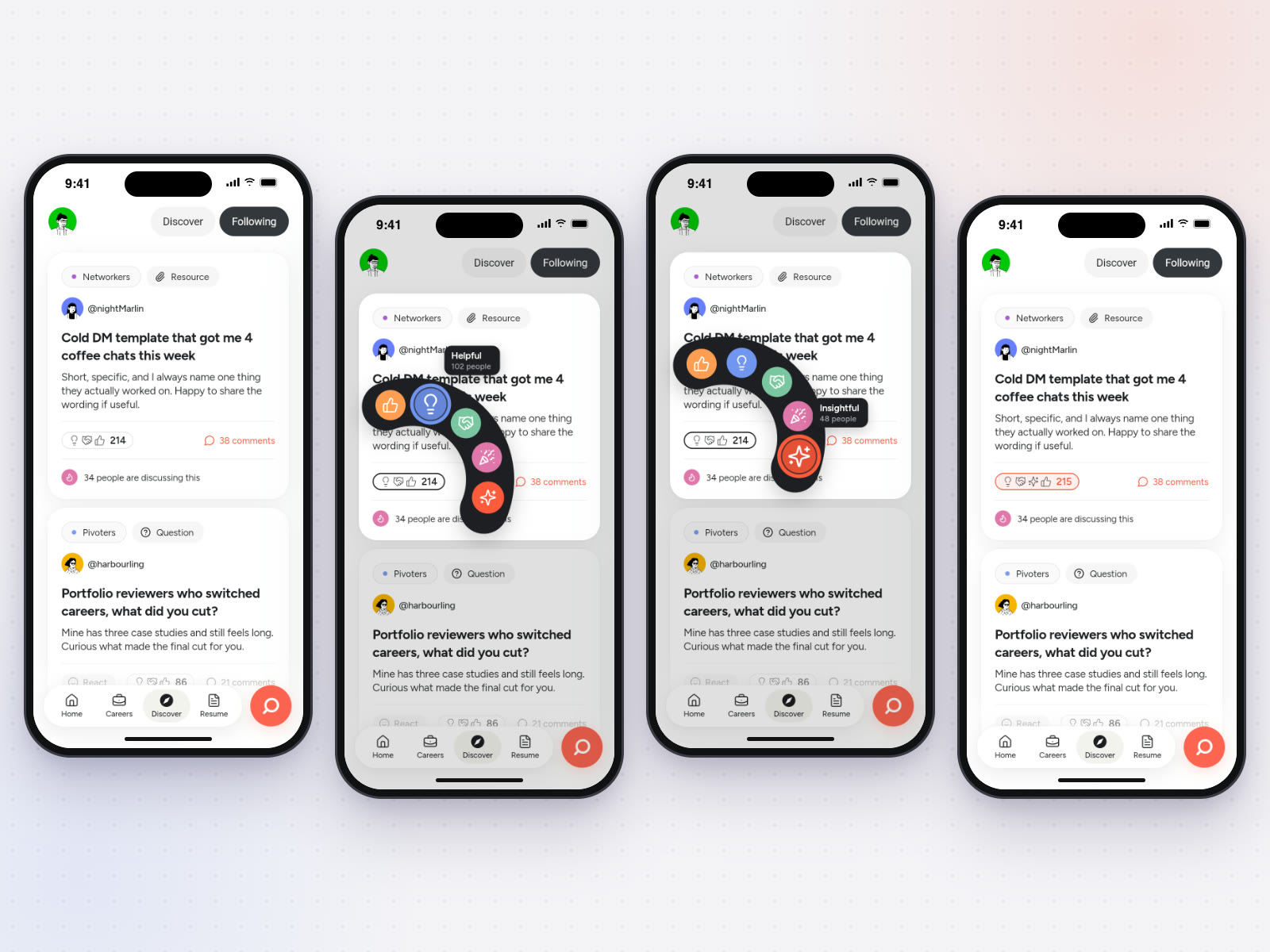
Reaction Picker Animation in Flutter
A community feed with a long-press reaction picker in Flutter: an arc of reactions, slide to choose, and the reaction flies into the pill with a rolling count.
- #Animation
- #Reactions
- #Long Press
 E-commerce UISource Club
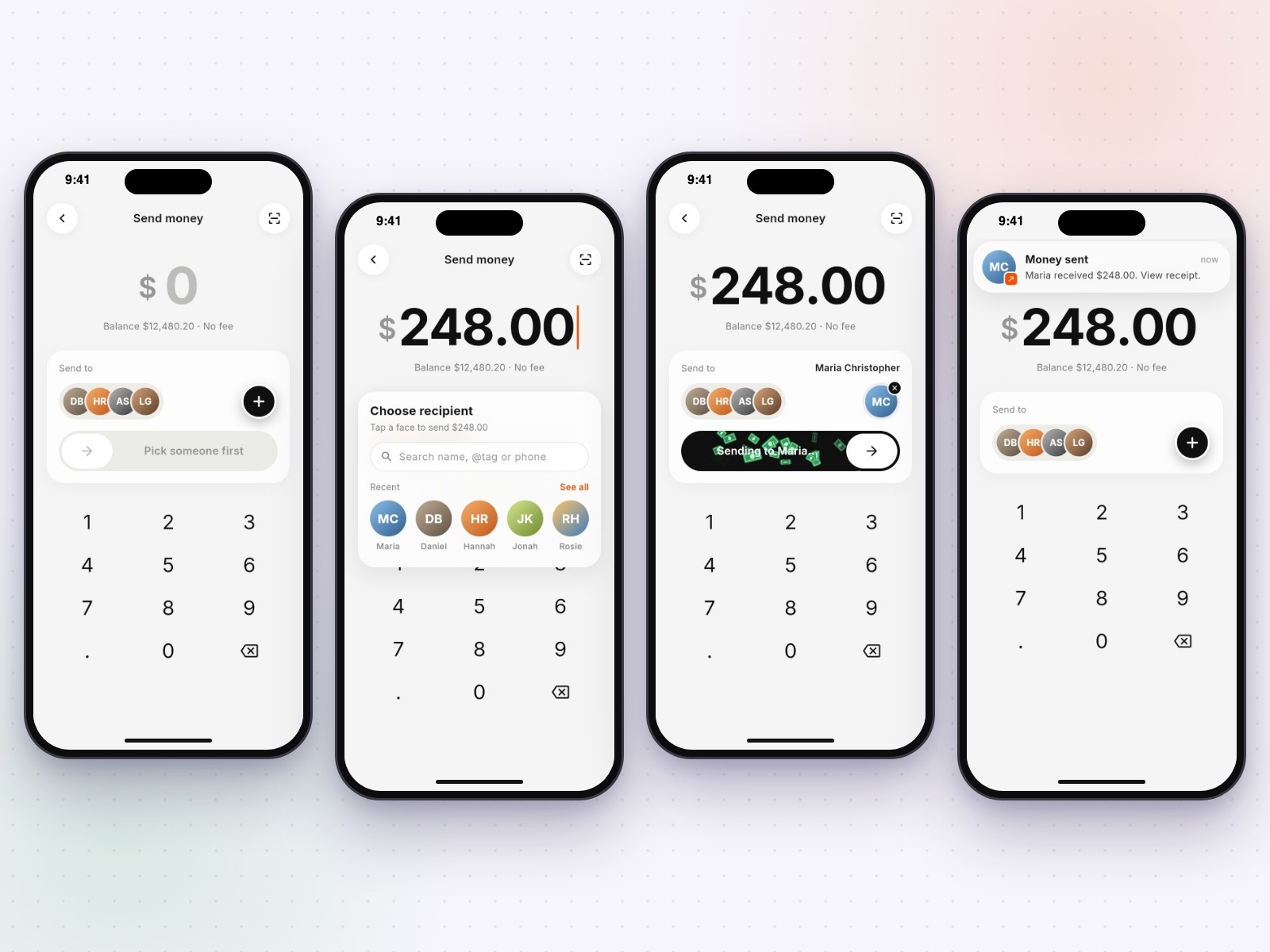
Send Money App UI in Flutter
A smooth send money flow in Flutter: type an amount, pick a contact from a card that grows out of the + button, flow in Flutter: fly then swipe to send and watch the money fly.
- #Fintech
- #Payment App
- #Send Money
 Auth / Login UISource Club
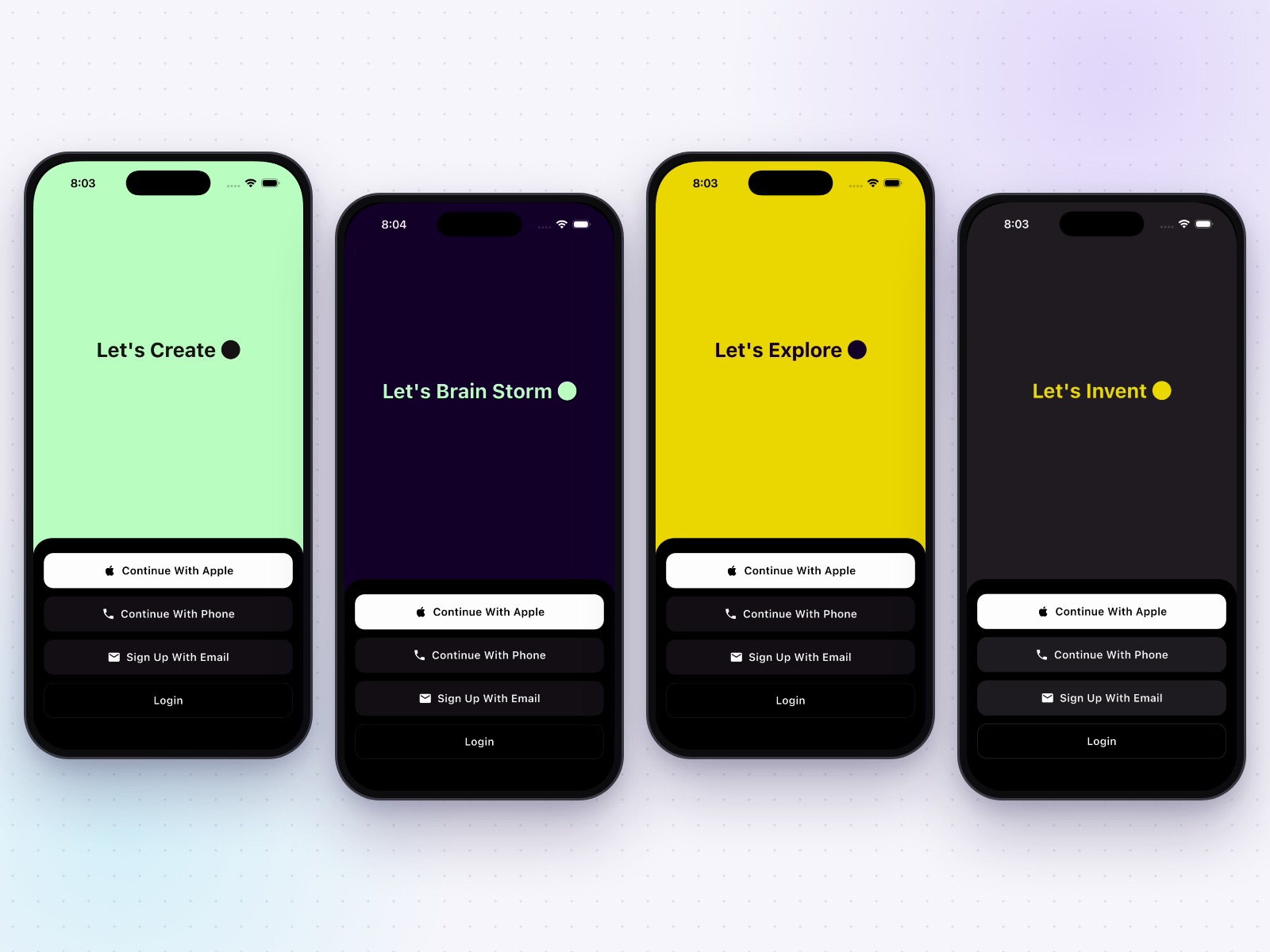
AI Onboarding Animation in Flutter
Animated Al app onboarding in Flutter: the headline types itself out, the background morphs through four colours, and a sign-in sheet slides up.
- #Onboarding
- #Animation
- #AI App