Chance AI Login Screen UI in Flutter
A sleek dark-blue gradient login screen inspired by the Chance AI app, built in Flutter. Includes a script-style logo, language selector, and Apple, Google, and Email sign-in buttons.
- #Login Screen
- #Authentication UI
- #Social Login
- #Gradient Background
- #Glassmorphism
- #Dark UI
Free for everyone. Sign in with Google, no password needed.

Overview
This project recreates the welcome and login screen of the Chance visual AI app in Flutter, as a UI study. Visually, it is a calm, premium onboarding screen with a deep blue glowing background, a handwritten logo and three simple sign-in buttons. Under the hood, it is also a good example of how to organize even a small Flutter feature using clean architecture.
The background is drawn by an AuroraBackground widget using a CustomPainter. It paints several large circles filled with radial gradients in deep navy, bright blue, near black and soft highlights. The positions and sizes of these light pools are defined on a fixed 620 × 1344 reference canvas and then scaled to the real screen size, so the effect looks the same on small and large phones. The result looks like a blurred, out-of-focus photo of light without loading any image.
On top of the background, the “Chance.” wordmark is written in the Sacramento script font, which is bundled with the project as a font asset. A small frosted language pill with a globe icon and the label “English” sits in the top corner. The tagline reads “A Visual Agent for What You See. Turn your camera into a curiosity lens.” and is centered under the logo.
At the bottom are three rounded buttons: Continue with Apple, Continue with Google and Continue with Email, followed by Privacy Policy and Terms of Service links. The Google “G” is painted from four colored arcs, so no logo images are required. When you tap a button, only that button shows a loading spinner, because the controller remembers which sign-in method is currently running.
To keep the design pixel-accurate, the project uses a design scale helper. The original mockup was drawn on a 310 point wide canvas, and every size in the UI, such as font sizes, paddings, button heights and corner radius, is written in those units and multiplied by context.designScale. This simple extension is a handy technique for matching a design exactly across different screen widths.
The code is split into layers. The core folder holds constants, colors, error types and a sealed Result class with Success and Failed cases. The auth feature has a domain layer with an AuthUser entity, an AuthRepository interface and SignIn and SignOut use cases, a data layer with a remote data source, a model and the repository implementation, and a presentation layer with a ChangeNotifier login controller, the login page and its widgets. An InjectionContainer wires everything together. Right now a FakeAuthRemoteDataSource waits 1.2 seconds and returns a demo user, after which the app opens a simple home page that says “Welcome, Chance User”, shows which method was used and offers a Sign out button. To use real authentication, you only need to write a new data source for Firebase Authentication or your own API; the UI does not change.
The screen itself is a reusable ChanceLoginScreen widget that takes the title, title font, tagline, background and glow colors, buttons and footer links as parameters. This makes it easy to reuse the same layout for your own AI, camera or productivity app by passing your own brand values.
To run the project, clone the repository, run flutter pub get and then flutter run. There are no third-party packages to set up. It is a useful reference for learning CustomPainter backgrounds, responsive design scaling, sealed classes and a clean, testable folder structure in Flutter.
Watch the build
Keep exploring
Related projects
 Onboarding UI
Minimal Welcome Screen UI in Flutter
A minimal black and white welcome screen built in Flutter, with a custom wave header, centered logo, Sign Up and Log In buttons, and social login icons.
- #Welcome Screen
- #Landing Screen
- #Custom Clipper
 Social & Chat UISource Club
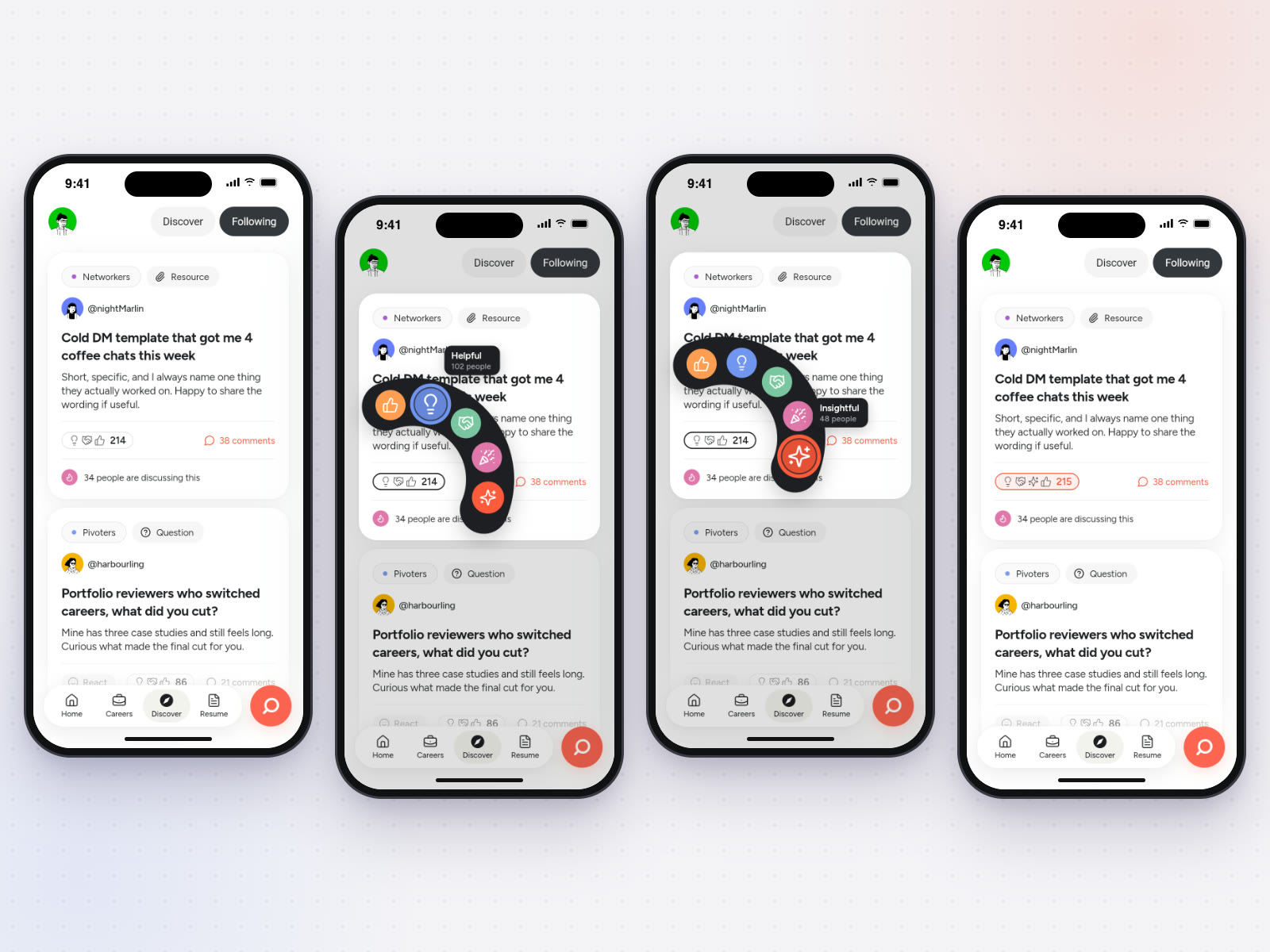
Reaction Picker Animation in Flutter
A community feed with a long-press reaction picker in Flutter: an arc of reactions, slide to choose, and the reaction flies into the pill with a rolling count.
- #Animation
- #Reactions
- #Long Press
 Productivity UISource Club
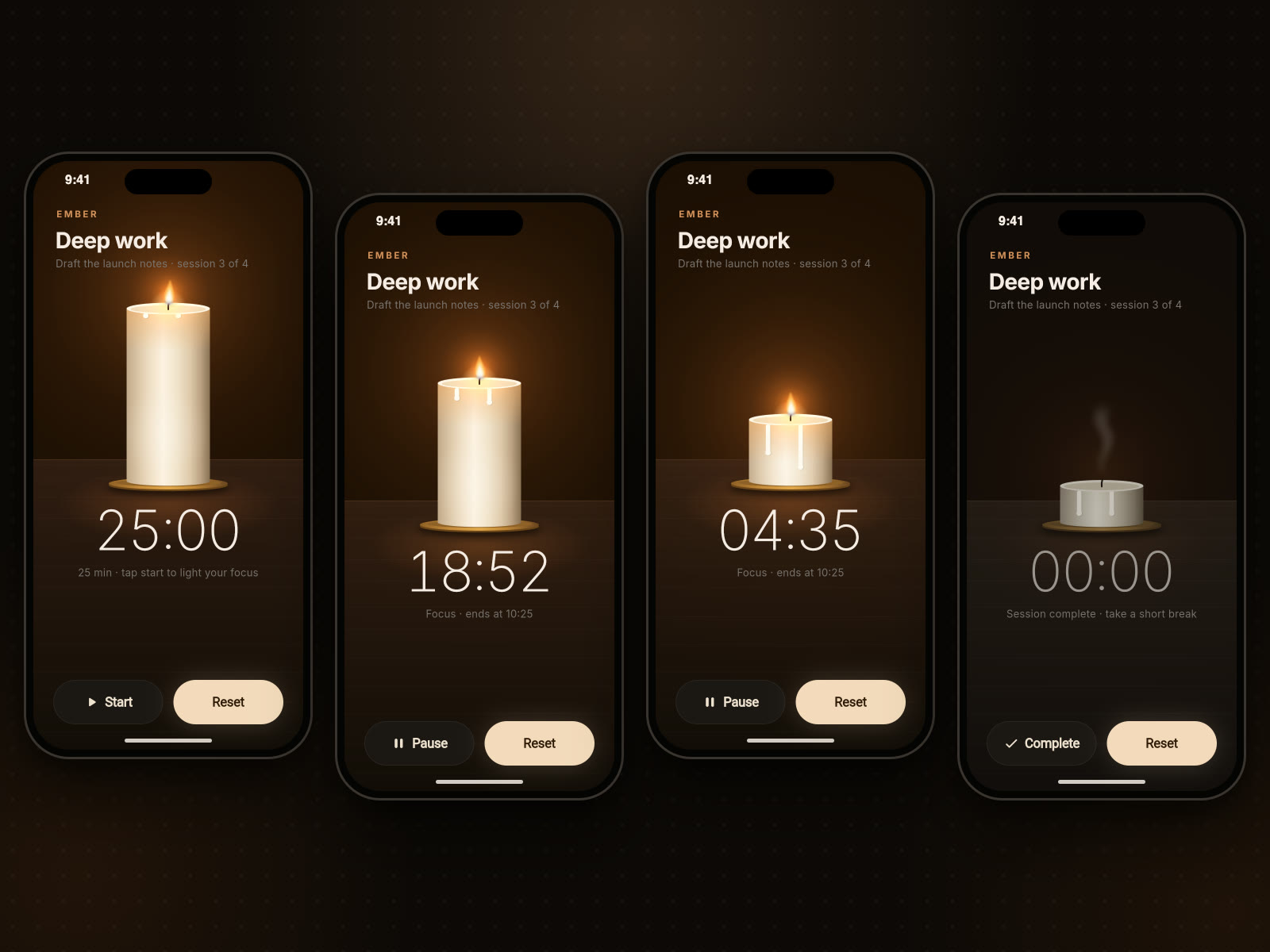
Candle Focus Timer UI in Flutter
A calm Pomodoro focus timer in Flutter: a candle lights itself and melts while you focus, the digits roll, and the flame goes out with a curl of smoke when the session ends.
- #Pomodoro
- #Focus Timer
- #Candle