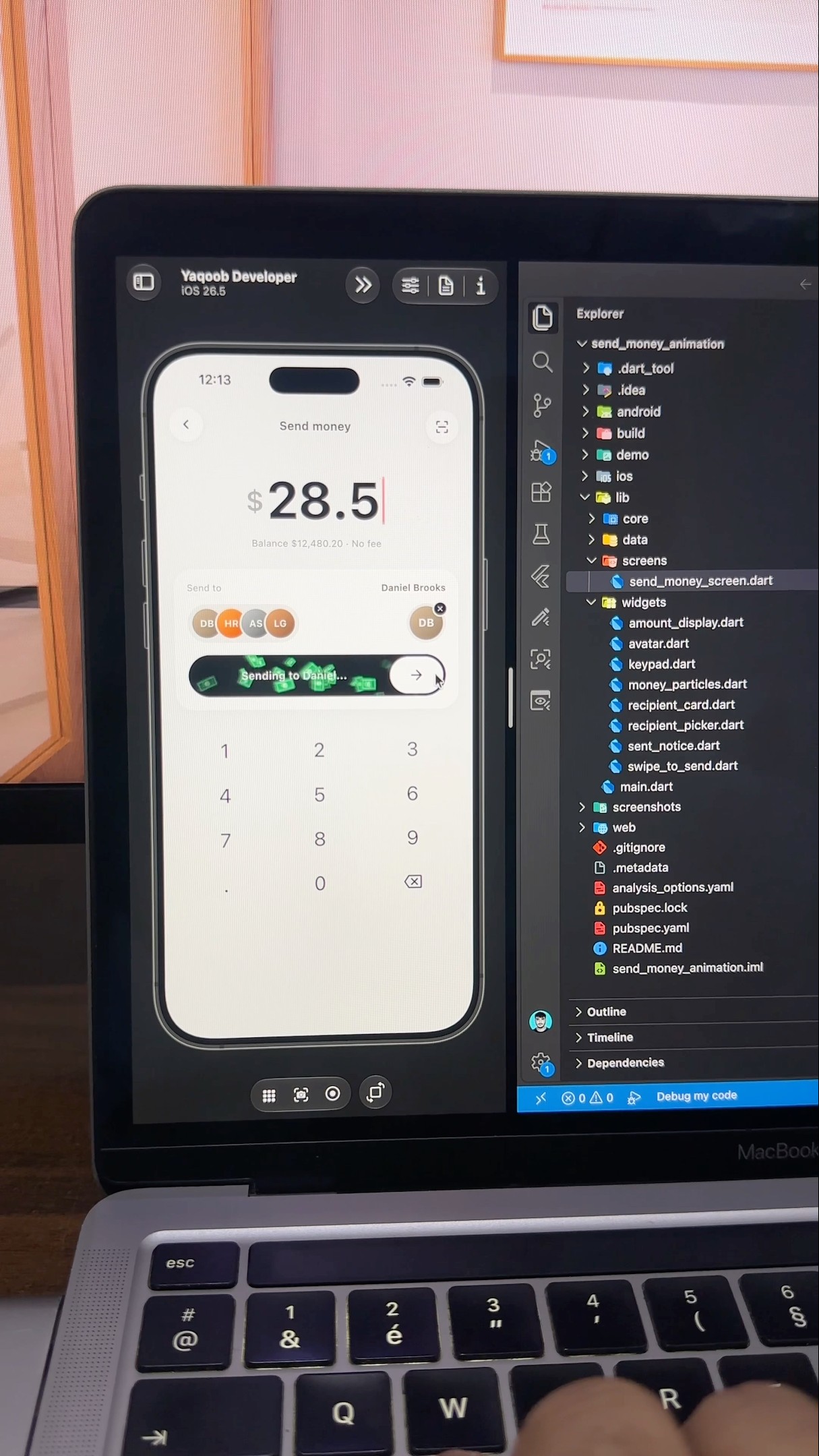
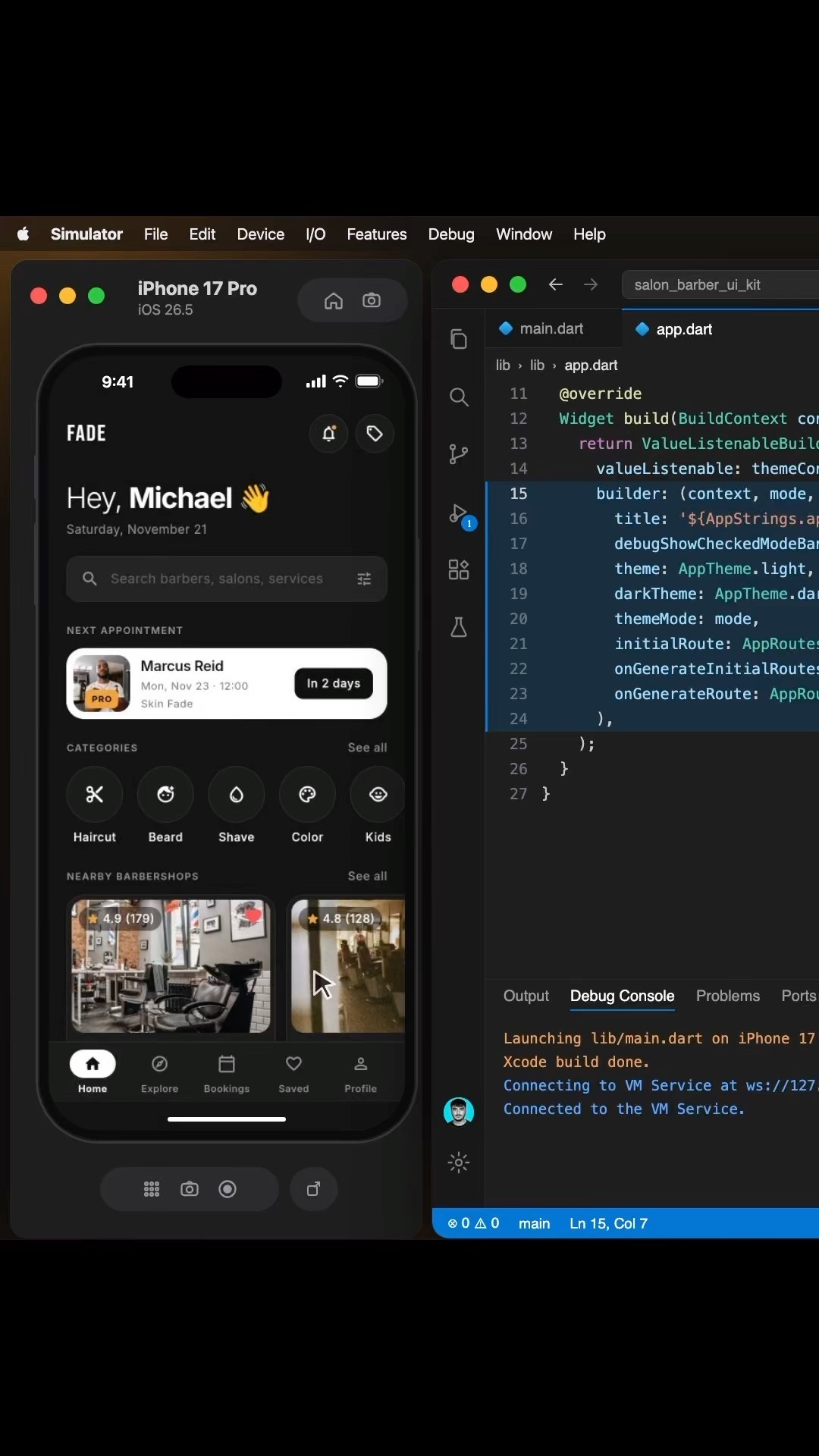
0:50
Flutter Puzzle Game Source Code – Pipe Bloom (Android, iOS & Web)
231 views · 18 hours ago

About me
I build cross-platform apps with Flutter and share the process on my YouTube channel. This site collects those projects in one place, with the build video, project details and links to the code on GitHub.
My focus is simple: practical, well-structured code that helps you ship faster and understand why it works, not just how.
Yaqoob Developer is my personal site. It is where I publish the Flutter work I share on YouTube, together with the written explanation and code that a video alone can’t give you.
Login screens, shopping apps, chat lists, profiles and animations. Every project has a written breakdown of how the screen is built, the build video and the full source code.
Step-by-step articles for beginners and intermediate developers: layouts, navigation, forms, state management, Firebase, APIs and publishing to Google Play.
Small free tools for everyday Flutter work: JSON to Dart model generator, app icon generator, store screenshots, device frames and code to image. They run in your browser.
Larger, multi-screen Flutter UI kits for developers who want a complete starting point for a real app.
Each project starts from a single screen or flow with a clear purpose, such as a wallet login or a product details page, and a colour theme that fits that kind of app.
I build the UI mostly with Flutter’s own widgets: custom clippers and painters for curved headers, slivers for collapsing headers, and implicit animations for motion. Extra packages are only added when they clearly help.
The whole build is recorded for YouTube, so you can watch the screen come together widget by widget instead of only reading the finished code.
Each project page explains the layout, the widgets and the reasoning behind them, and the source code can be downloaded for free after signing in with Google.
I build everything on this site on a MacBook Pro with the M1 chip, 16 GB of RAM and a 1 TB SSD. A Mac lets me test the same project on both the iOS Simulator (which comes with Xcode and only runs on macOS) and the Android emulator.
For small data models I still write the Dart classes by hand. For big API responses with lots of fields I use a generator, because typing a long model by hand almost always leads to a misspelled key or a wrong type. That is why I built the free JSON to Dart converter.
Mostly Flutter beginners and intermediate developers who learn best by building real screens. If you have finished a basic Flutter course and want to practise on designs that look like real apps, the projects are a good next step.
The code is also a good starting point for freelance client work and university projects, and you are free to use it in your own apps.
For questions about a project, freelance work or collaborations, use the contact page or email Yaqoobkafeel580@gmail.com. You can also find me on YouTube, GitHub and Instagram.
YouTube
New Flutter UI builds and Shorts — straight from the channel.
0:50231 views · 18 hours ago
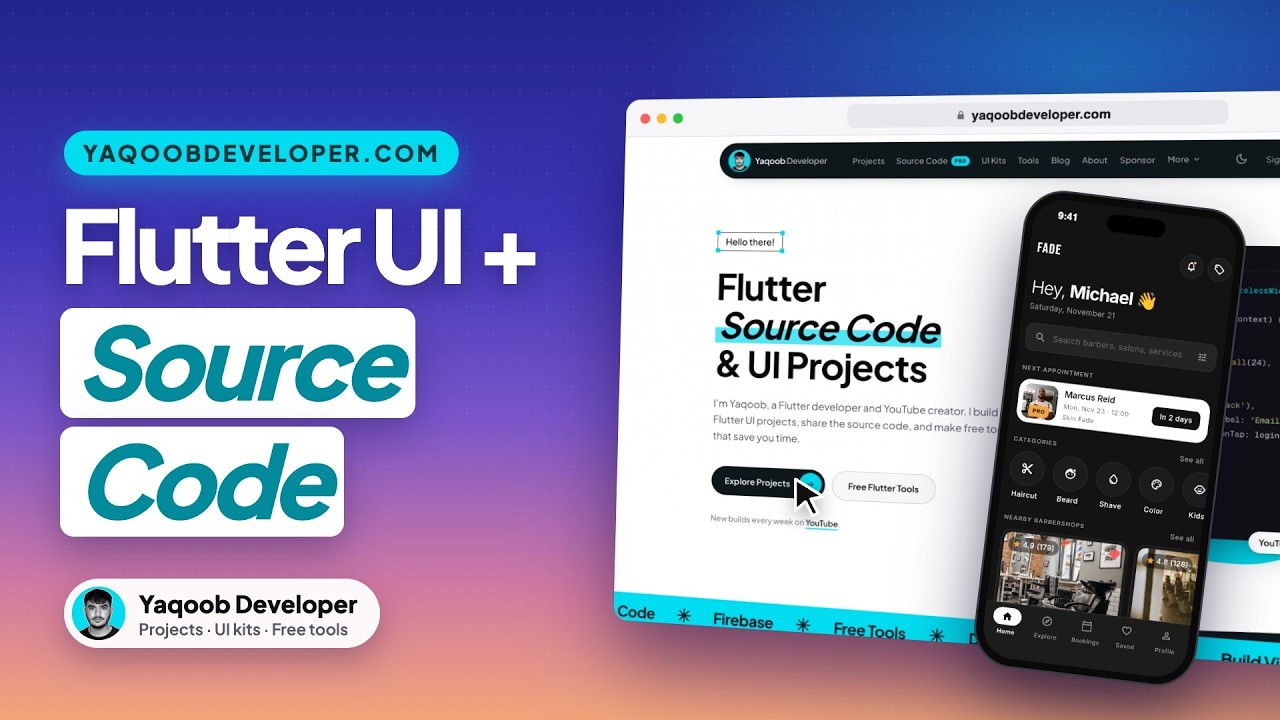 0:31
457 views · 2 days ago
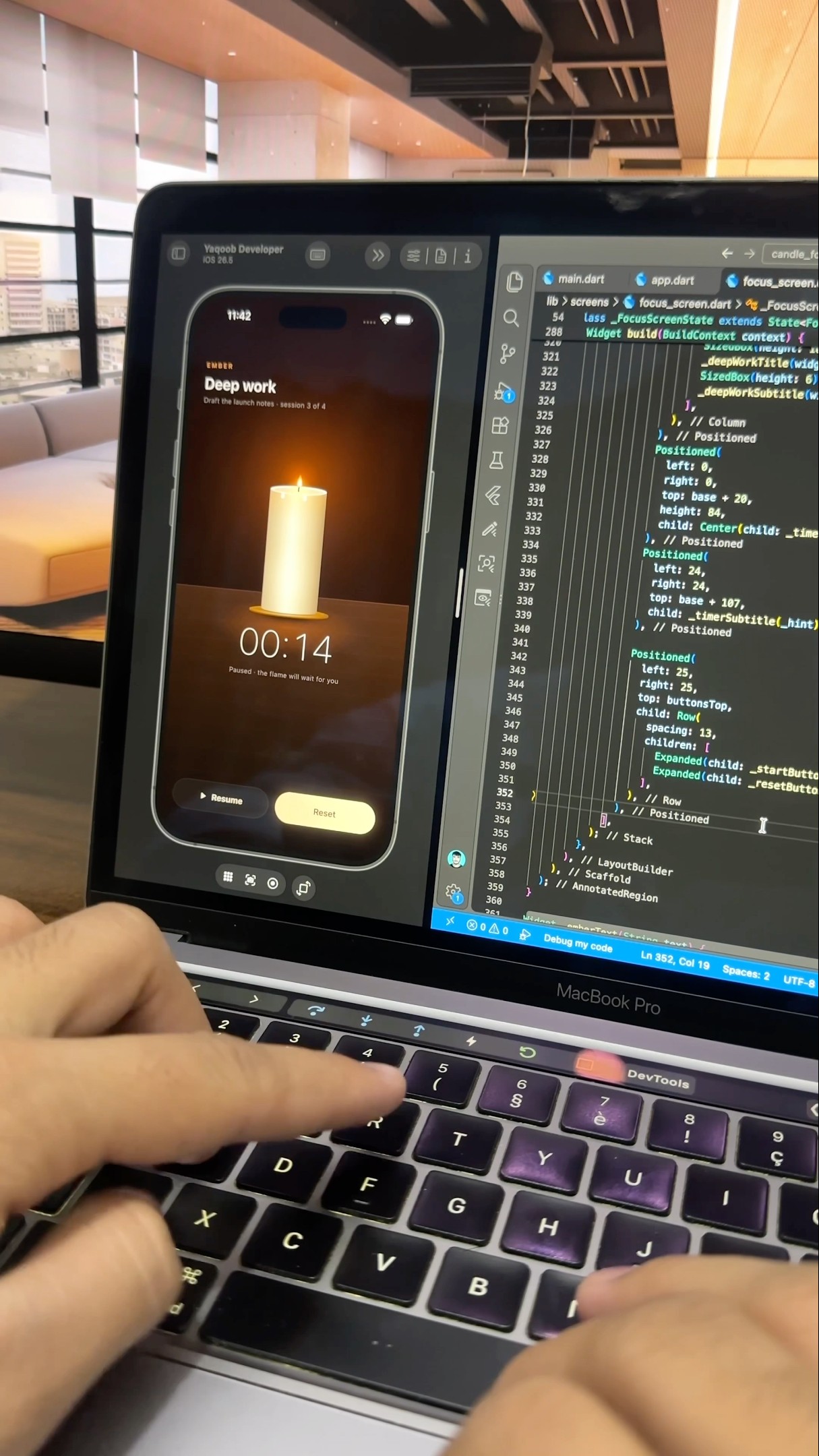 5.8K views
2 days ago
Browse the projects on this site, or explore the code for my videos on GitHub.