Yellow and Black Login Screen UI in Flutter
A bold yellow and black login screen built in Flutter, with a curved two-tone layout, rounded input fields, wide-spaced button text and a separate Sign Up section.
- #Login
- #Authentication
- #Yellow UI
- #Two Tone
- #Custom Clipper
- #Minimal UI
- #Bold Typography
Free for everyone. Sign in with Google, no password needed.

Overview
This project is a bold, high-contrast login screen built in Flutter, using a striking yellow and black color scheme. The design is simple, confident and easy to recognize, making it a great fit for local community apps, delivery services, real estate apps, event apps and any brand that wants a strong, playful identity. With no images or illustrations, the screen relies entirely on color, shape and typography to stand out. The screen is split into two sections. The top part has a warm yellow background, and the bottom part is a deep near-black, with the two joined by a smooth downward curve. This curved edge softens the strong color contrast and creates a natural flow from the login form to the sign up area. The curve is built with a custom clipper, making this project a great example of how to create shaped sections in Flutter without any image assets. At the top, the app name “HOMETOWN” is shown in large, bold uppercase letters, followed by a short subtitle, “Please Login To Continue.” The big, heavy heading gives the screen a poster-like feel and makes the brand the first thing users notice. Below the heading are two pill-shaped input fields for email or username and password. The fields use a slightly darker shade of yellow than the background, so they blend into the design while still being easy to spot. There are no borders or icons, keeping the form clean and minimal. Allowing either an email or a username in the first field is a practical touch that many real-world apps use. Under the fields is a full-width black LOGIN button with yellow text in wide letter spacing. The black button stands out sharply against the yellow background, making the main action impossible to miss. Below it, a “FORGOT PASSWORD ?” link uses the same spaced uppercase style, keeping the typography consistent across the screen. The bottom black section holds the sign up option. A yellow “OR” label sits in the center, followed by a yellow SIGN UP pill button with black text. This reverses the colors of the login button, creating a nice visual balance between the two halves of the screen. Separating login and sign up into their own color zones makes the choice very clear for users. The color palette is just two main colors, warm yellow and near-black, with a slightly deeper yellow for the input fields. This limited palette makes the design feel unified and memorable. It’s also very easy to rebrand: swap the yellow for any bright brand color, and the high-contrast style will still work. This UI works well for local community and neighborhood apps, food and grocery delivery apps, real estate and property apps, event and ticketing apps, and taxi or courier services. It’s also a great reference for developers who want to learn how to build two-tone layouts with curved sections, letter-spaced typography and minimal input fields. The project is built entirely with Flutter widgets and is easy to customize. You can connect the form to Firebase Authentication, Supabase or your own REST API, and link the Sign Up button to your registration screen. If you’re learning Flutter, this project is a practical way to understand custom clippers, stack layouts, text letter spacing, rounded containers and clean screen structure.
Watch the build
Keep exploring
Related projects
 Auth / Login UI
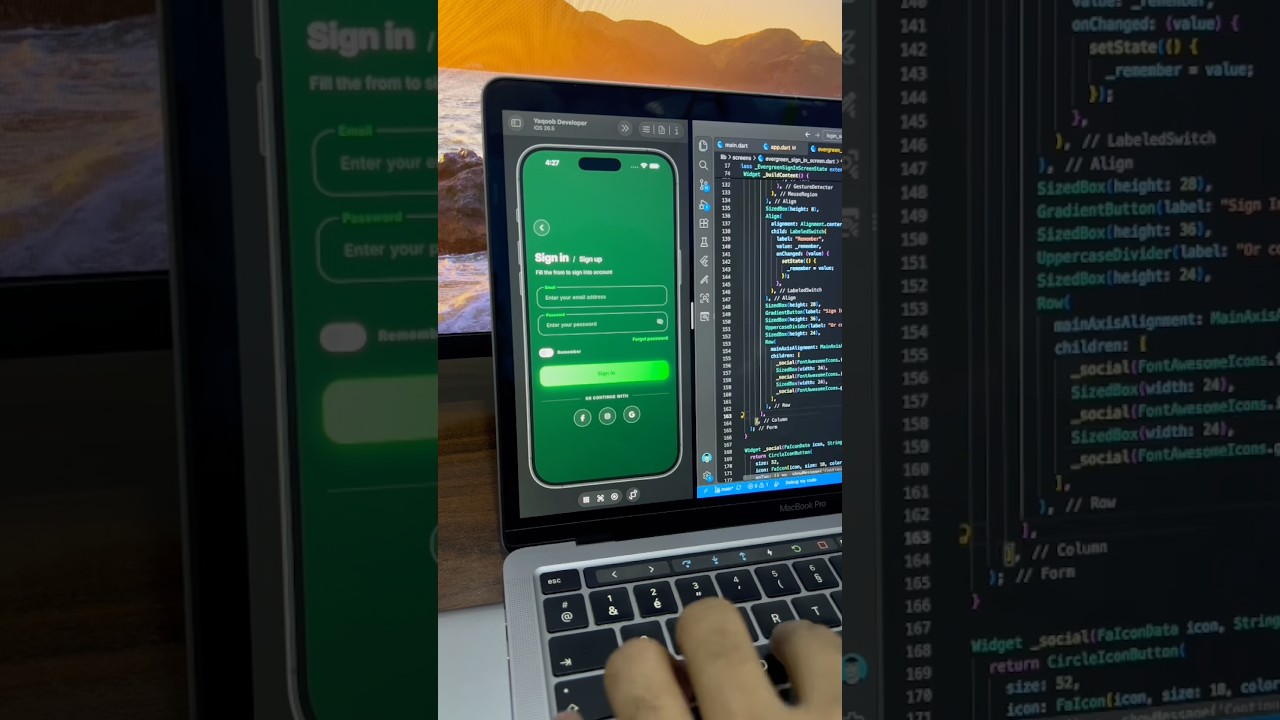
Green Dark Sign In Screen UI in Flutter
A sleek dark green sign in screen built in Flutter, with floating label input fields, a gradient Sign In button, remember me toggle and social login buttons.
- #Login
- #Sign In
- #Authentication
 Auth / Login UI
Travel App Sign In Screen UI in Flutter
A calm, night-sky sign in screen for a travel app built in Flutter, with a grouped input card, sparkle accents and selectable social login options.
- #Login
- #Sign In
- #Authentication
 Auth / Login UI
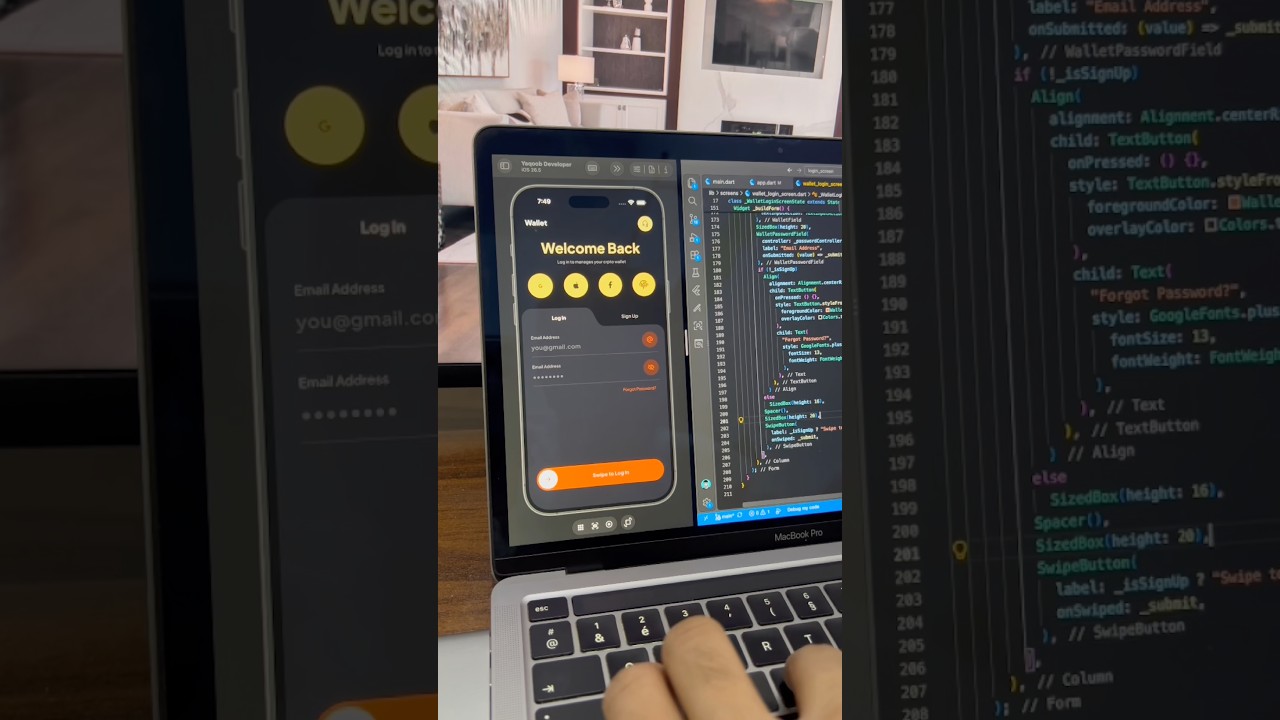
Crypto Wallet Login Screen with Swipe Button in Flutter
A dark crypto wallet login screen built in Flutter, with a curved Log In/Sign Up tab, fingerprint and social login buttons, and a swipe-to-log-in button.
- #Login
- #Authentication
- #Crypto Wallet