Overview
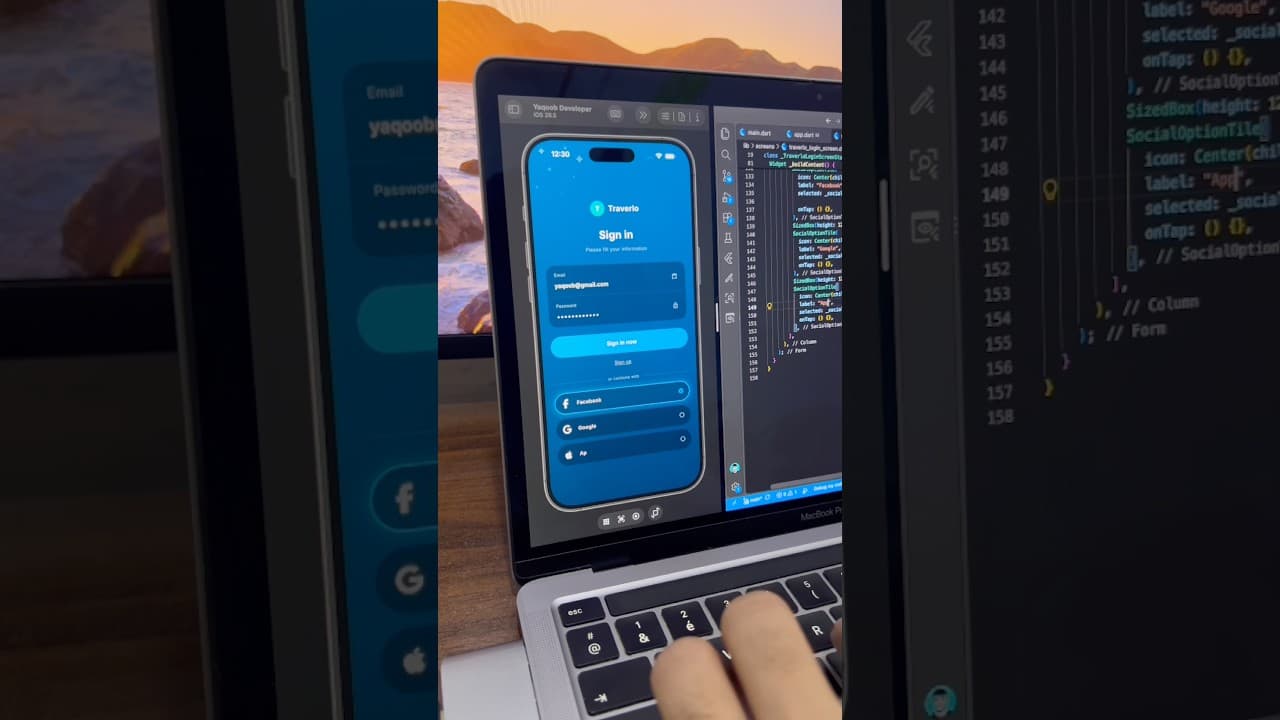
This project is a calm and modern sign in screen built in Flutter, designed for travel, booking and trip planning apps. It uses a deep blue gradient background with soft sparkle shapes in the top corner, giving the screen a peaceful night-sky feel that matches the excitement of planning a journey. The layout is clean, centered and easy to follow, making it a strong starting point for any app that wants a friendly yet professional first impression. The screen opens with a gradient that moves from a lighter ocean blue at the top to a deep navy at the bottom. In the top-left corner, a small cluster of four-pointed sparkle shapes in soft blue tones adds a subtle, magical touch without distracting from the content. These decorative stars are a simple way to give a screen personality while keeping the overall design minimal. In the center sits the app’s branding: a teal circular badge with the letter “T” next to the app name, “Traverlo”, in bold white text. Below the logo is a large “Sign in” heading and a soft grey subtitle, “Please fill your information.” The centered layout creates a balanced, focused look that guides the eye straight down to the form. The form uses a grouped input card instead of separate fields. Both the email and password inputs sit inside one rounded dark navy container, separated by a thin divider line. Each field has a small grey label above the value, with a clipboard icon on the right of the email field and a lock icon on the right of the password field. This grouped style feels tidy and modern, and it’s a pattern often seen in iOS-style settings and premium apps. Below the card is the main “Sign in now” button, a full-width pill in bright sky blue with white text. It’s the brightest element on the screen, making the primary action instantly clear. Under the button, an underlined “Sign up” link gives new users a simple way to create an account. The most unique part of the screen is the social login section. After an “or continue with” divider, the screen shows three full-width pill options for Facebook, Google and Apple. Instead of simple icon buttons, each option works like a selectable list item with a radio indicator on the right. The selected option, Facebook in this case, is highlighted with a bright blue border, a soft glow and a filled radio dot, while the other options stay in a darker style. This selection pattern adds a fresh twist to standard social buttons and is a good example of how to build custom selectable tiles with clear active and inactive states. The color palette is built around ocean blue, deep navy, sky blue and teal, with white used for text and icons. These cool tones feel calm, trustworthy and adventurous, which suits travel brands perfectly. Rebranding is easy: change the gradient colors, swap the logo and app name, and the rest of the screen will adapt naturally. This UI works well for travel and trip planning apps, flight and hotel booking apps, tour and experience marketplaces, travel journal apps and transport or ride apps. It’s also a helpful reference for developers who want to learn grouped input cards, gradient backgrounds with decorative shapes, and custom selectable list tiles. The project is built entirely with Flutter widgets and is easy to customize. You can connect the form to Firebase Authentication, Supabase or your own REST API, and link the social options to the Facebook Login, Google Sign-In and Sign in with Apple packages. If you’re learning Flutter, this project is a practical way to understand gradient containers, grouped text fields, selectable tiles with state, and clean centered layouts.
Watch the build
Keep exploring
Related projects
 Auth / Login UI
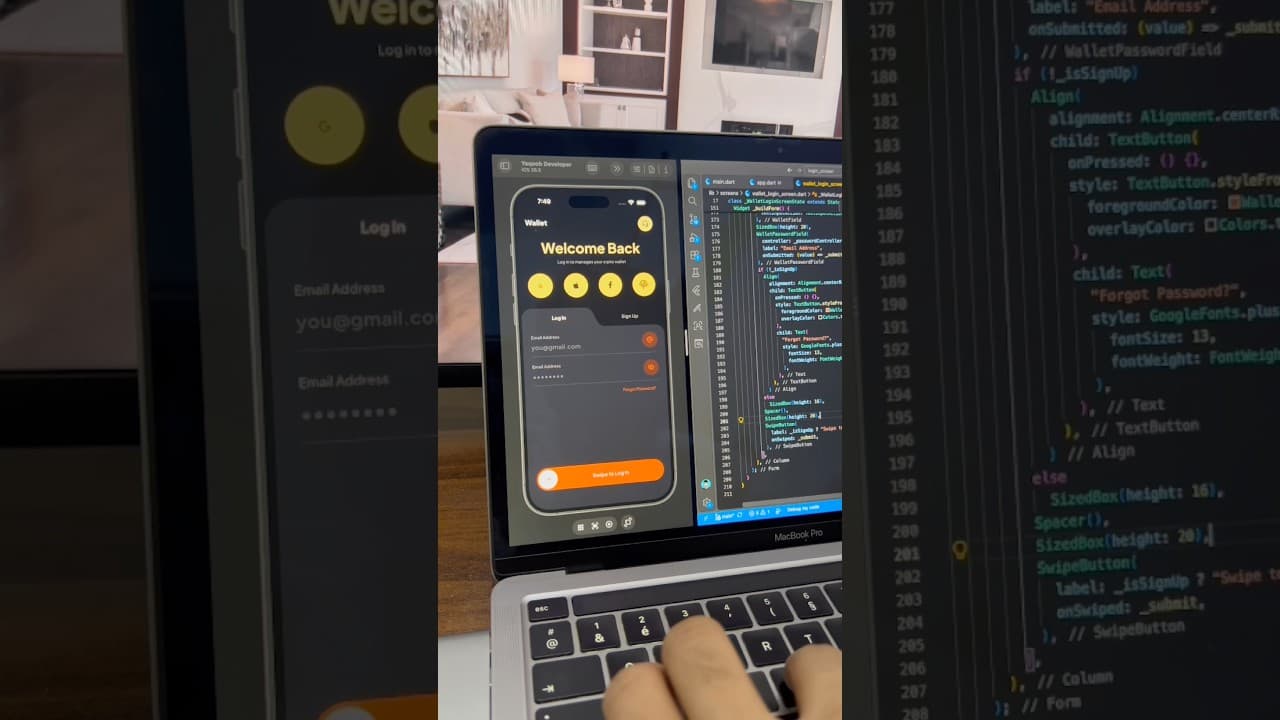
Crypto Wallet Login Screen with Swipe Button in Flutter
A dark crypto wallet login screen built in Flutter, with a curved Log In/Sign Up tab, fingerprint and social login buttons, and a swipe-to-log-in button.
- #Login
- #Authentication
- #Crypto Wallet
 Auth / Login UI
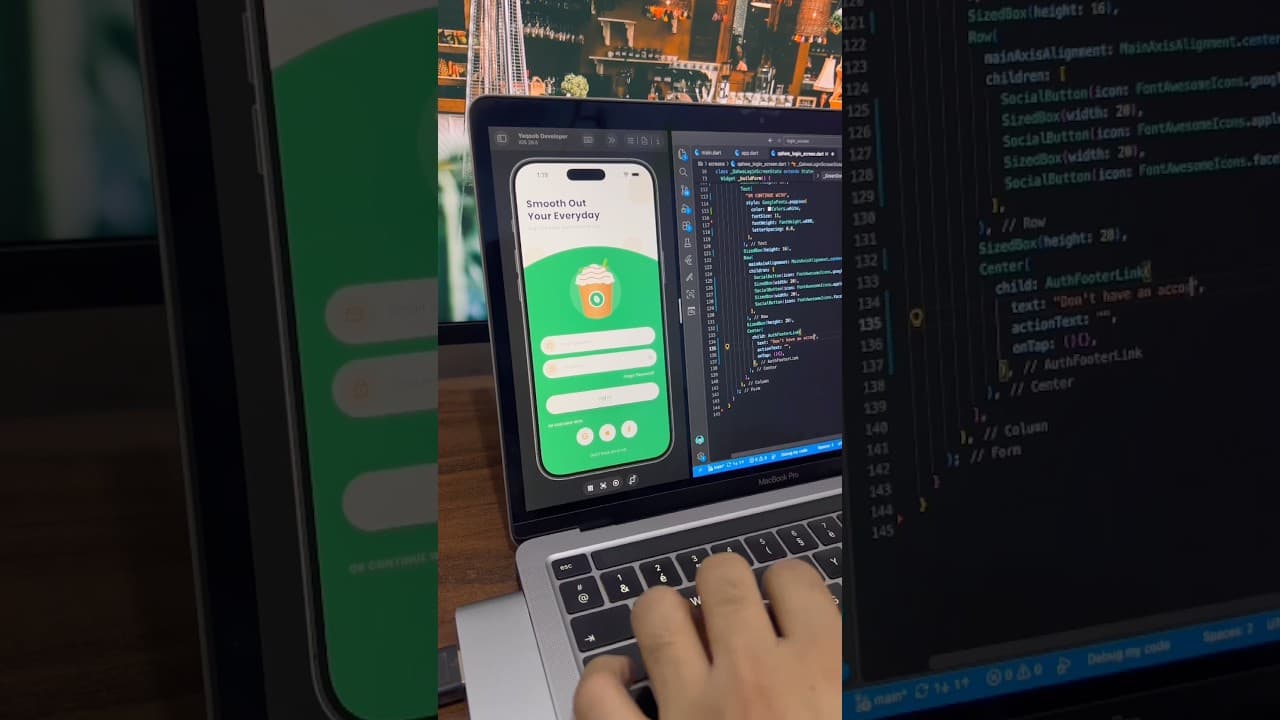
Coffee App Login Screen UI in Flutter
A warm, friendly login screen for a coffee ordering app built in Flutter, with a curved green section, coffee cup illustration, password toggle and social login buttons.
- #Login
- #Authentication
- #Coffee App
 Auth / Login UI
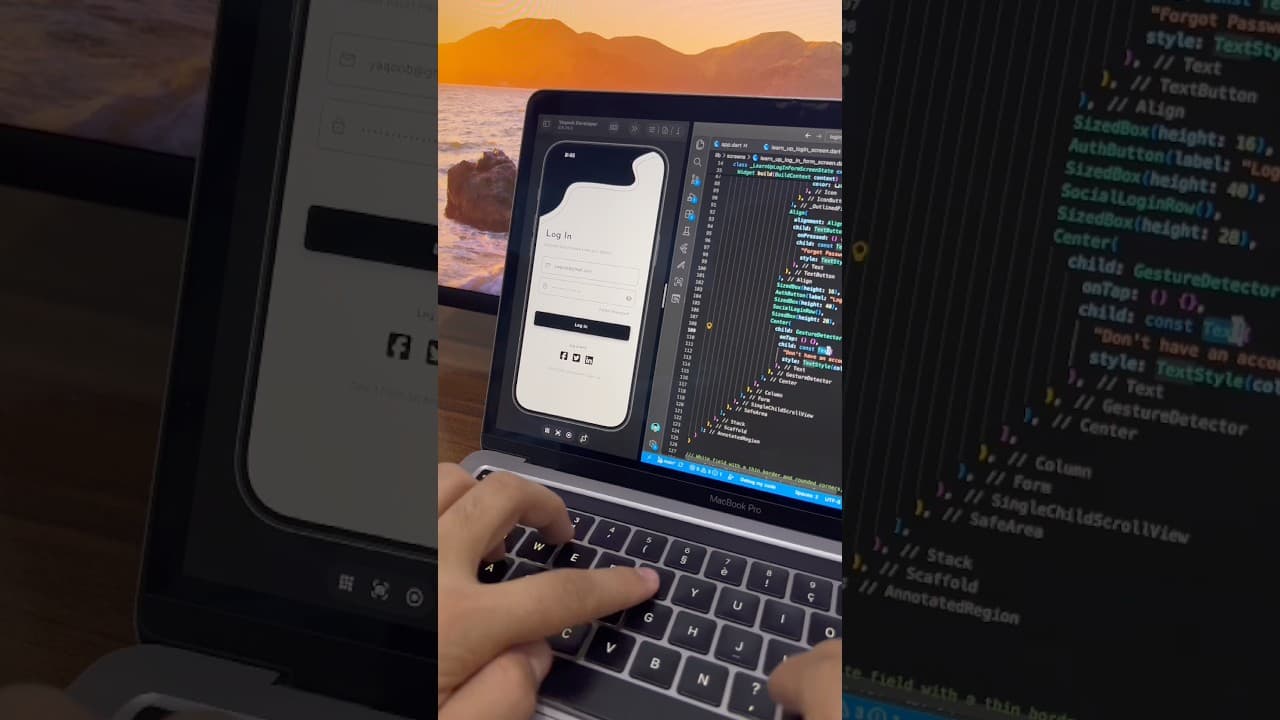
Minimal Login Screen UI in Flutter
A minimal black and white login screen built in Flutter, with a custom wave header, outlined input fields, password toggle and social login icons.
- #Login
- #Sign In
- #Authentication