Crypto Wallet Login Screen with Swipe Button in Flutter
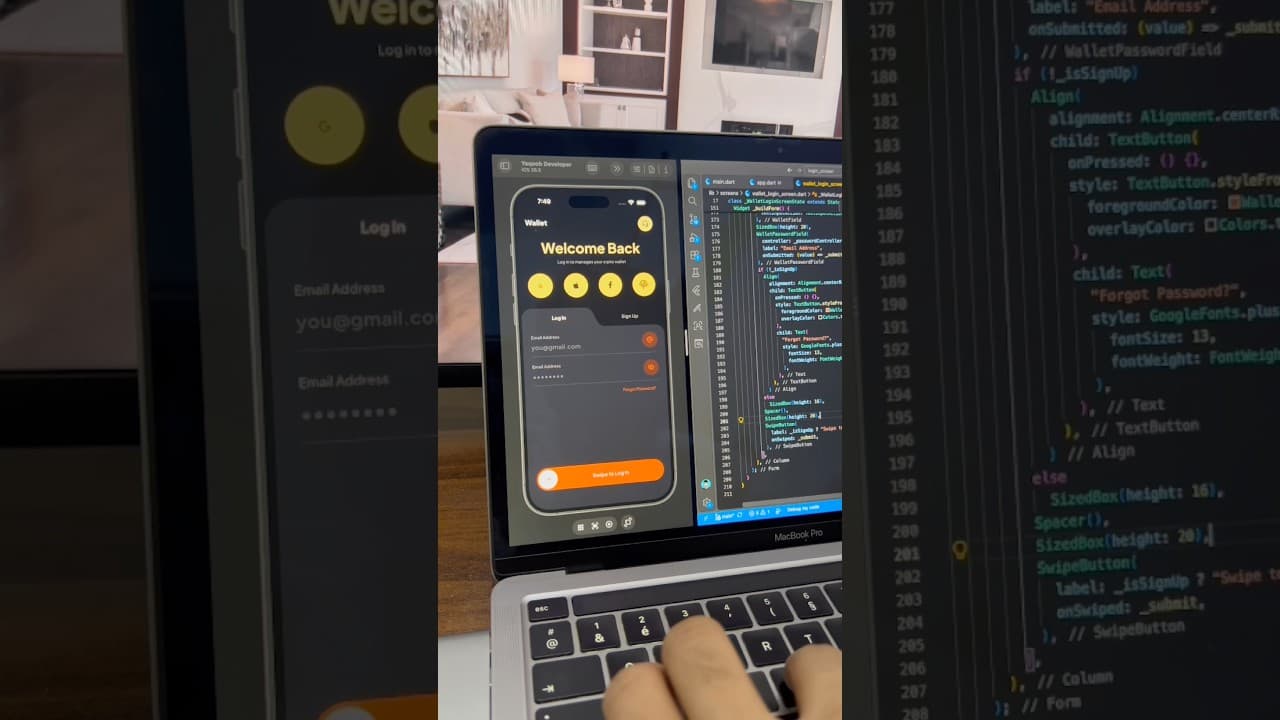
A dark crypto wallet login screen built in Flutter, with a curved Log In/Sign Up tab, fingerprint and social login buttons, and a swipe-to-log-in button.
- #Login
- #Authentication
- #Crypto Wallet
- #Fintech
- #Swipe Button
- #Biometric Login
- #Dark UI
- #Custom Clipper
Overview
This project is a dark, modern login screen built in Flutter, designed for crypto wallets, fintech and banking apps. It combines a bold gold and copper color palette with interactive elements like a curved tab switcher and a swipe-to-log-in button, giving the screen a premium, secure feel that matches the expectations of users managing their money. The screen opens with a simple top bar showing the app name, “Wallet”, on the left and a round gold support button with a headset icon on the right. This gives users a quick way to reach help, which is especially important in finance apps where users may need assistance with account access. Below the top bar is a large centered “Welcome Back” heading in a warm gold color, followed by a short subtitle, “Log in to manage your crypto wallet.” The big, bold heading creates a strong first impression and immediately sets the tone of the app. Right under the heading is a row of four large circular gold buttons for Google, Apple, Facebook and fingerprint login. Placing the quick sign-in options at the top, instead of at the bottom like most login screens, makes them the fastest path for returning users. The fingerprint button is a nice touch for wallet apps, where biometric login is a common and expected security feature. The form section sits inside a slightly lighter dark panel with a unique curved tab design at the top. The active “Log In” tab rises out of the panel with a smooth curve flowing into the rest of the container, while the inactive “Sign Up” tab sits in the darker background. This shape is drawn with a custom clipper and is a great example of how to create tab designs that feel more organic than a standard tab bar. The input fields use a clean underline style rather than boxed fields. Each field has a small grey label above it, the value in large white text, and a thin divider below. On the right of each field is a circular icon button with a soft copper background: an @ icon for the email field and an eye button for the password field to show or hide it. Below the fields, a copper “Forgot Password?” link is aligned to the right. The highlight of the screen is the swipe-to-log-in button at the bottom. It’s a full-width copper pill with a white circular handle containing an arrow on the left and the text “Swipe to Log In” in the center. Users drag the handle across to confirm login, which adds a deliberate, satisfying interaction and helps prevent accidental taps. This pattern is popular in finance and crypto apps, and building it is a great way to learn gesture handling and drag animations in Flutter. The color palette is built around near-black, charcoal, soft gold and warm copper, with white used for key text. These colors feel rich and secure, which suits finance products well. Rebranding is simple: change the gold and copper to your brand colors, and the layout will still feel balanced and premium. This UI works well for crypto wallets and exchanges, digital banking apps, investment and trading apps, payment and money transfer apps, and any app that handles sensitive user data. It’s also a strong reference for developers who want to learn how to combine custom shapes, biometric login options and interactive gesture-based buttons in one screen. The project is built entirely with Flutter widgets and is easy to customize. You can connect the form to Firebase Authentication, Supabase or your own REST API, link the social buttons to the Google Sign-In, Sign in with Apple and Facebook Login packages, and connect the fingerprint button to the local_auth package for real biometric authentication. If you’re learning Flutter, this project is a practical way to understand custom clippers, underline text fields, gesture detectors and drag-based button animations.
Watch the build
Keep exploring
Related projects
 Auth / Login UI
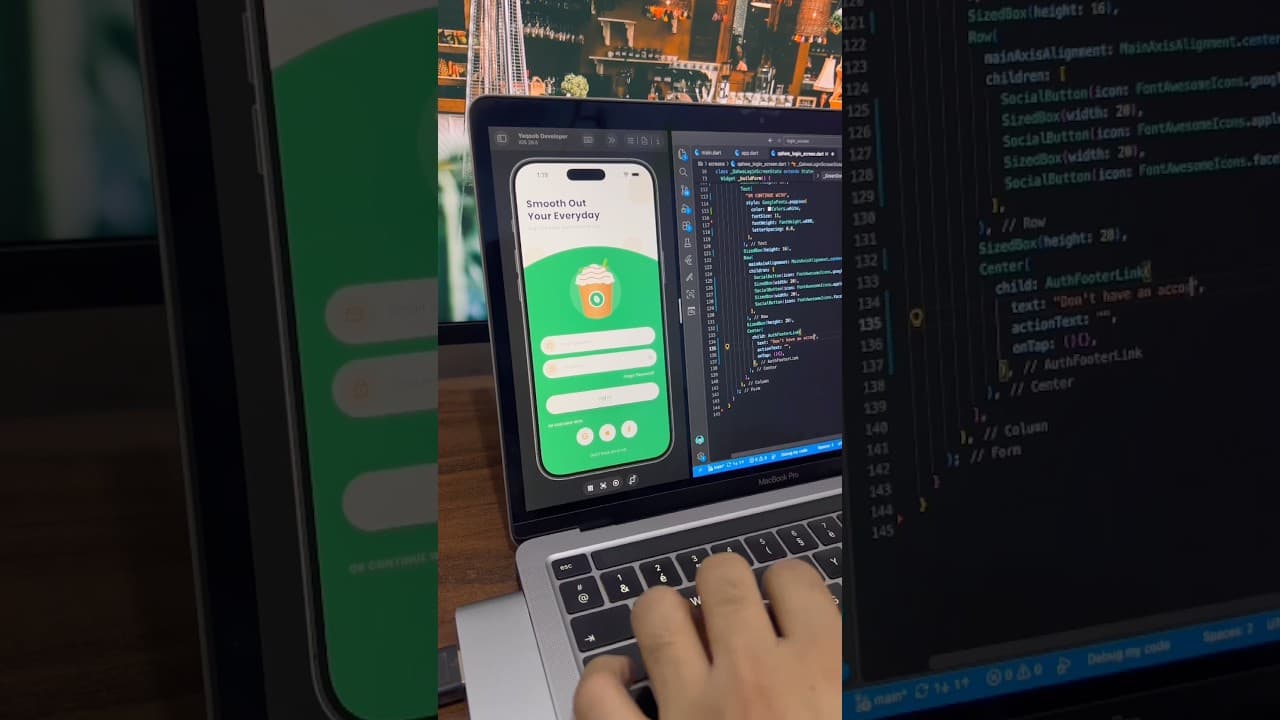
Coffee App Login Screen UI in Flutter
A warm, friendly login screen for a coffee ordering app built in Flutter, with a curved green section, coffee cup illustration, password toggle and social login buttons.
- #Login
- #Authentication
- #Coffee App
 Auth / Login UI
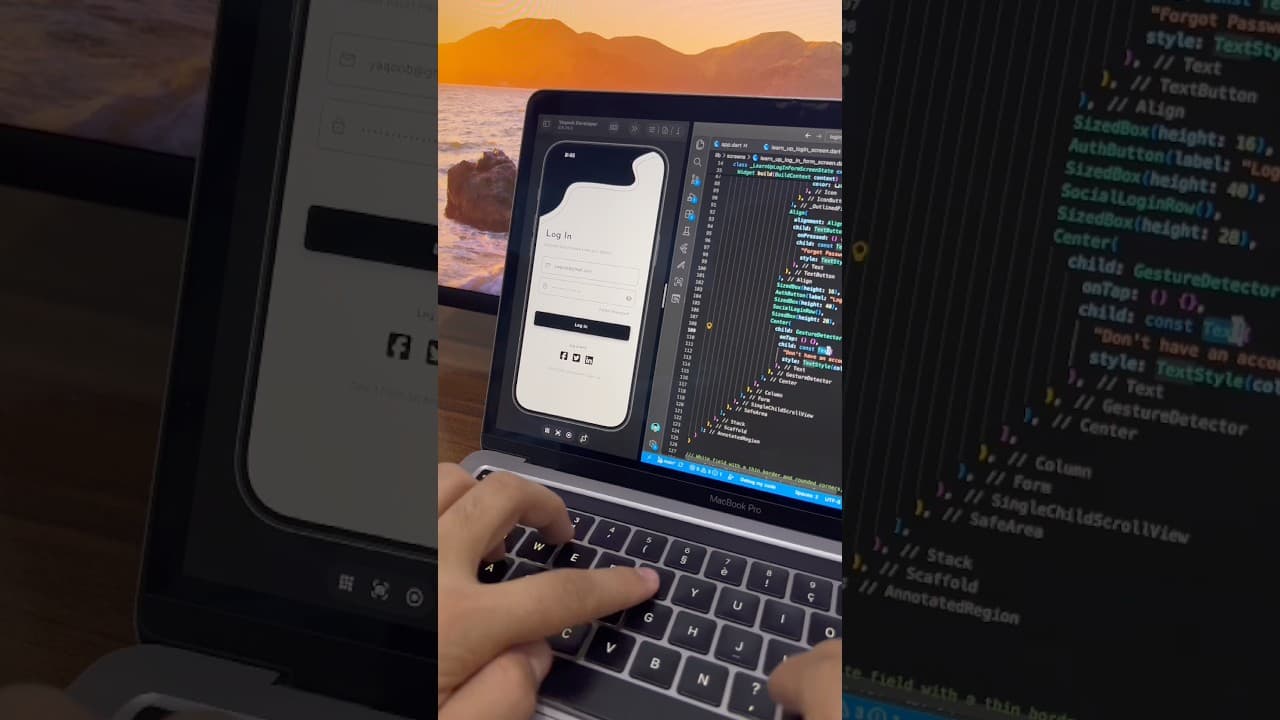
Minimal Login Screen UI in Flutter
A minimal black and white login screen built in Flutter, with a custom wave header, outlined input fields, password toggle and social login icons.
- #Login
- #Sign In
- #Authentication
 Auth / Login UI
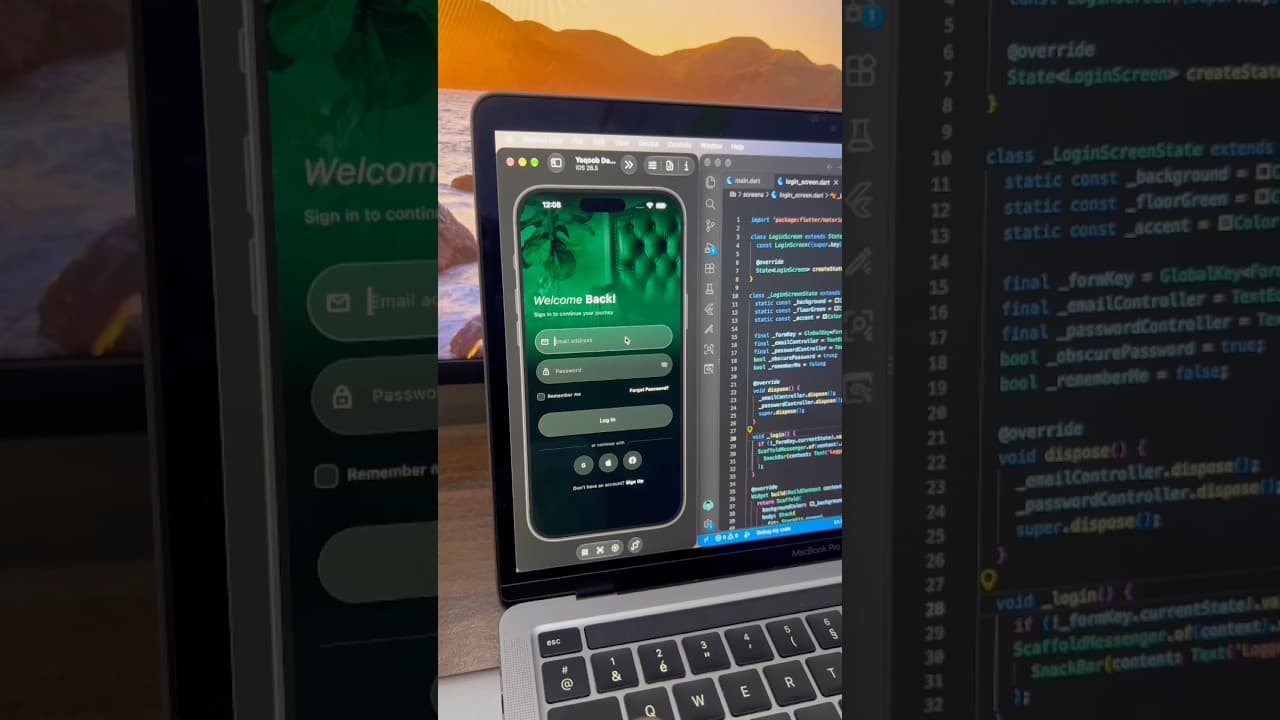
Dark Luxury Login Screen UI in Flutter
A dark, elegant login screen built in Flutter, with a full-screen green-tinted background image, glassy input fields, password toggle and social login buttons.
- #Login
- #Authentication
- #Dark UI