Green Dark Sign In Screen UI in Flutter
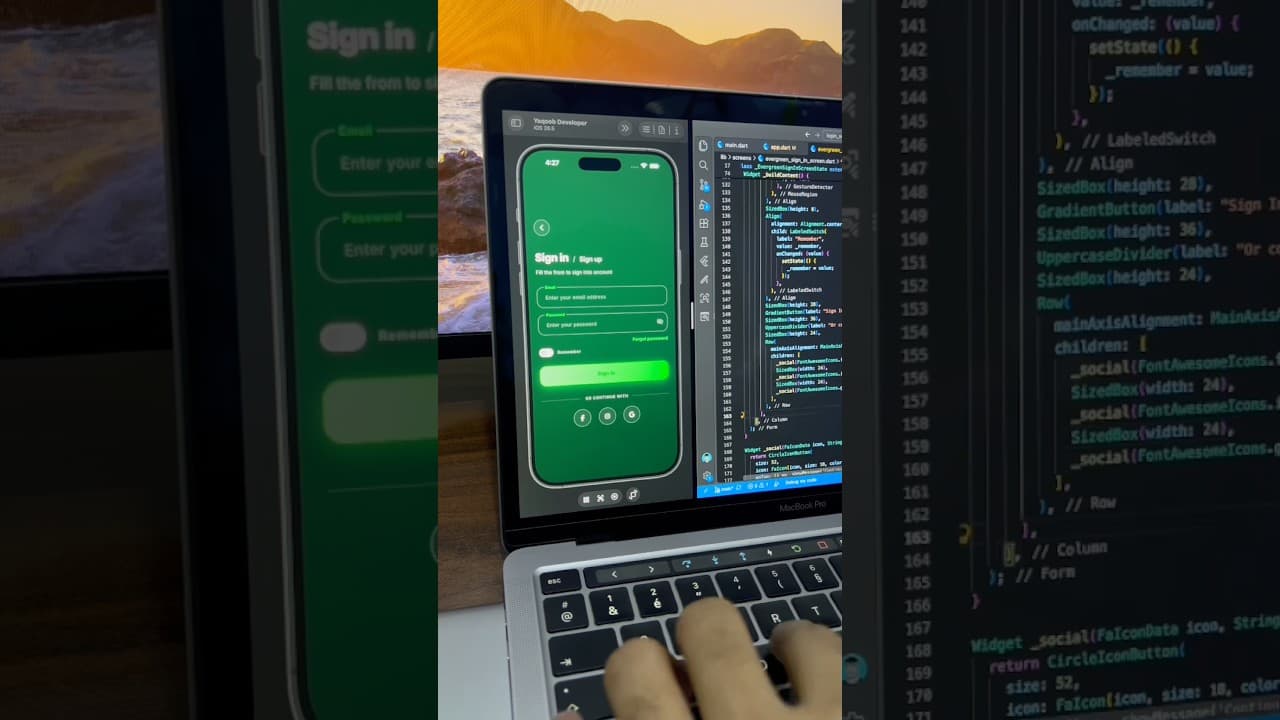
A sleek dark green sign in screen built in Flutter, with floating label input fields, a gradient Sign In button, remember me toggle and social login buttons.
- #Login
- #Sign In
- #Authentication
- #Dark UI
- #Green UI
- #Floating Label
- #Gradient Button
- #Social Login
Free for everyone. Sign in with Google, no password needed.
Overview
This project is a sleek, dark green sign in screen built in Flutter, designed for apps that want a modern, fresh and confident look. It uses a smooth dark green gradient background with bright lime green accents, creating strong contrast that feels energetic without being loud. The layout is simple and well spaced, making it a great fit for fitness apps, finance tools, eco-friendly brands, productivity apps and any product that wants a clean dark theme. The screen begins with a round outlined back button in the upper area, giving users an easy way to return to the previous screen. Below it is a stylish heading that combines “Sign in” in large bold white text with a lighter “/ Sign up” next to it. This split heading works as both a title and a quick switch between the two flows, letting users jump to sign up without searching for a separate link. A short subtitle below the heading explains what the screen is for. The form uses outlined input fields with floating labels. Each field has a rounded border with its label sitting on the top edge, cutting into the outline. When a field is focused, its border and label turn bright green, clearly showing which field is active, while the unfocused field keeps a soft grey border. The password field includes an eye button on the right to show or hide the password. This floating label style is a classic Material Design pattern, and this project shows how to style it to feel custom and polished. Below the fields, a bold green “Forgot password” link is aligned to the right. Under it is a “Remember” option with a toggle switch instead of a checkbox. Using a switch makes the option feel more modern and touch friendly, and it fits nicely with the rest of the rounded design. The main Sign In button is a full-width pill with a gradient that flows from a soft mint green on the left to a vivid green on the right. Dark green text sits in the center, and a soft green glow underneath makes the button feel lifted from the background. This gradient button is the brightest element on the screen, so users instantly know where to tap. Below the button, an “OR CONTINUE WITH” label in spaced uppercase letters introduces three circular outlined buttons for Facebook, Instagram and Google. The icons are white on dark circles with thin borders, keeping them consistent with the dark theme instead of adding colorful brand logos. The color palette is built around deep forest green, charcoal green, lime green and white. These colors feel fresh, natural and energetic, while the dark base keeps the screen easy on the eyes. Rebranding is simple: change the green accent to your brand color and update the gradient, and the whole screen will adapt. This UI works well for fitness and health apps, finance and budgeting apps, eco and sustainability apps, plant and gardening apps, and productivity tools. It’s also a great reference for developers who want to learn floating label text fields, focus-based styling, gradient buttons with glow effects and toggle switches in a real-world layout. The project is built entirely with Flutter widgets and is easy to customize. You can connect the form to Firebase Authentication, Supabase or your own REST API, and link the social buttons to your preferred login providers. If you’re learning Flutter, this project is a practical way to understand InputDecoration styling, focus states, gradient containers, box shadows and clean form structure.
Watch the build
Keep exploring
Related projects
 Auth / Login UI
Travel App Sign In Screen UI in Flutter
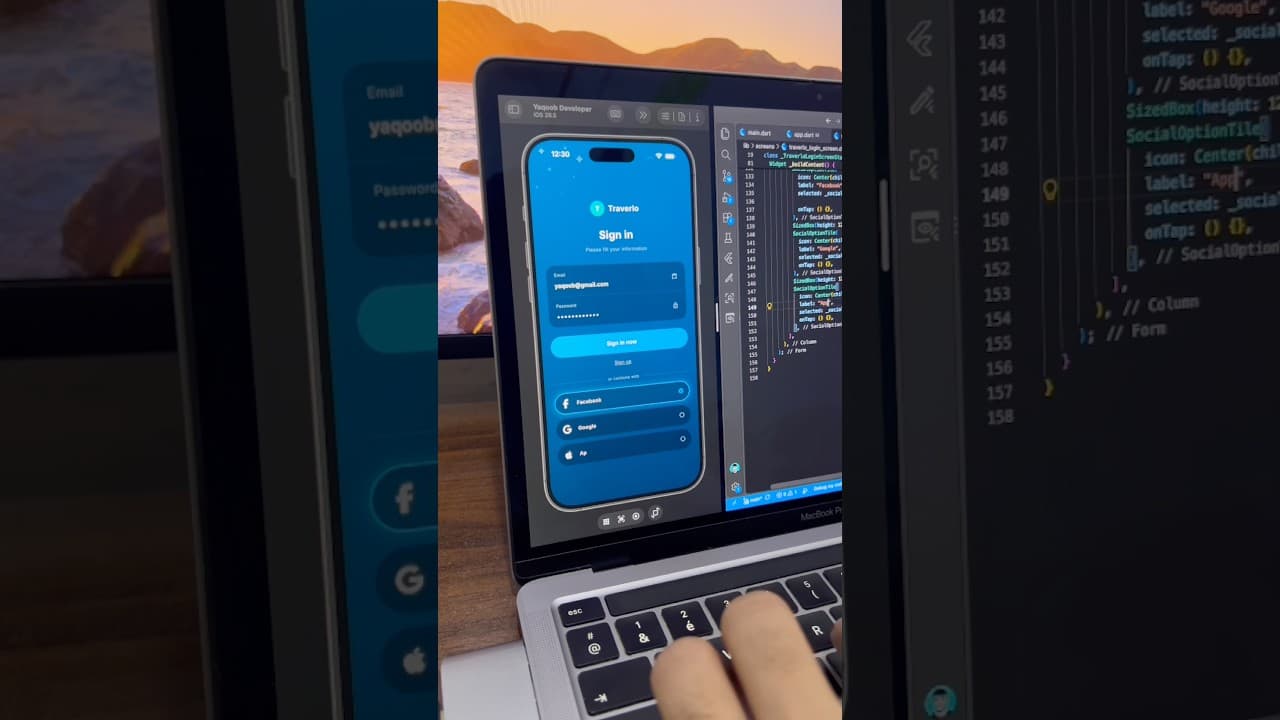
A calm, night-sky sign in screen for a travel app built in Flutter, with a grouped input card, sparkle accents and selectable social login options.
- #Login
- #Sign In
- #Authentication
 Auth / Login UI
Crypto Wallet Login Screen with Swipe Button in Flutter
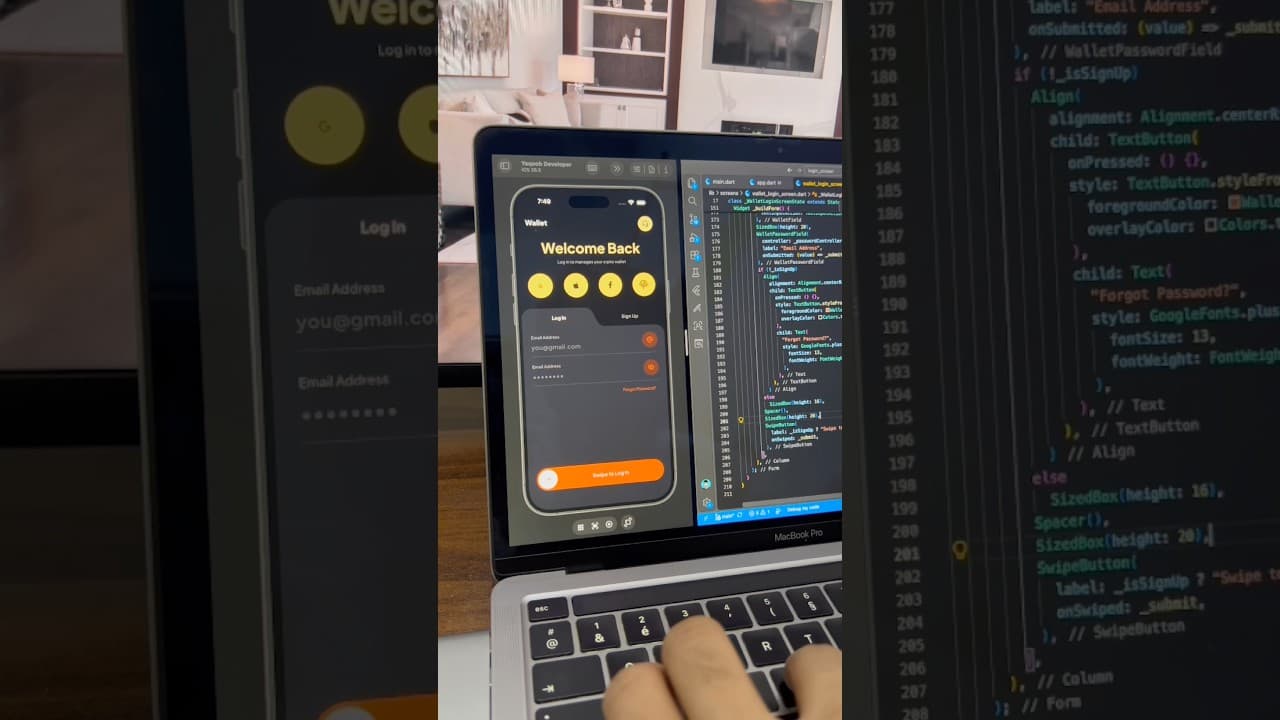
A dark crypto wallet login screen built in Flutter, with a curved Log In/Sign Up tab, fingerprint and social login buttons, and a swipe-to-log-in button.
- #Login
- #Authentication
- #Crypto Wallet
 Auth / Login UI
Coffee App Login Screen UI in Flutter
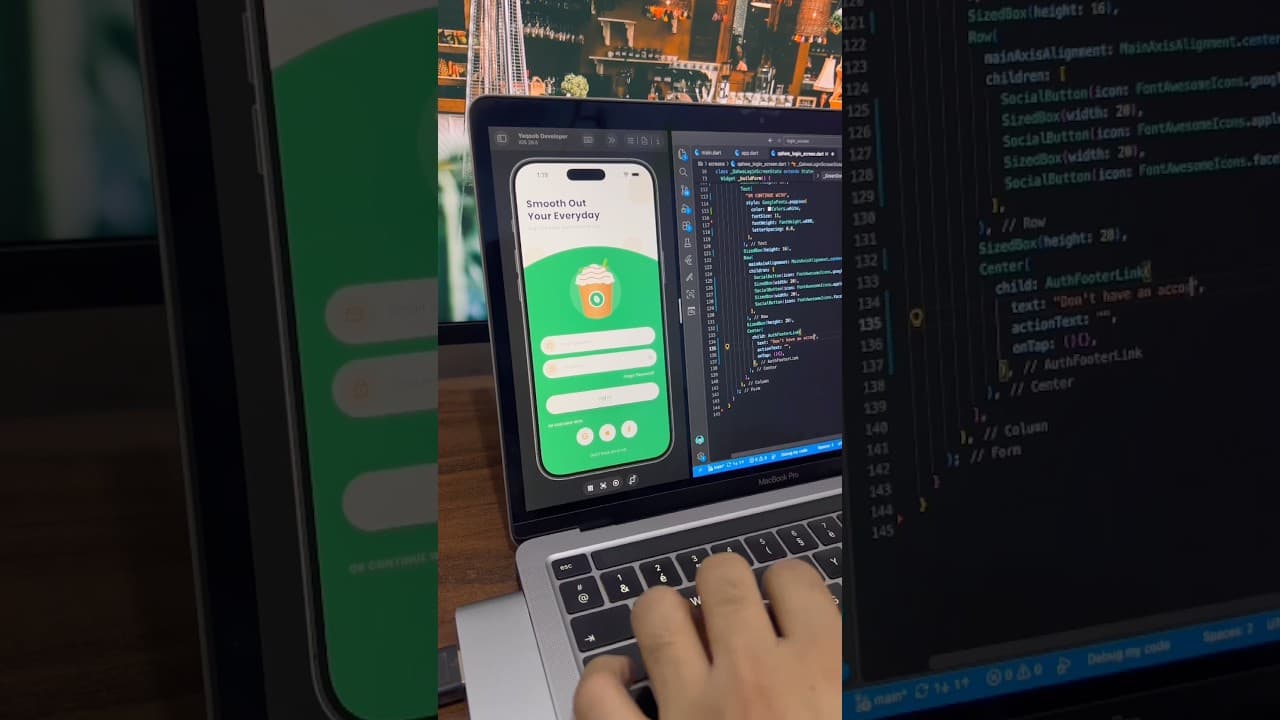
A warm, friendly login screen for a coffee ordering app built in Flutter, with a curved green section, coffee cup illustration, password toggle and social login buttons.
- #Login
- #Authentication
- #Coffee App