Water Bottle Shop Product Showcase UI in Flutter
A minimal, animated product showcase screen for a water bottle shop in Flutter, with a code-drawn bottle (CustomPainter, no images), a teal and charcoal painted background, a floating animation with a reacting shadow and a Shop Now button.
- #E-commerce
- #Product Showcase
- #Shopping App
- #CustomPainter
- #Animation
- #Teal UI
- #Dark UI
- #Product Page
Free for everyone. Sign in with Google, no password needed.

Overview
This project is a minimal product showcase screen for a water bottle shop, built in Flutter. It puts one product front and center: a matte black insulated bottle with a brushed steel cap, sitting on a two-tone teal and charcoal background, with spaced-out typography and a Shop Now button below it. It is the kind of hero screen a lifestyle brand would use to spotlight a single product. I got the inspiration for this design from Pinterest and then built my own version of it in Flutter. The whole screen took me around two hours. The hardest part was not the code itself but getting the design and the layout right: the size of the bottle compared to the screen, where the curve of the background meets it, and the spacing between the bottle, the title and the button. The most interesting detail is that the bottle is not an image. It is drawn entirely in code with a CustomPainter. The body is a Path built from straight lines, cubic curves for the shoulders and rounded bottom corners. A left-to-right LinearGradient makes it look lit from one side and fall off into black on the other, a second vertical gradient adds a faint sheen near the top, and four darker triangle wedges at the base give it a faceted look. The cap is a rounded rectangle with a five-stop metallic gradient, a darker band where it meets the bottle and a thin bright rim along the top edge. I drew the bottle with code instead of using an image because it gives much more flexibility. You can change the colors, the proportions or the cap without opening a design tool, the bottle stays sharp on every screen size, and you can put your own brand text on it. The logo on the bottle is a normal Text widget positioned on top of the painted body, so changing it is a one-line edit. The background is also painted, not clipped. A CustomPainter fills the screen with charcoal and then draws a teal shape across the top that sweeps down from the top right corner to the left edge with a single cubic curve. Because the bottle sits across both colors, it ties the two halves of the design together. The screen is fully animated. When it opens, the teal background drops down from the top, the bottle falls in with a small bounce (Curves.easeOutBack) while it fades and scales up, and then the header, the product name, the collection subtitle and the button appear one after another. All of this runs on one AnimationController, with each element using its own Interval of the timeline, so the timing of the whole entrance can be tuned in one place. After it lands, the bottle keeps floating gently up and down using a second, repeating controller and a cosine wave. Its floor shadow stays in place and gets smaller, lighter and more blurred as the bottle rises. That small detail is what makes the bottle look like it is really hovering above the ground instead of just moving around the screen. At the top is a simple header with a custom two-line menu icon drawn with a CustomPainter, a centered wordmark and a round profile avatar placeholder. At the bottom is a teal pill-shaped Shop Now button with uppercase, letter-spaced text and a soft shadow. It squishes down slightly while it is pressed, using AnimatedScale and AnimatedContainer, and tapping it shows an "Added to cart" SnackBar that you can replace with your own cart logic. The color palette is muted teal, deep charcoal, matte black, brushed silver and white, all kept in one small color class so rebranding is quick. Text uses the Nunito Sans font through the google_fonts package, which is the only dependency besides Flutter itself. You can use this screen as a product intro, the hero section of a shop's home screen or the first page of a product detail flow. To build on it, wrap it in a PageView to swipe between products, pass different colors into the painter for color variants, or load the product name and price from Firebase, Supabase or your own API. If you are learning Flutter, the code is a practical way to understand CustomPainter and Path, gradient shaders, clipPath, one AnimationController driving a staggered entrance with Interval, and a looping float animation with a shadow that reacts to it. Watch the YouTube Short to see the animations, try the live preview in your browser, and get the full source code from GitHub.
Watch the build
Keep exploring
Related projects
 E-commerce UISource Club
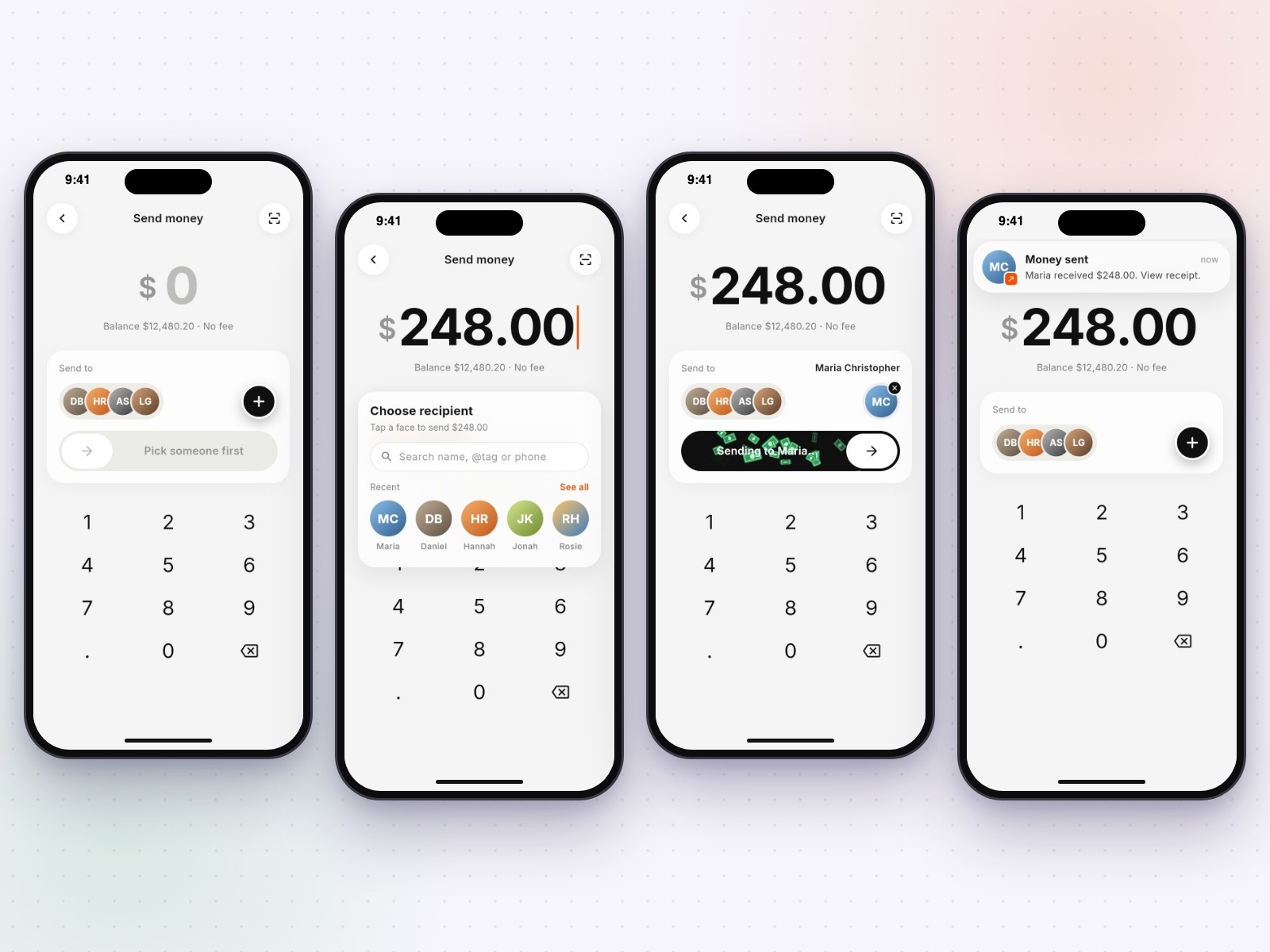
Send Money App UI in Flutter
A smooth send money flow in Flutter: type an amount, pick a contact from a card that grows out of the + button, flow in Flutter: fly then swipe to send and watch the money fly.
- #Fintech
- #Payment App
- #Send Money
 E-commerce UI
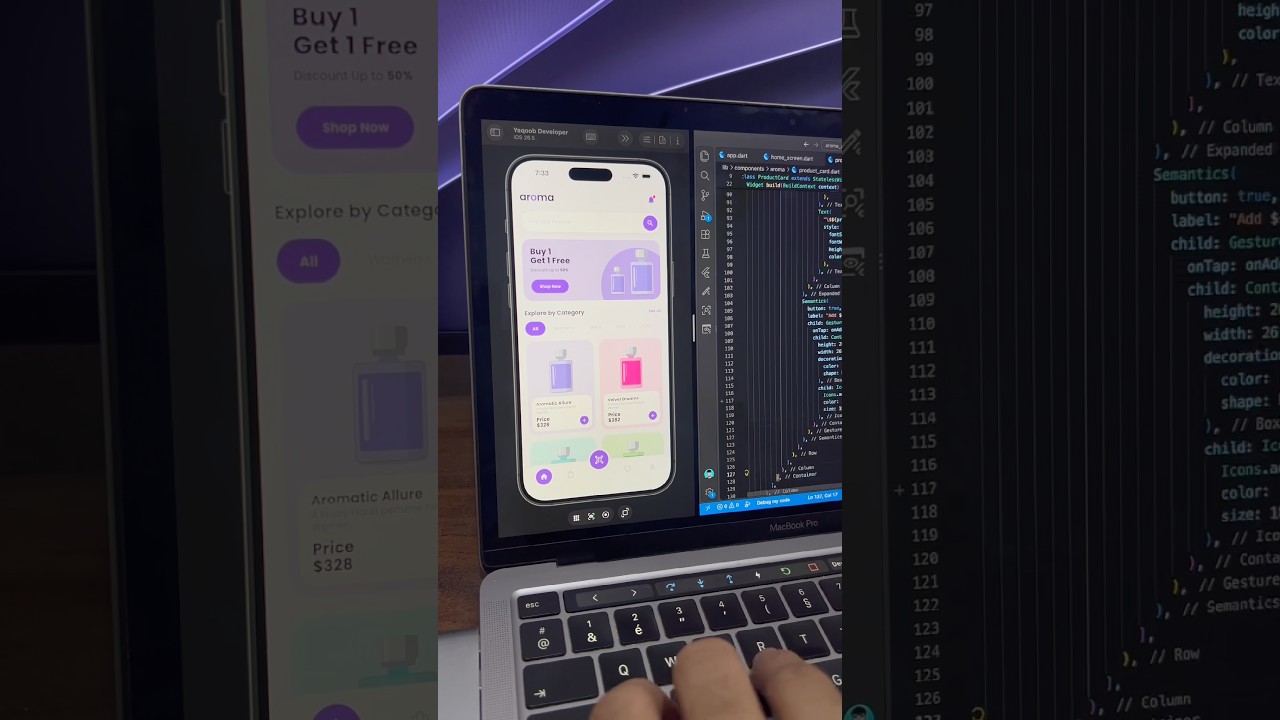
Perfume Shop App UI in Flutter (Home + Details)
A soft purple perfume shop app built in Flutter, with a home screen featuring a promo banner, category chips and product grid, plus a product details screen with color variants, size selector and quantity counter.
- #E-commerce
- #Shopping App
- #Perfume App
 Social & Chat UISource Club
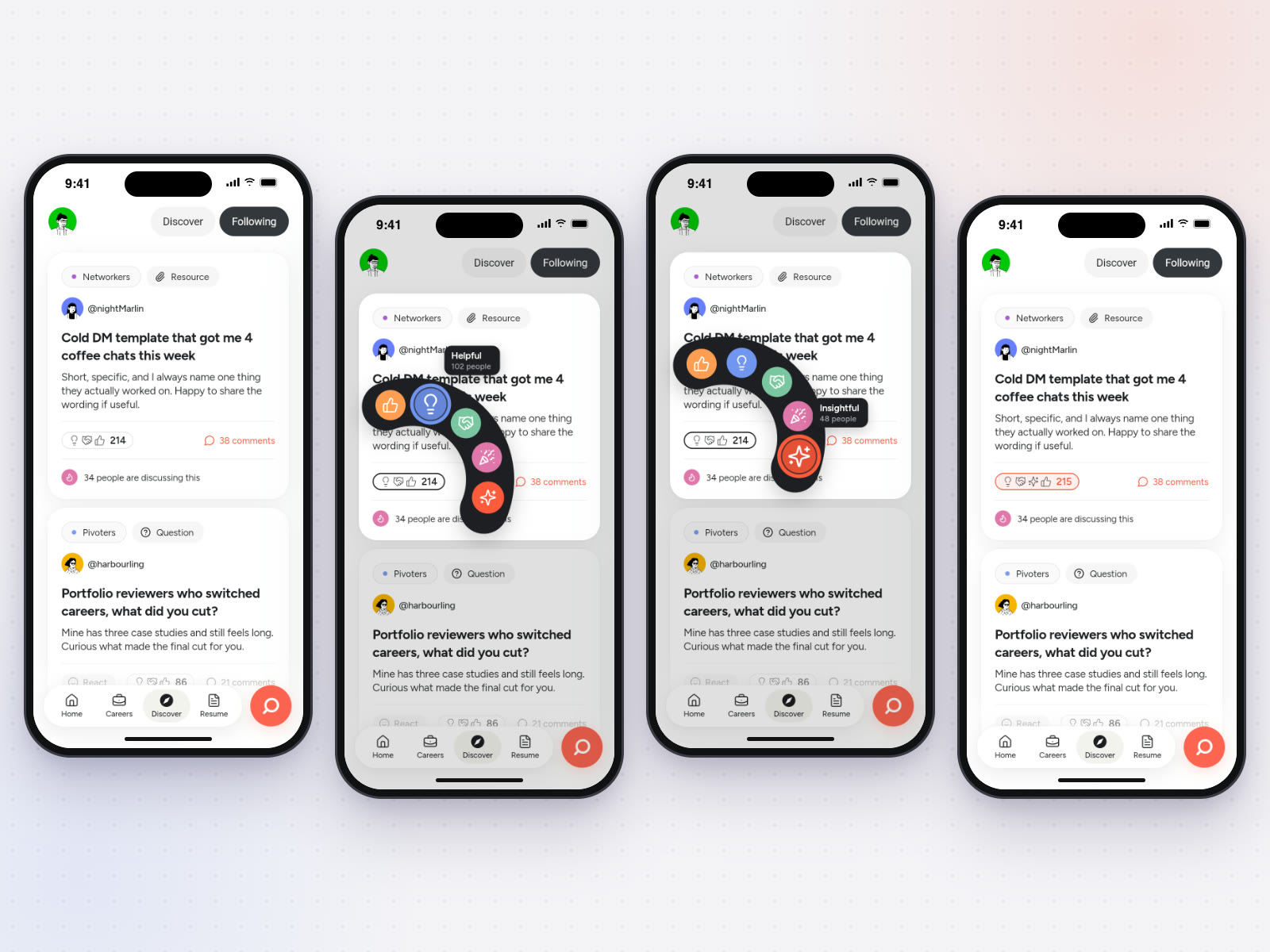
Reaction Picker Animation in Flutter
A community feed with a long-press reaction picker in Flutter: an arc of reactions, slide to choose, and the reaction flies into the pill with a rolling count.
- #Animation
- #Reactions
- #Long Press