Wallet App Login Screen UI in Flutter
A colorful login screen for a digital wallet app built in Flutter, with a purple curved header, payment card illustration, password toggle and social login buttons.
- #Login
- #Authentication
- #Social Login
- #Wallet App
- #Fintech
- #Purple UI
- #Forms
Free for everyone. Sign in with Google, no password needed.
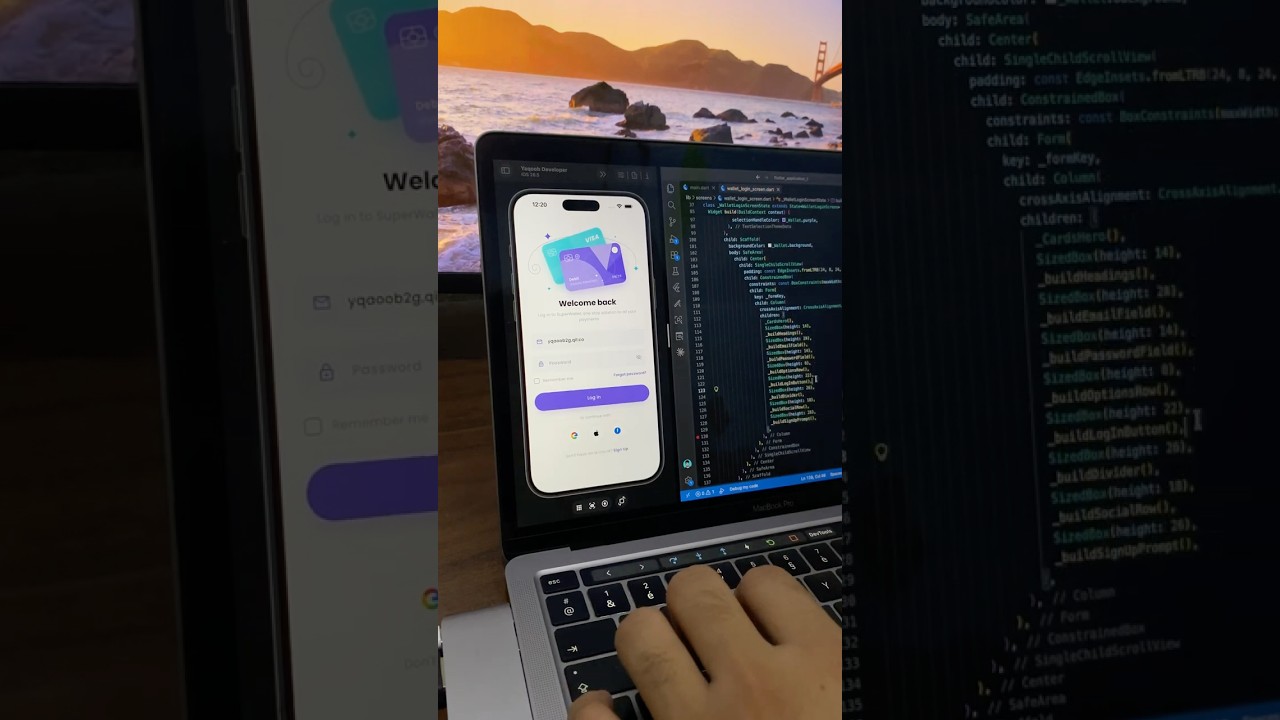
Overview
This project is a modern login screen for fintech, digital wallet and payment apps, built entirely with Flutter. The sample app is called SuperWallet, and the screen is designed to feel premium and trustworthy while still staying light and friendly, which is the balance most money apps try to strike.
The top of the screen is a purple gradient header that runs from a soft violet to a deeper purple. Its bottom edge is not a straight line: a custom clipper draws a smooth quadratic Bézier curve, so the header dips gently into the white form area below. Inside the header, two payment cards float at different angles, a Visa card tilted behind and a debit card in front, each rotated with Transform.rotate to create depth. Around them, a decorative painter draws a faint ring, a thin spiral thread that curls in from the left and sweeps across the cards, and small four-point sparkles in white and light teal. Under the cards sits a bold “Welcome Back” heading and the subtitle “Log in to SuperWallet, one stop solution to all your payments.”
A nice detail is that the cards are not images. Every part of them, including the gradient, the lavender circle, the lilac and dark purple triangles, the outline ring and the sparkles, is drawn with a CustomPainter. Even the EMV chip is painted with a few lines and rounded rectangles. This keeps the app small, keeps the artwork sharp on every screen density, and makes it easy to recolor the cards from code.
The form uses soft filled input fields with rounded corners and prefix icons. The email field validates the address with a regular expression, and the password field requires at least six characters and has an eye button (with a tooltip) to show or hide the password. Below the fields there is a “Remember me” checkbox, where tapping the label also toggles the box, and a “Forgot password?” link. The full-width Log In button has a purple glow shadow, shows a loading spinner while it simulates a 1.5 second sign-in request, and then replaces the login screen with the home screen.
Under the button, an “Or continue with” divider leads to three circular social buttons for Google, Apple and Facebook. The Google “G” is painted from four colored arcs and the Facebook “f” sits on a blue circle, so no logo image files are needed. A “Don’t have an account? Sign Up” prompt finishes the form.
The project also includes a bonus wallet home screen, so the login actually leads somewhere. It has a greeting with an avatar and notification badge, a total balance card that reuses the same card painter, quick actions for Send, Receive, Top up and More, a recent transactions list with income shown in green, and a Material 3 navigation bar with Home, Cards, Stats and Profile tabs.
Colors live in an AppPalette ThemeExtension with separate light and dark palettes, and the app passes both theme and darkTheme to MaterialApp, so the whole UI follows the system dark mode automatically. Widgets read colors through a small context.palette extension, which keeps the build methods clean.
This UI is a good fit for digital wallets, banking and neobank apps, payment and money transfer apps, crypto wallets and expense trackers. To make it your own, change the purple values in AppColors, update the heading text, and connect the _submit method to Firebase Authentication, Supabase or your own REST API instead of the simulated delay.
To run it, clone the repository, run flutter pub get and then flutter run. The project only depends on Flutter itself and cupertino_icons, so there are no extra packages to configure. If you are learning Flutter, it is a practical example of CustomClipper, CustomPainter, ThemeExtension, form validation and simple navigation working together in one real-looking screen.
Watch the build
Keep exploring
Related projects
 Auth / Login UISource Club
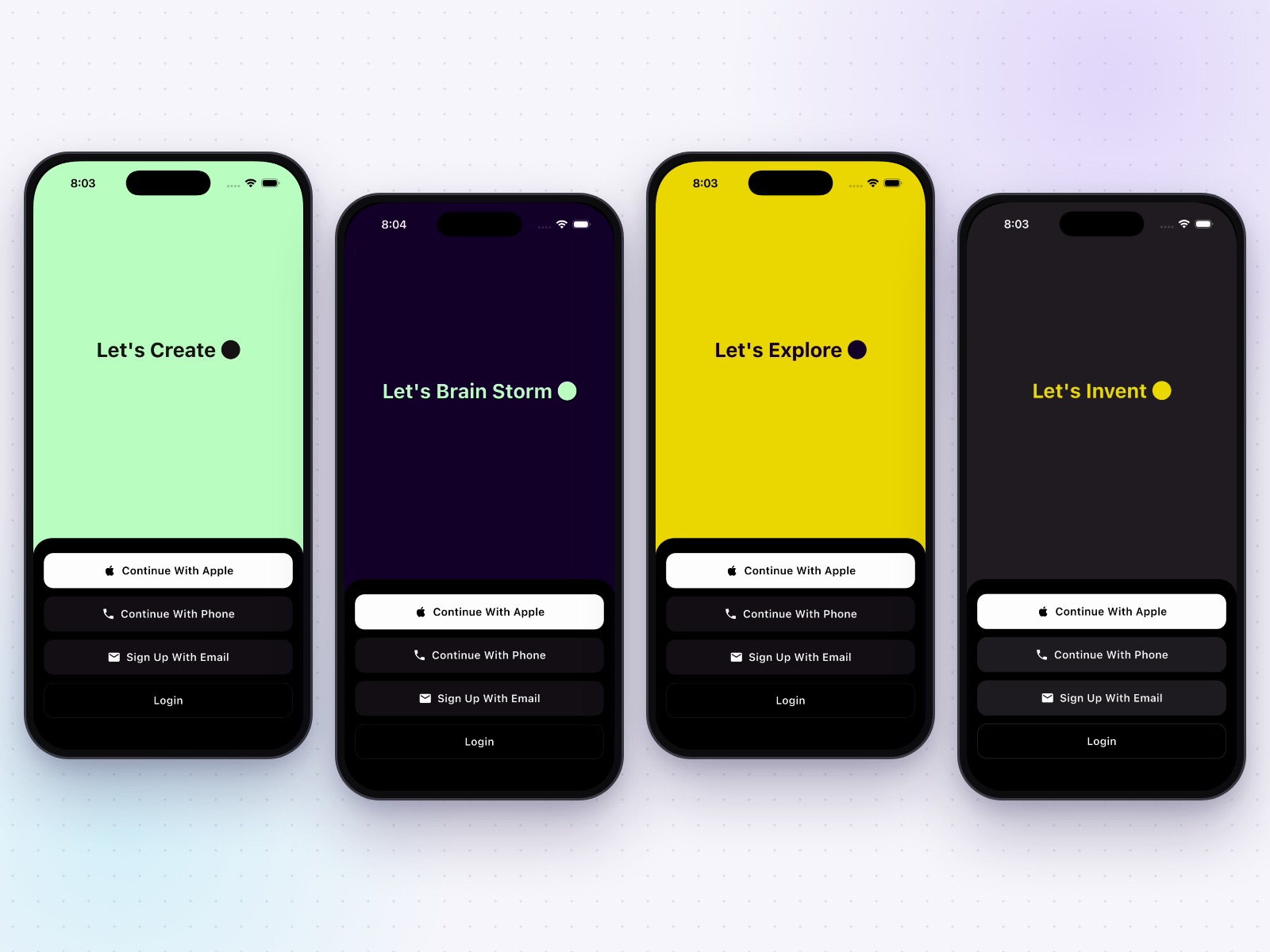
AI Onboarding Animation in Flutter
Animated Al app onboarding in Flutter: the headline types itself out, the background morphs through four colours, and a sign-in sheet slides up.
- #Onboarding
- #Animation
- #AI App
 Auth / Login UI
Music App Login Screen UI in Flutter
A bold neon lime login screen for a music app built in Flutter, with a headphone logo, white rounded input fields, black Login button and colorful social login icons.
- #Login
- #Authentication
- #Music App
 Auth / Login UI
Teal Login Screen with Sign Up Toggle in Flutter
A modern dark teal login screen built in Flutter, with a gradient background, Login/Sign Up toggle, rounded input fields and a bottom-anchored mint Log Me In button.
- #Login
- #Sign Up
- #Authentication