Music App Login Screen UI in Flutter
A bold neon lime login screen for a music app built in Flutter, with a headphone logo, white rounded input fields, black Login button and colorful social login icons.
- #Login
- #Authentication
- #Music App
- #Neon UI
- #Lime UI
- #Social Login
- #Bold Design
- #Forms
Free for everyone. Sign in with Google, no password needed.

Overview
This project is a bold, energetic login screen built in Flutter, designed for music, podcast and audio apps. It uses a bright neon lime background with black and white elements, creating a loud, eye-catching look that matches the vibe of music and entertainment. The layout is centered and easy to follow, making it a great choice for apps that want to feel young, fun and full of energy. The screen opens with a large black headphone icon in the center, followed by the app name, “Headphone”, in big bold black text. The simple icon and heavy typography act as the app’s branding, and the strong contrast against the lime background makes the logo the first thing users notice. You can easily swap the icon and name for your own brand. Below the branding are two white pill-shaped input fields. The email field has a mail icon on the left, and the password field has a lock icon on the left and an eye button on the right to show or hide the password. Each icon is separated from the text by a thin vertical divider, a small detail that makes the fields look neat and well organized. The white fields stand out clearly on the lime background and include a soft shadow that lifts them slightly off the screen. Under the fields, a bold black “Forgot Password?” link is aligned to the right. The main Login button is a full-width black pill with white text, offering the strongest contrast on the screen and making the primary action instantly clear. Below the button, an “Or continue with” divider introduces a row of four social icons for Facebook, Twitter, Instagram and YouTube. Unlike the rest of the screen, these icons use their full brand colors inside rounded squares with thick white borders, giving them a sticker-like, playful look. This adds a fun burst of color while still feeling consistent with the rounded style of the screen. At the bottom, a “Don’t have an account? Sign Up” link gives new users an easy way to register. The color palette is built around neon lime, black and white, with colorful accents coming only from the social icons. This bold, limited palette makes the design memorable and works well for brands targeting a younger audience. Rebranding is simple: change the lime to any bright color like orange, pink or cyan, and the black and white elements will still look sharp. This UI works well for music streaming apps, podcast and audiobook apps, headphone and audio gear stores, DJ and music creator apps, and event or concert apps. It’s also a great reference for developers who want to learn how to design high-contrast layouts, input fields with icon dividers, and styled social buttons with borders and shadows. The project is built entirely with Flutter widgets and is easy to customize. You can connect the form to Firebase Authentication, Supabase or your own REST API, and link the social buttons to your preferred login providers. If you’re learning Flutter, this project is a practical way to understand centered layouts, custom text fields with prefix dividers, box shadows, rounded containers and clean screen structure.
Watch the build
Keep exploring
Related projects
 Auth / Login UI
Teal Login Screen with Sign Up Toggle in Flutter
A modern dark teal login screen built in Flutter, with a gradient background, Login/Sign Up toggle, rounded input fields and a bottom-anchored mint Log Me In button.
- #Login
- #Sign Up
- #Authentication
 Auth / Login UI
Yellow and Black Login Screen UI in Flutter
A bold yellow and black login screen built in Flutter, with a curved two-tone layout, rounded input fields, wide-spaced button text and a separate Sign Up section.
- #Login
- #Authentication
- #Yellow UI
 Auth / Login UI
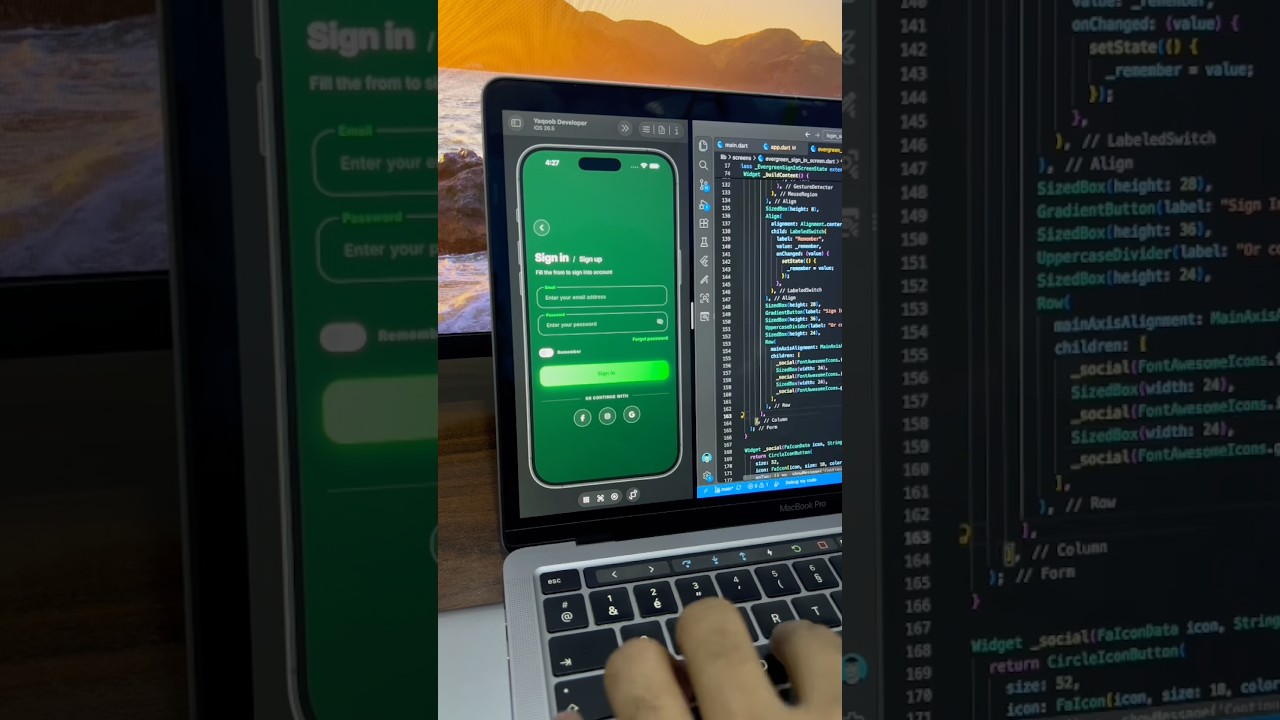
Green Dark Sign In Screen UI in Flutter
A sleek dark green sign in screen built in Flutter, with floating label input fields, a gradient Sign In button, remember me toggle and social login buttons.
- #Login
- #Sign In
- #Authentication