Teal Login Screen with Sign Up Toggle in Flutter
A modern dark teal login screen built in Flutter, with a gradient background, Login/Sign Up toggle, rounded input fields and a bottom-anchored mint Log Me In button.
- #Login
- #Sign Up
- #Authentication
- #Dark UI
- #Teal UI
- #Tab Toggle
- #Gradient Background
- #Forms
Free for everyone. Sign in with Google, no password needed.

Overview
This project is a modern, dark teal login screen built in Flutter, designed for apps that want a calm, focused and professional look. It uses a smooth gradient background that moves from deep green to near-black, paired with soft teal panels and a bright mint button. The design is clean and spacious, making it a great fit for finance apps, health and wellness apps, productivity tools and any product that values a relaxed but premium feel. The screen opens with a subtle diagonal gradient at the top, with a hint of green in the top-left corner fading into black. In the center sits a friendly two-line heading, “Hello, Welcome Back!”, in large bold white text. Below it, a short subtitle explains that users should enter their email and password to access their account. The centered layout and warm greeting make the screen feel welcoming right away. Under the heading, the form sits inside a large rounded panel in a slightly lighter teal tone, rising from the bottom of the screen like a sheet. At the top of this panel is a segmented toggle that switches between Login and Sign Up. The active Login tab is highlighted with a brighter teal pill, while the Sign Up tab stays in the panel’s background color. Keeping both options in one toggle lets users switch flows without leaving the screen. Below the toggle are two pill-shaped input fields with a soft teal fill. The email field has a mail icon on the left, and the password field has a lock icon on the left and an eye button on the right to show or hide the password. The fields have no borders, relying on the slight color difference from the panel to stand out, which keeps the design smooth and uncluttered. Under the fields, a white “Forgot Password?” link is aligned to the right. The main action is a full-width mint green “Log Me In” button placed at the bottom of the screen. Anchoring the button at the bottom keeps it within easy thumb reach on large phones, a pattern used in many modern apps. The bright mint color is the most vivid element on the screen, instantly drawing attention to the primary action. The friendly “Log Me In” label also adds a bit of personality compared to a plain “Login” button. The color palette is built around deep forest green, black, muted teal and bright mint, with white used for text and icons. These cool, natural tones feel calm and trustworthy, which suits finance, health and productivity apps well. Rebranding is simple: change the teal and mint colors to your brand palette, and the layered panels and gradient will still look balanced. This UI works well for banking and budgeting apps, health and fitness trackers, meditation and wellness apps, task and productivity tools, and SaaS dashboards with mobile apps. It’s also a helpful reference for developers who want to learn segmented toggles, layered rounded panels, gradient backgrounds and bottom-anchored buttons in a real-world layout. The project is built entirely with Flutter widgets and is easy to customize. You can connect the form to Firebase Authentication, Supabase or your own REST API, and link the Sign Up tab to your registration form. If you’re learning Flutter, this project is a practical way to understand gradient containers, animated toggle switches, filled text fields, password visibility and flexible screen layouts.
Watch the build
Keep exploring
Related projects
 Auth / Login UI
Yellow and Black Login Screen UI in Flutter
A bold yellow and black login screen built in Flutter, with a curved two-tone layout, rounded input fields, wide-spaced button text and a separate Sign Up section.
- #Login
- #Authentication
- #Yellow UI
 Auth / Login UI
Green Dark Sign In Screen UI in Flutter
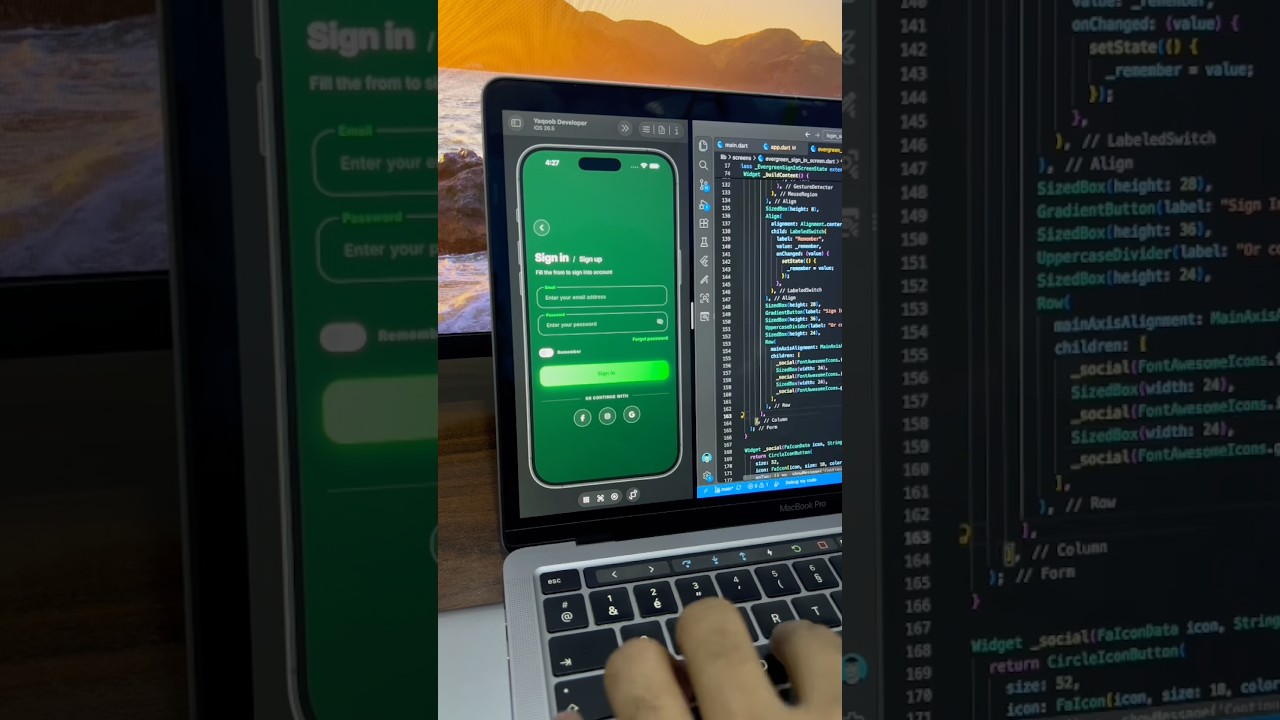
A sleek dark green sign in screen built in Flutter, with floating label input fields, a gradient Sign In button, remember me toggle and social login buttons.
- #Login
- #Sign In
- #Authentication
 Auth / Login UI
Travel App Sign In Screen UI in Flutter
A calm, night-sky sign in screen for a travel app built in Flutter, with a grouped input card, sparkle accents and selectable social login options.
- #Login
- #Sign In
- #Authentication