Social Media Profile Screen UI in Flutter
A bright social media profile screen built in Flutter, with a profile header, post and friend counts, Photos/Videos/Saved tabs, a photo grid and a custom bottom nav bar.
- #Profile
- #Social Media
- #Photo Grid
- #Tab Bar
- #Bottom Navigation
- #Staggered Grid
Free for everyone. Sign in with Google, no password needed.

Overview
This project is a social media profile screen built in Flutter, inspired by photo sharing apps like Instagram and Pinterest. It combines a collapsing profile header, three content tabs, a masonry photo grid and a floating bottom navigation bar that hides while you scroll. The design uses a clean white background, a warm coral accent and the Outfit font from google_fonts.
At the top is the profile header, built as a pinned SliverPersistentHeader inside a NestedScrollView. When the page is at the top, it shows a large profile picture with soft rounded-square corners, the name “Wade Warren”, the username @wadewarren and the stats 518 Posts and 22k Friends. As you scroll up, the large profile section fades away and a compact mini profile with a small avatar and name appears in the toolbar, so the user always knows whose profile they are on.
Under the header, a tab bar switches between Photos, Videos and Saved. Each tab is its own scroll view inside a TabBarView, and each one has a PageStorageKey, so Flutter remembers the scroll position of every tab when you switch back and forth.
The content is shown in a two-column staggered (masonry) grid using the flutter_staggered_grid_view package. Each post has its own aspect ratio, so tall and wide images mix naturally like on Pinterest, with rounded corners and even spacing. Every tile shows a like count with a heart icon. Video posts also show a duration badge and a play button. When you press a tile, it shrinks slightly to give touch feedback, and images fade in smoothly once they finish loading.
Tapping a photo opens a full-screen viewer with a Hero animation, so the image grows from its place in the grid to fill the screen. To make this feel instant, the viewer first shows the same low-resolution image used in the grid, then loads a higher-resolution version on top and fades it in when it is ready. A dark gradient keeps the text readable, and the bottom of the viewer shows the author with a Follow button, a caption, like, comment and share actions and a bookmark icon. A frosted round close button takes you back.
The bottom navigation bar floats above the content as a white rounded bar with a soft shadow. It listens to UserScrollNotification: when you scroll down it slides out of the way with an AnimatedSlide, and when you scroll up it comes back. The active item gets a tinted background and its label expands next to the icon using AnimatedSize, the notifications item has a small dot, and a raised coral gradient camera button sits in the middle. Tapping an item also gives light haptic feedback.
The sample images are loaded from Unsplash over the network, and the Post model keeps the image id, aspect ratio, likes and optional video duration, which makes it easy to replace with your own data.
This UI is a good fit for social networks, photography and portfolio apps, influencer and creator apps, fashion and lifestyle apps and any app with user profiles and galleries. You can connect it to Firebase Storage and Firestore or your own API, change the coral accent in AppColors and swap the font in AppTheme.
To run it, clone the repository, run flutter pub get and flutter run with an internet connection. For Flutter learners, it is a practical example of NestedScrollView with tabs, masonry grids, Hero animations and a scroll-aware bottom navigation bar.
Watch the build
Keep exploring
Related projects
 Social & Chat UISource Club
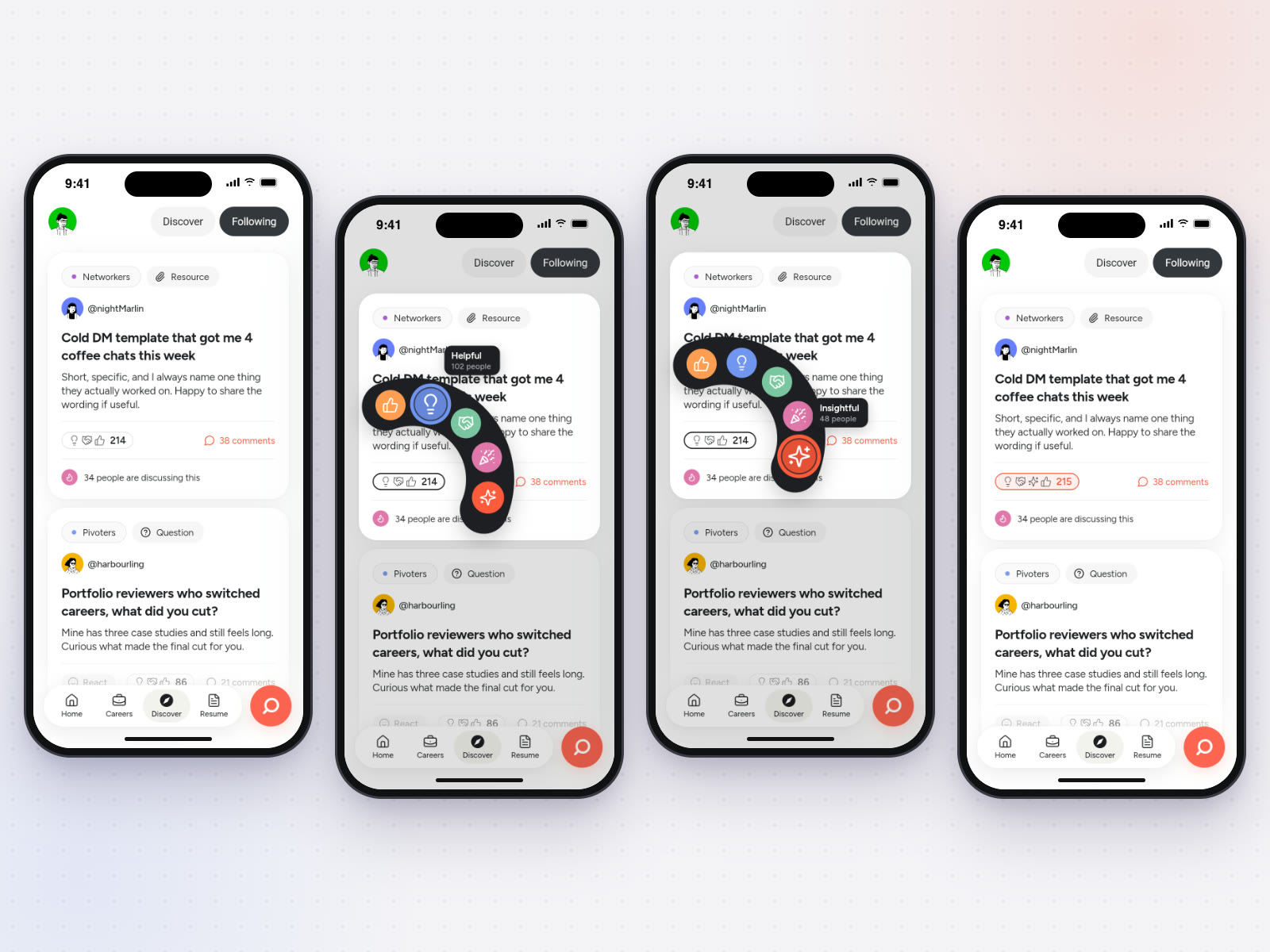
Reaction Picker Animation in Flutter
A community feed with a long-press reaction picker in Flutter: an arc of reactions, slide to choose, and the reaction flies into the pill with a rolling count.
- #Animation
- #Reactions
- #Long Press
 Social & Chat UI
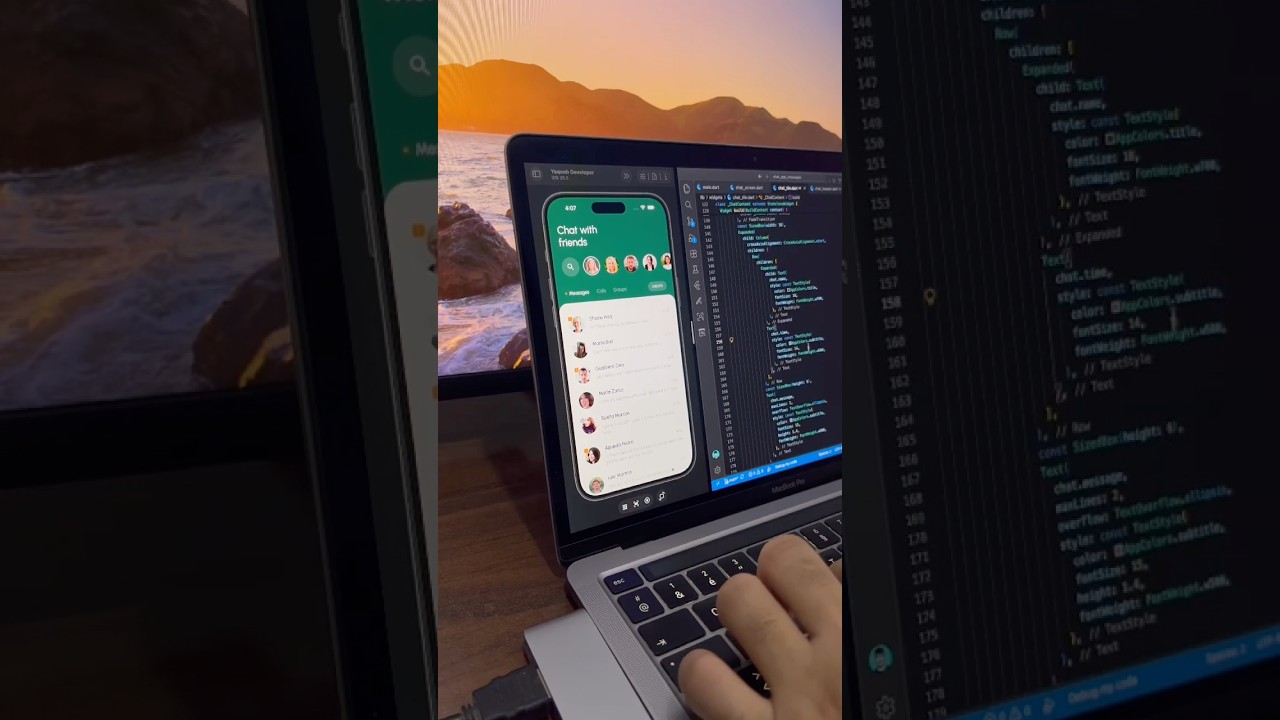
Chat App Messages Screen UI in Flutter
A modern chat list screen built in Flutter, with a green header, story-style avatars, tabs, unread badges and swipe-to-reveal actions on messages.
- #Chat
- #Messaging
- #Chat List
 Social & Chat UI
Facebook Redesign UI in Flutter
A modern Facebook-inspired social media UI redesign built with Flutter, featuring a clean layout, interactive screens, and a polished mobile experience.
- #Flutter
- #Facebook UI
- #Social Media UI