Facebook Redesign UI in Flutter
A modern Facebook-inspired social media UI redesign built with Flutter, featuring a clean layout, interactive screens, and a polished mobile experience.
- #Flutter
- #Facebook UI
- #Social Media UI
- #Social UI
- #UI Design
- #Flutter UI
- #Mobile UI
- #Redesign
Free for everyone. Sign in with Google, no password needed.

Overview
This project is a modern, dark-mode redesign of a Facebook-style social feed, built entirely with Flutter. The sample app is named Sphere, and it focuses on the parts of a social feed that people use the most: stories, posts, reactions and a bottom navigation bar, all with smooth scroll behavior.
The color palette is built for dark mode. The page background is a deep navy, post cards are a slightly lighter blue-grey, and text uses soft off-white and muted grey tones so it is comfortable to read at night. A bright blue is used for the active tab and the compose button, and a red heart color is used for likes. All colors are defined in one AppColors class with short comments, so retheming the app is quick.
The top of the screen is a collapsing header built with a NestedScrollView and a SliverPersistentHeader. The “Sphere” title bar with a search button stays pinned, while the story rail under it scrolls away as you move down the feed.
The story rail is a horizontal list. The first item is “Your story”, which has a rainbow ring made with a SweepGradient. Every other story shows the friend’s avatar inside a colored ring, a small “+” badge and their name below. The list uses a PageStorageKey so it remembers its scroll position.
Posts are shown as rounded cards. Each card has an author row with avatar, name and a “more” button, the post text, and an optional image. Long text is shortened at first, and tapping it expands the full post. Images can show a play button overlay for video posts. Under each post are three reaction buttons drawn as small colored circles with counts for likes, comments and shares. Tapping the heart toggles your like and updates the count right away, which makes the feed feel interactive even with dummy data.
The bottom navigation bar is where most of the scroll logic lives. It has Home, Inbox, Notification and Profile tabs plus a blue compose button. Instead of simply showing or hiding the bar, the screen moves it together with your finger: every scroll update changes an AnimationController by the scroll distance divided by 90 pixels, so the bar slides out gradually as you scroll down. When you lift your finger, the bar snaps fully open or fully closed. It always comes back when you reach the top or the very end of the list, and horizontal scrolling in the story rail is ignored so it does not move the bar by mistake. Tapping Home while you are already on Home smoothly scrolls the whole feed back to the top, like in popular social apps.
The sample data is stored in simple Post and Story models, with avatars from pravatar.cc and photos from picsum.photos, so the demo needs an internet connection to show images.
This design is a good starting point for social networks, community apps, company intranet feeds, creator platforms and any app with a timeline of posts. You can connect the feed to Cloud Firestore or your own REST API, add pagination with a scroll listener, and change the brand colors in AppColors.
To run it, clone the repository, run flutter pub get and then flutter run. The project uses only Flutter itself, with no extra UI packages. For Flutter learners, it is a clear example of NestedScrollView with slivers, scroll notifications, animation controllers driven by gestures and building reusable feed widgets.
Watch the build
Keep exploring
Related projects
 Social & Chat UISource Club
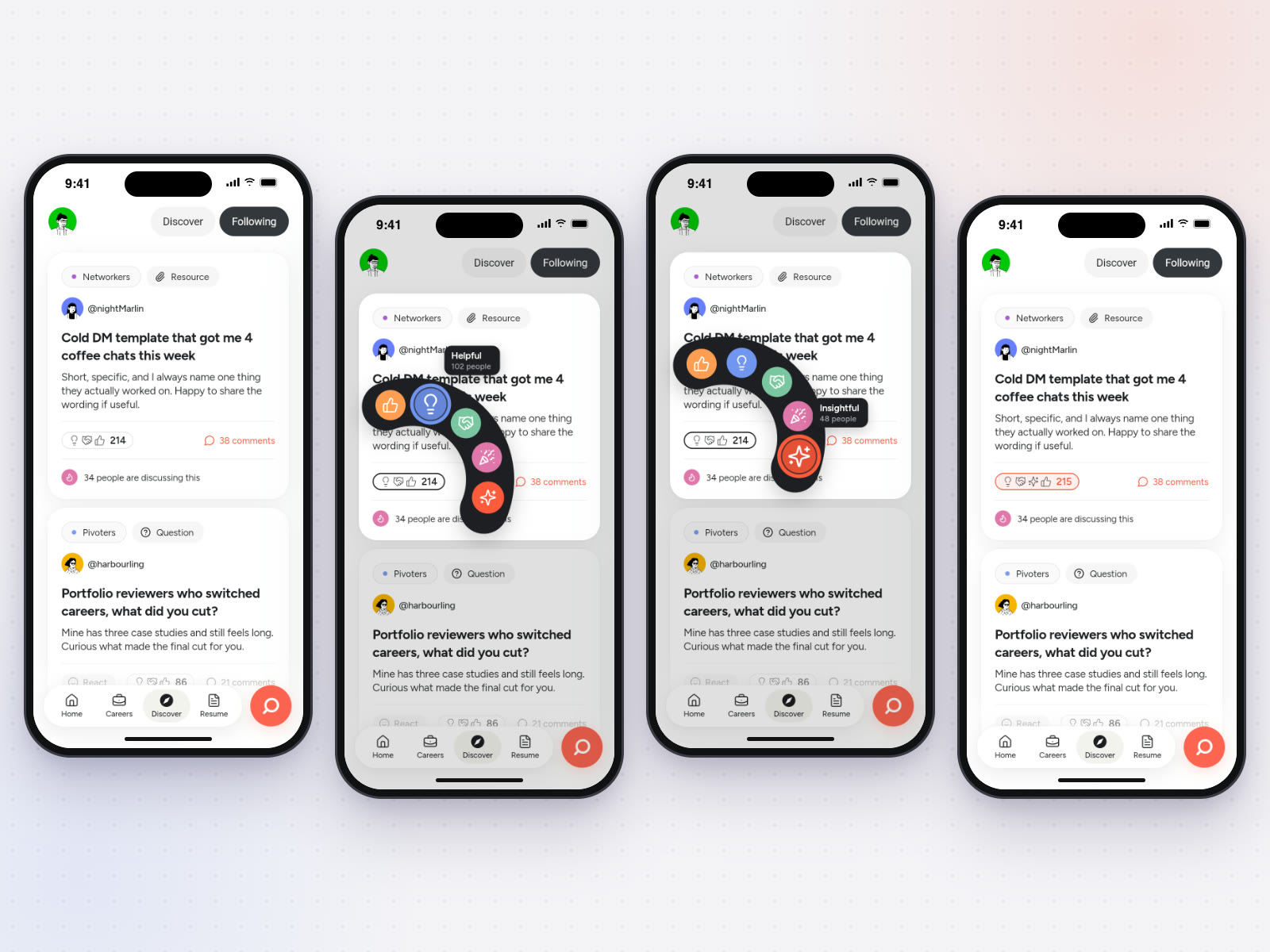
Reaction Picker Animation in Flutter
A community feed with a long-press reaction picker in Flutter: an arc of reactions, slide to choose, and the reaction flies into the pill with a rolling count.
- #Animation
- #Reactions
- #Long Press
 Social & Chat UI
Social Media Profile Screen UI in Flutter
A bright social media profile screen built in Flutter, with a profile header, post and friend counts, Photos/Videos/Saved tabs, a photo grid and a custom bottom nav bar.
- #Profile
- #Social Media
- #Photo Grid
 Social & Chat UI
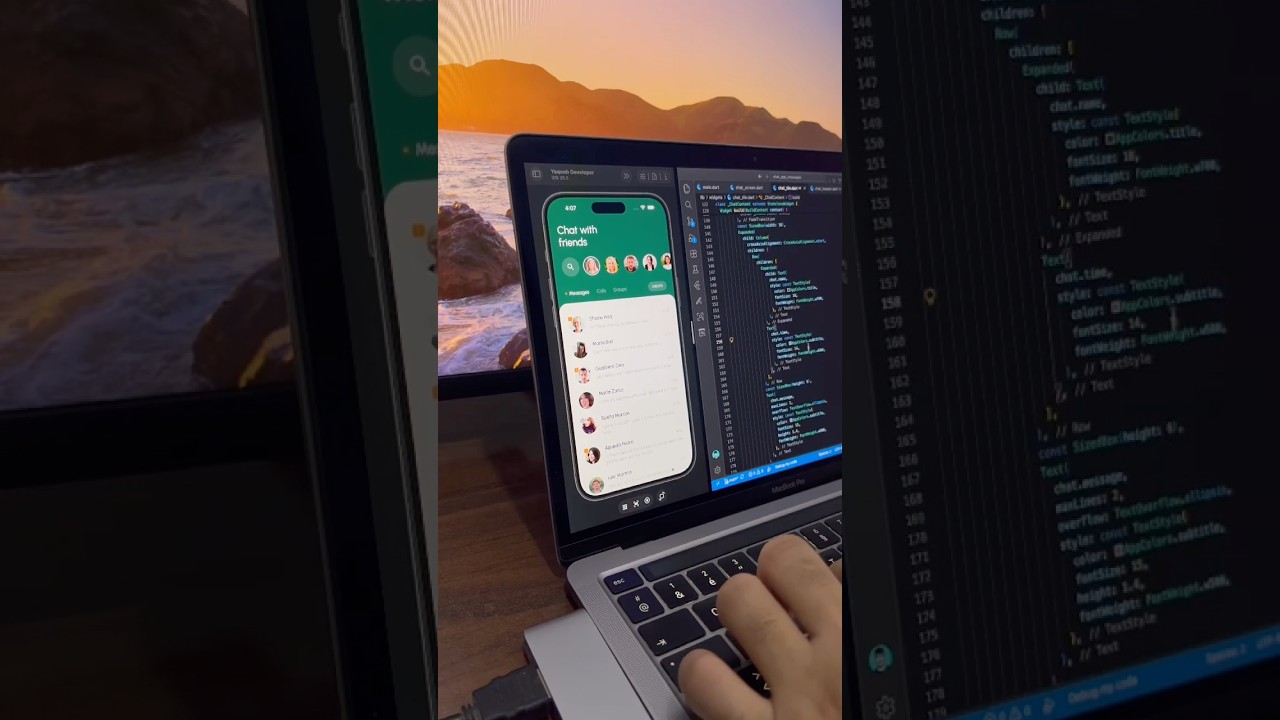
Chat App Messages Screen UI in Flutter
A modern chat list screen built in Flutter, with a green header, story-style avatars, tabs, unread badges and swipe-to-reveal actions on messages.
- #Chat
- #Messaging
- #Chat List