Phone Number Login Screen UI in Flutter
A minimal login screen built in Flutter with a deep maroon header, phone number and password fields, password toggle, and Google and Facebook login buttons.
- #Login
- #Authentication
- #Phone Login
- #Social Login
- #Maroon UI
- #Minimal UI
- #Forms
Free for everyone. Sign in with Google, no password needed.
Overview
This project is a phone number login screen built in Flutter, designed for apps where users sign in with their mobile number instead of an email address. This pattern is very common in delivery, ride hailing, banking, messaging and local service apps, especially in regions where almost everyone has a phone number but not everyone uses email.
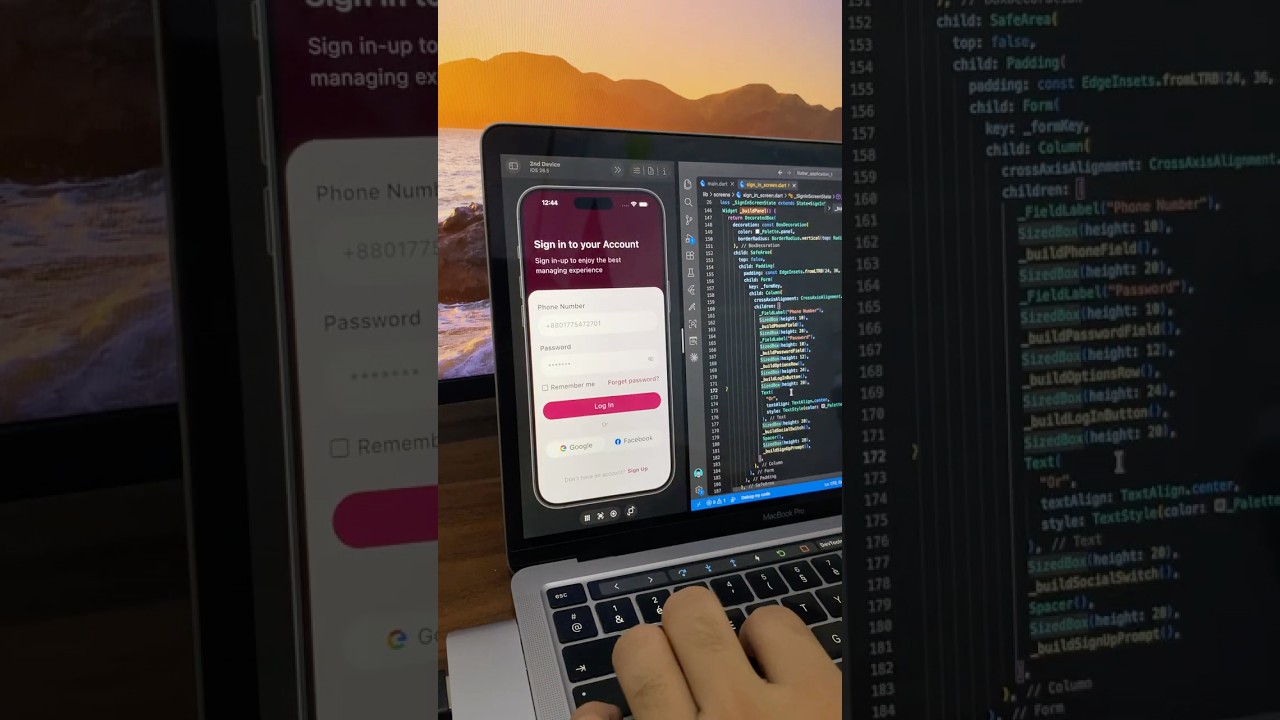
The screen has a rich wine and maroon background painted with a CustomPainter, using a vertical gradient and a large soft circle for depth. At the top, a header shows the heading “Sign in to your Account” in bold white text and a short subtitle, “Sign in or sign up to enjoy the best managing experience.”
Below the header, a light grey panel with rounded top corners holds the form. When the screen opens, this panel slides up into place over 700 milliseconds using a TweenAnimationBuilder with an ease-out curve, which gives the screen a smooth, polished entrance without any animation package.
The layout uses a CustomScrollView with SliverFillRemaining and hasScrollBody set to false. This is a useful trick: on tall phones the panel stretches to fill the rest of the screen, but when the keyboard opens or the phone is small, the whole page becomes scrollable so nothing is hidden behind the keyboard.
The form uses labels above the fields instead of only hint text, which is clearer for users and better for accessibility. The Phone Number field opens the phone keyboard and shows an international format example as the hint. Validation is written for real phone numbers: it first removes spaces and dashes, then accepts an optional plus sign followed by 7 to 15 digits, which matches the maximum length of international E.164 numbers. If the number is empty or invalid, a clear error message appears under the field.
The Password field has a show and hide toggle with a tooltip and requires at least six characters. Under the fields are a “Remember me” checkbox and a “Forgot password?” link. The full-width Log In button shows a loading spinner during a simulated two-second request and then shows a snackbar that says “Signed in as” followed by the phone number.
Below an “Or” divider, the Google and Facebook options are grouped in one pill-shaped switch, where Google sits on a raised white segment. This is a more compact alternative to separate social buttons. The Google “G” and Facebook “f” are both drawn in code, so the project has no image assets. A Sign Up link finishes the screen.
To turn this into a real phone login, you can connect it to Firebase Phone Authentication with verifyPhoneNumber and add a one-time password (OTP) screen after the Log In button, or call your own SMS verification API. If you want a country code picker with flags, you can replace the phone field with a package such as intl_phone_field while keeping the same layout. The colors are defined in AppColors, so changing the wine theme to your brand color only takes a few lines.
Phone sign-in is common in food and grocery delivery, taxi and ride apps, mobile banking and wallets, and healthcare booking, so this screen fits those and any other app that verifies users by phone number.
To run it, clone the repository, run flutter pub get and then flutter run. There are no third-party dependencies. It is a helpful learning project for form validation, keyboard-friendly layouts with slivers, simple entrance animations and CustomPainter backgrounds in Flutter.
Watch the build
Keep exploring
Related projects
 Auth / Login UISource Club
AI Onboarding Animation in Flutter
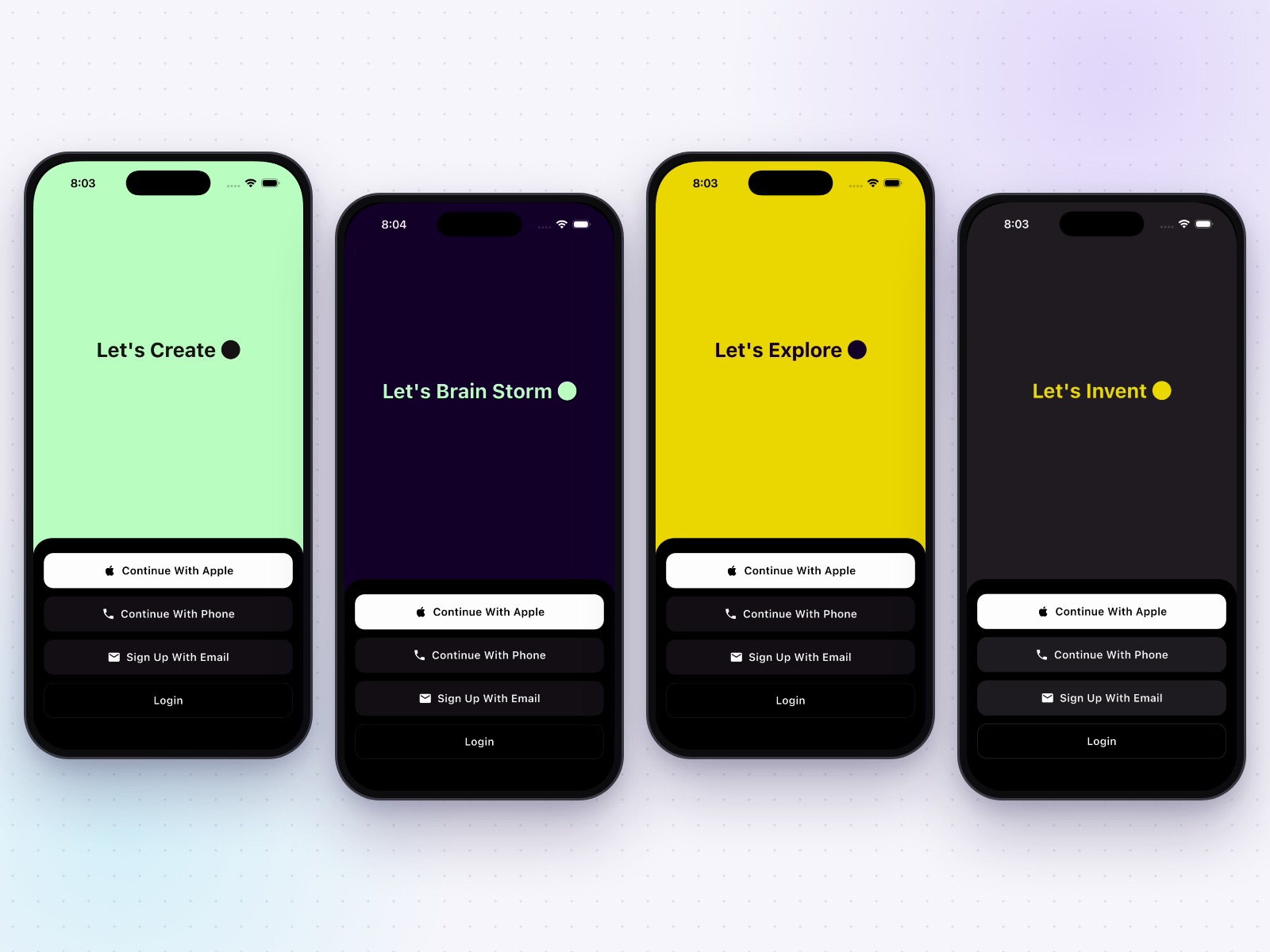
Animated Al app onboarding in Flutter: the headline types itself out, the background morphs through four colours, and a sign-in sheet slides up.
- #Onboarding
- #Animation
- #AI App
 Auth / Login UI
Music App Login Screen UI in Flutter
A bold neon lime login screen for a music app built in Flutter, with a headphone logo, white rounded input fields, black Login button and colorful social login icons.
- #Login
- #Authentication
- #Music App
 Auth / Login UI
Teal Login Screen with Sign Up Toggle in Flutter
A modern dark teal login screen built in Flutter, with a gradient background, Login/Sign Up toggle, rounded input fields and a bottom-anchored mint Log Me In button.
- #Login
- #Sign Up
- #Authentication