Minimal Login Screen UI in Flutter
A minimal black and white login screen built in Flutter, with a custom wave header, outlined input fields, password toggle and social login icons.
- #Login
- #Sign In
- #Authentication
- #Custom Clipper
- #Wave Header
- #Minimal UI
- #Black and White
- #Social Login
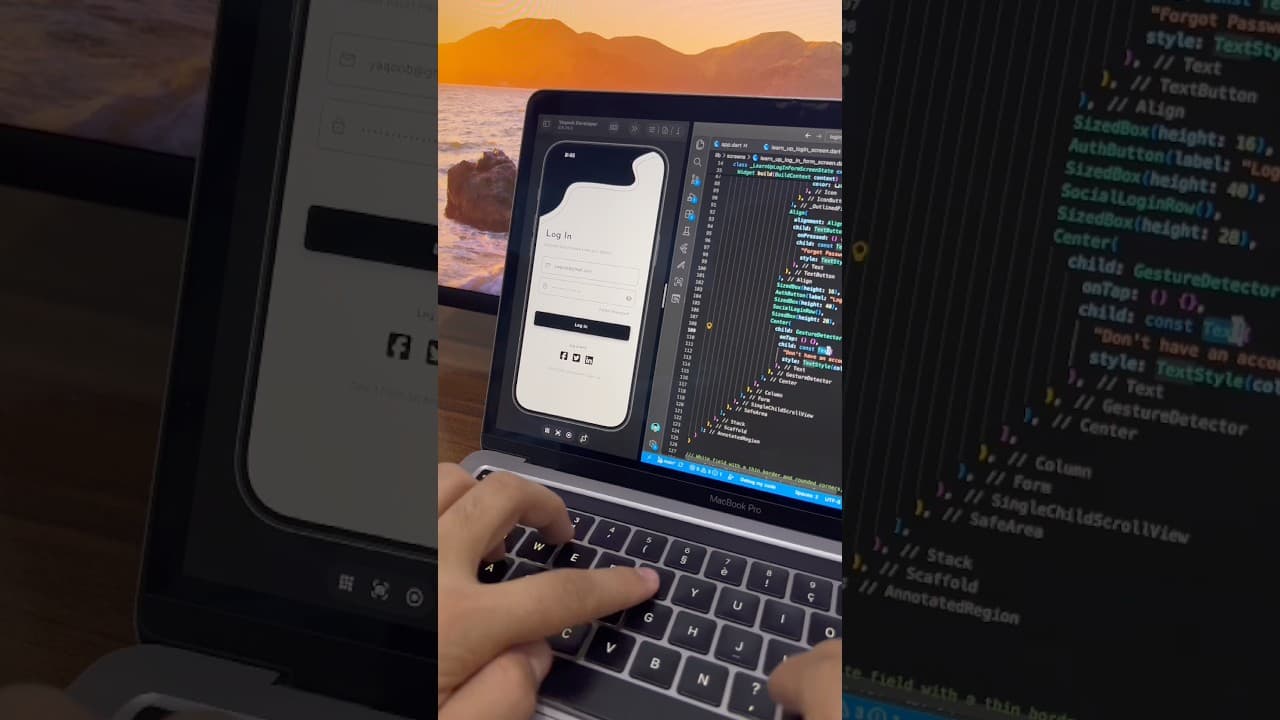
Overview
This project is a minimal black and white login screen built in Flutter, designed to pair with a matching welcome screen. It keeps the same clean, monochrome style throughout, giving the app a consistent and professional feel. It's a great fit for education apps, productivity tools, professional networking apps and any brand that values simplicity. At the top of the screen is a custom wave header, the same design used on the welcome screen. A solid black shape flows across the top with a smooth curve, and a thin grey line follows the same path just below it, creating a layered, elegant effect. A white back arrow sits on the black area, letting users return to the welcome screen. The header is drawn entirely in Flutter without image assets, so it scales cleanly on every screen size. Below the header is a large "Log In" heading with a short subtitle, "Welcome back! Please enter your details." The heading uses the same light, wide-spaced font as the app's branding, while the subtitle uses a softer grey tone to support it without competing for attention. The form section includes two outlined input fields with slightly rounded corners and thin grey borders. The email field has a mail icon on the left, and the password field has a lock icon on the left and an eye button on the right to show or hide the password. This outlined style feels lighter than filled fields and suits the minimal look of the screen. Below the fields, a bold "Forgot Password?" link is aligned to the right, giving users a clear way to recover their account. The main Log In button is a full-width solid black button with white text and a soft shadow underneath. It's the only filled element on the screen, which makes it instantly stand out as the primary action. This is a good example of how to guide users with contrast alone, without needing an accent color. Below the button, a "Log in with" label introduces three social icons for Facebook, Twitter and LinkedIn, styled as solid black rounded squares to match the theme. At the bottom, a "Don't have an account? Sign Up" link gives new users an easy path to create an account. The color palette is pure black, white and grey, which makes the design simple to rebrand. Change the black to your brand color, adjust the wave shape, or swap the font, and the screen will still feel balanced and polished. This UI works well for e-learning platforms, study and note-taking apps, job and networking apps, and any app that needs a clean, distraction-free login experience. Together with the matching welcome screen, it forms a complete authentication entry flow you can drop into your own project. The project is built entirely with Flutter widgets and is easy to customize. You can connect the form to Firebase Authentication, Supabase or your own REST API, and link the social icons to Facebook Login, LinkedIn or any other provider. If you're learning Flutter, this project is a practical way to understand custom clippers, outlined text fields, password visibility toggles and clean form layout.
Watch the build
Keep exploring
Related projects
 Auth / Login UI
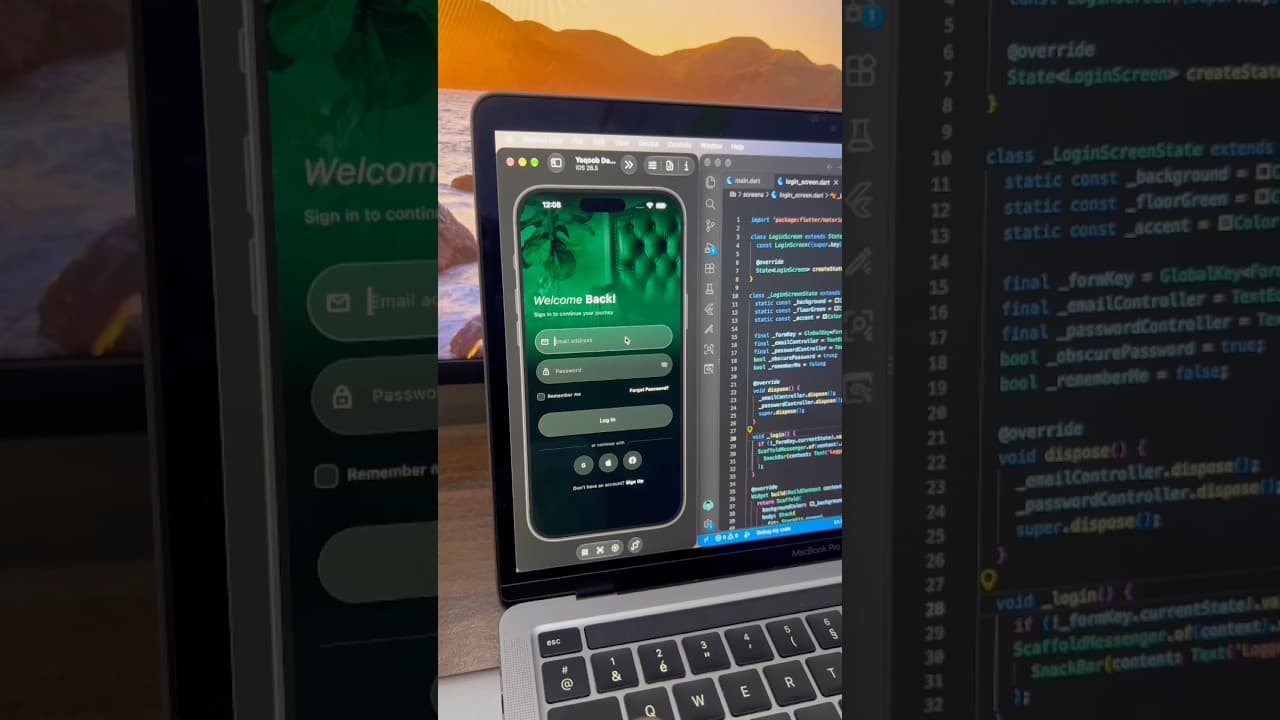
Dark Luxury Login Screen UI in Flutter
A dark, elegant login screen built in Flutter, with a full-screen green-tinted background image, glassy input fields, password toggle and social login buttons.
- #Login
- #Authentication
- #Dark UI
 Auth / Login UI
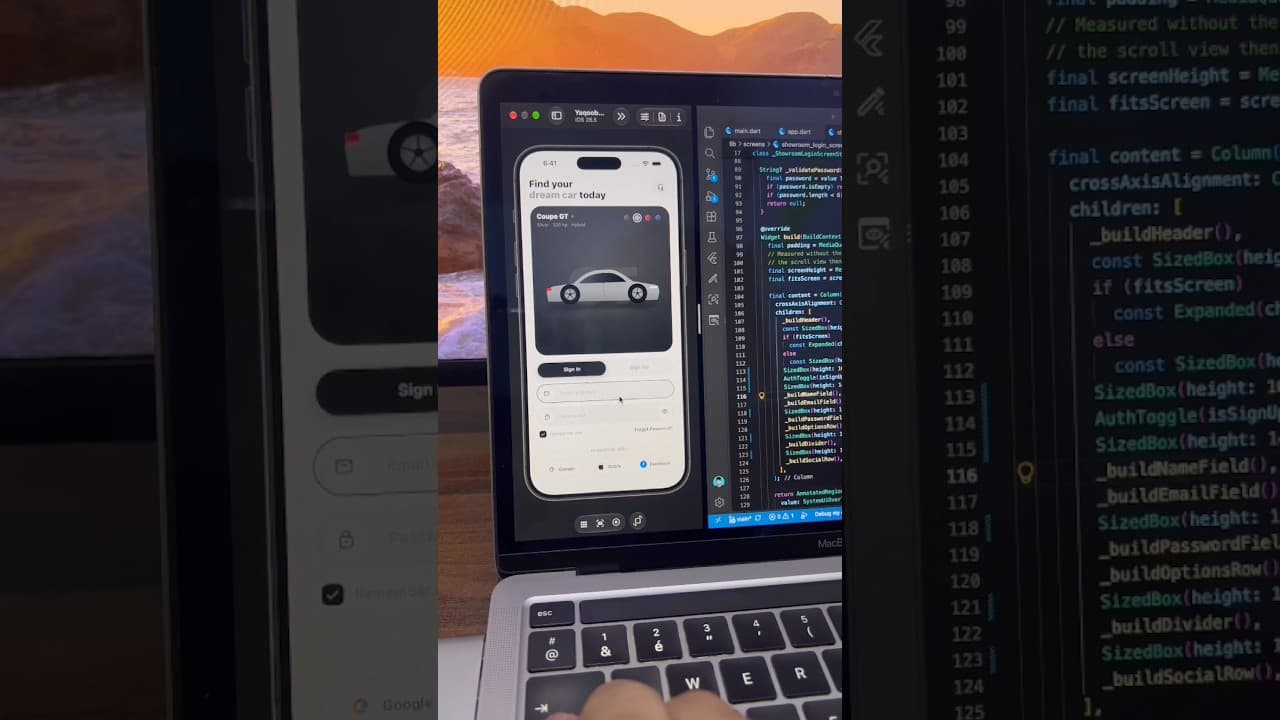
Car App Sign In Screen with Color Picker in Flutter
A light car app sign-in screen built in Flutter, with a car showcase card, color selector, Sign In/Sign Up toggle, password toggle and social login buttons.
- #Login
- #Sign In
- #Authentication
 Auth / Login UI
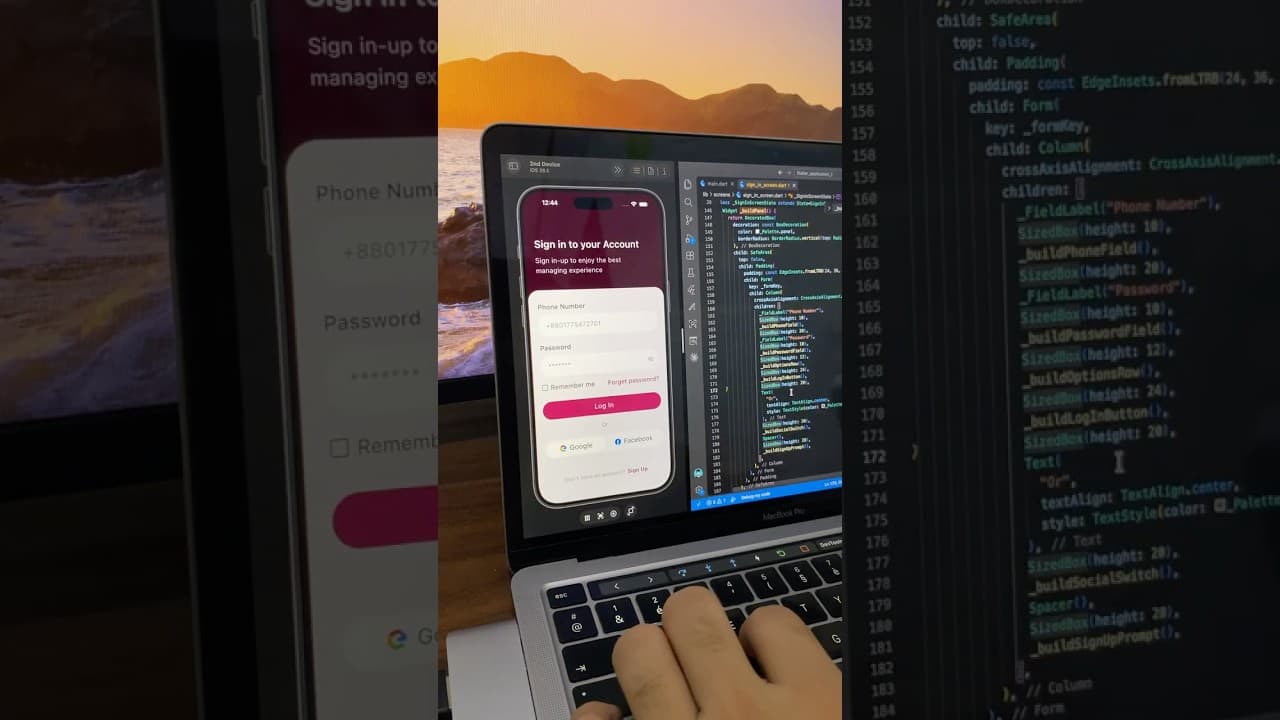
Phone Number Login Screen UI in Flutter
A minimal login screen built in Flutter with a deep maroon header, phone number and password fields, password toggle, and Google and Facebook login buttons.
- #Login
- #Authentication
- #Phone Login