Coffee App Login Screen UI in Flutter
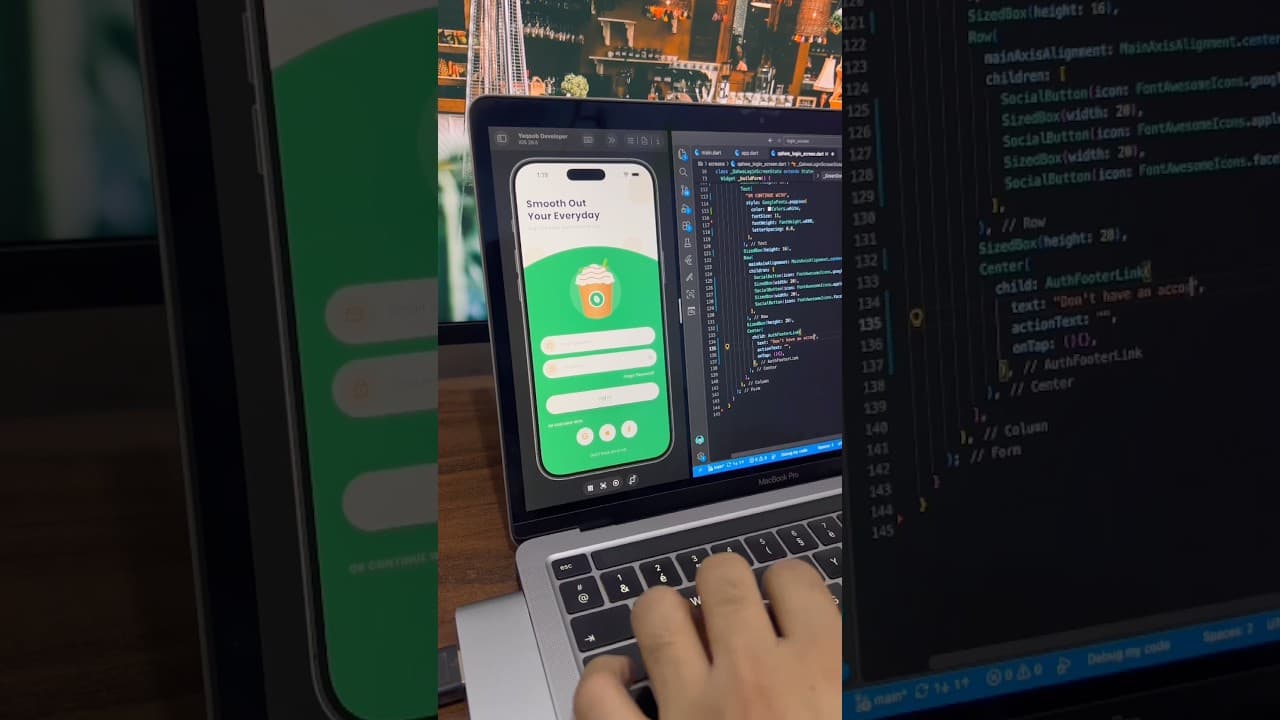
A warm, friendly login screen for a coffee ordering app built in Flutter, with a curved green section, coffee cup illustration, password toggle and social login buttons.
- #Login
- #Authentication
- #Coffee App
- #Food App
- #Social Login
- #Green UI
- #Custom Clipper
- #Forms
Overview
This project is a warm and friendly login screen built in Flutter, designed for coffee shops, cafes and drink ordering apps. It combines a bold heading, a playful coffee illustration and a soft green theme to create a screen that feels inviting and fresh. Instead of a plain form, users are greeted with something that matches the mood of grabbing their favourite drink. The screen opens with a large two-line heading, “Smooth Out Your Everyday”, written in a bold dark font. Below it, a short subtitle reads “Log in to order your favourite cup,” setting the purpose of the app clearly. The top area has a clean white background decorated with large, soft beige coffee bean shapes placed around the corners. These subtle shapes add character and brand feel without distracting from the content. The lower part of the screen is a large green section with a smooth curved top edge, creating a gentle arch that separates the heading from the form. In the center of this arch is a coffee cup illustration sitting on a lighter green circle. The cup has whipped cream on top, caramel drizzle, a green straw and a coffee bean badge on the front. The illustration gives the screen a cheerful, cafe-style personality and makes the brand instantly recognizable. Below the illustration are two white pill-shaped input fields. The email field has a mail icon inside a soft beige circle on the left, and the password field uses a lock icon in the same style along with an eye button on the right to show or hide the password. The beige and caramel tones in the icons tie the form back to the coffee theme, keeping everything visually connected. Under the fields, a bold white “Forgot Password?” link is aligned to the right. The main Log In button is a full-width white pill with green text and a soft shadow, standing out clearly against the green background. Using a white button on a colored section is a nice reversal of the usual style and helps the primary action pop. Below the button, an “OR CONTINUE WITH” label in spaced uppercase letters introduces three circular white buttons for Google, Apple and Facebook. Each icon uses the same caramel color instead of the official brand colors, keeping the design consistent with the coffee palette. At the bottom, a “Don’t have an account? Sign Up” link gives new users an easy way to create an account. The color palette is built around fresh green, warm caramel, soft beige and white, with dark navy used for the heading. These colors work together to feel natural and cozy, which fits coffee, tea, bakery and food brands perfectly. The design is easy to rebrand: you can change the green to your brand color, swap the cup illustration for your own product, and update the heading to match your app’s voice. This UI works well for coffee shop ordering apps, cafe loyalty and rewards apps, bubble tea and juice bar apps, bakery and dessert apps, and food delivery apps with a drinks focus. It’s also a great reference for anyone learning how to mix illustrations with forms in a balanced, attractive layout. The project is built entirely with Flutter widgets and is easy to customize. You can connect the form to Firebase Authentication, Supabase or your own REST API, and link the social buttons to the Google Sign-In, Sign in with Apple and Facebook Login packages. If you’re learning Flutter, this project is a practical way to understand curved containers with custom clippers, decorative background shapes, pill-shaped text fields and clean screen structure.
Watch the build
Keep exploring
Related projects
 Auth / Login UI
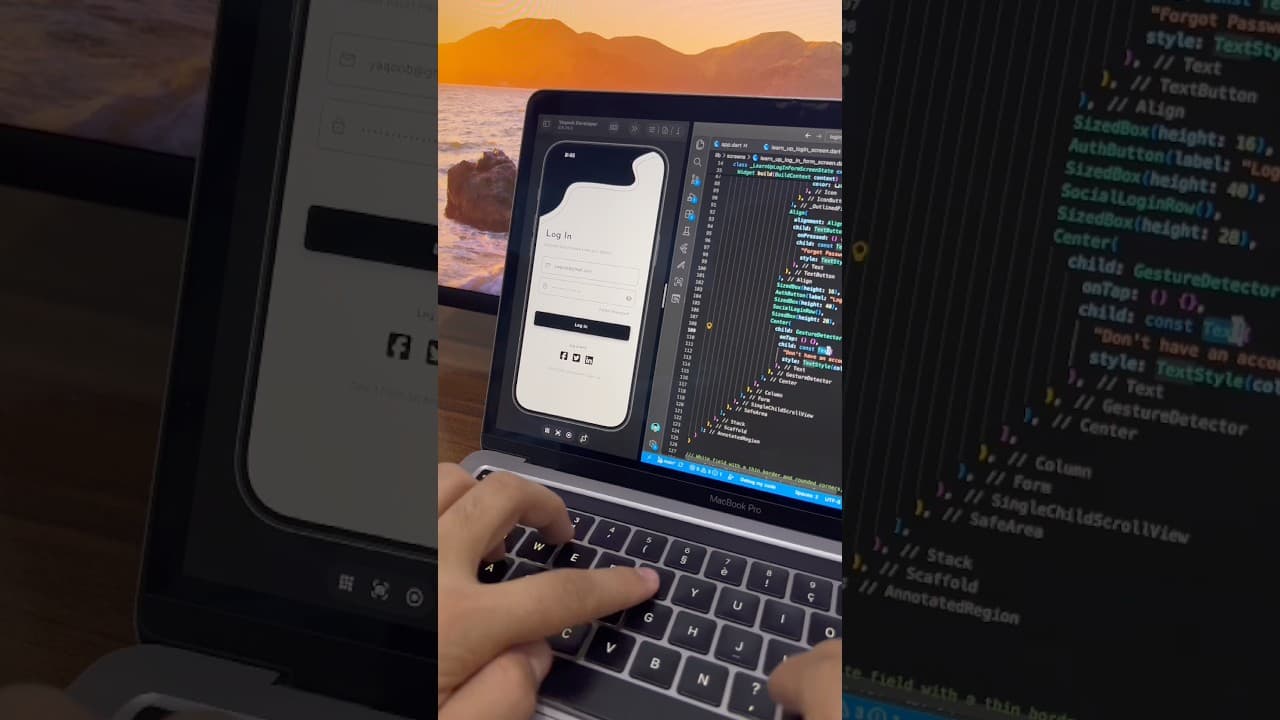
Minimal Login Screen UI in Flutter
A minimal black and white login screen built in Flutter, with a custom wave header, outlined input fields, password toggle and social login icons.
- #Login
- #Sign In
- #Authentication
 Auth / Login UI
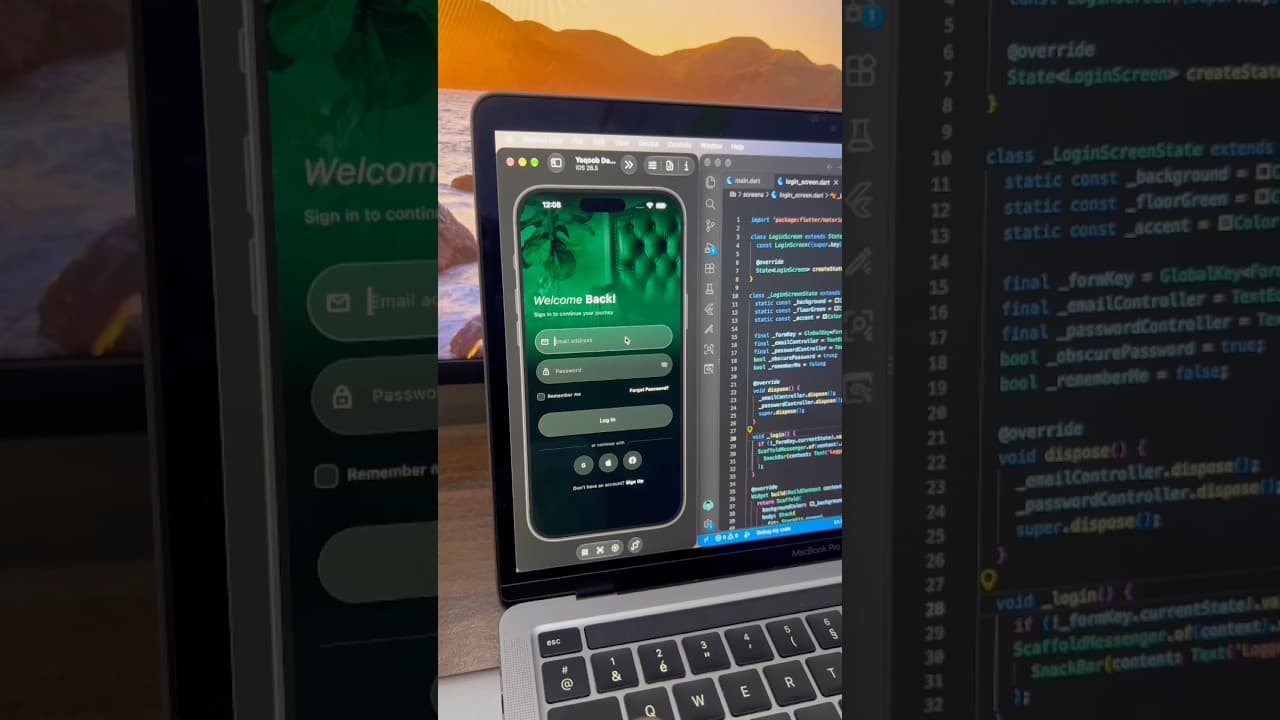
Dark Luxury Login Screen UI in Flutter
A dark, elegant login screen built in Flutter, with a full-screen green-tinted background image, glassy input fields, password toggle and social login buttons.
- #Login
- #Authentication
- #Dark UI
 Auth / Login UI
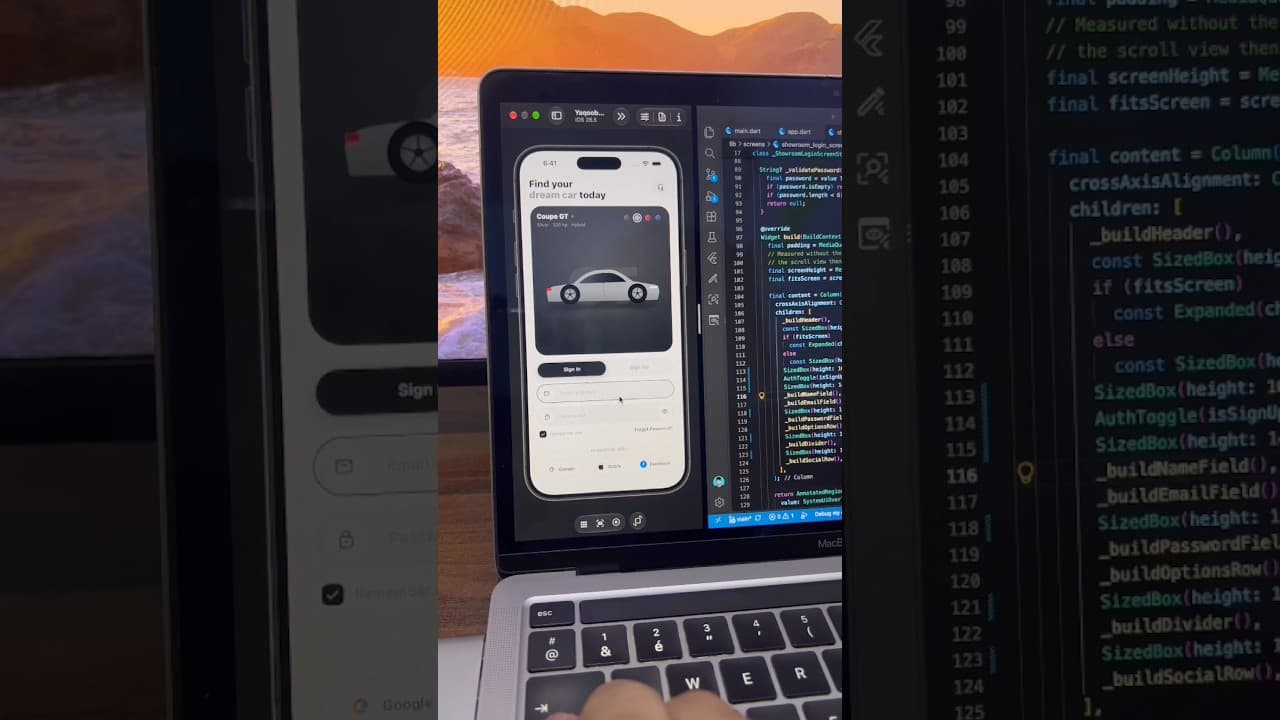
Car App Sign In Screen with Color Picker in Flutter
A light car app sign-in screen built in Flutter, with a car showcase card, color selector, Sign In/Sign Up toggle, password toggle and social login buttons.
- #Login
- #Sign In
- #Authentication