Car Dealership Sign In Screen UI in Flutter
A dark, modern sign-in screen for a car marketplace app built in Flutter. Features a hero car illustration, rounded input fields, password toggle, remember me, and Google, Apple and Facebook social login buttons.
- #Login
- #Sign In
- #Authentication
- #Social Login
- #Dark UI
- #Car App
- #Forms
Free for everyone. Sign in with Google, no password needed.

Overview
This project is a premium sign-in screen for car dealership, car marketplace and car rental apps, built entirely with Flutter. It pairs a dark charcoal header and a hand-drawn car with a clean white form, giving the screen the polished, showroom feel that automotive brands like to have.
The header uses a vertical gradient from charcoal to an almost black tone. At the top are two frosted circular buttons, a back arrow and a headset icon for help or support, with a centered “Sign In” title between them. Under that is the large headline “Find your dream car today” and a car illustration.
The car is not an image file. It is drawn with a CustomPainter using cubic and quadratic Bézier curves for the body shape, a metallic gradient from grey to near black, a thin highlight line along the side, dark tinted windows with their own gradient, a door seam, a white headlight, a red tail light and two detailed wheels with spokes. A blurred oval under the car, created with MaskFilter.blur, acts as a soft ground shadow. Because it is vector drawing, the car stays sharp on every screen and you can recolor it from code.
The white form area is a rounded sheet that is moved up with Transform.translate so it overlaps the dark header, which creates a modern layered look. It starts with a “Welcome Back” heading, a small gold star with a (4.8) rating, and the subtitle “Sign in to see saved cars, test drives and offers picked for you.”
The email and password fields are pill-shaped and filled with a light grey color. Each leading icon sits inside its own small white circle. The password visibility toggle is a dark filled circular button placed inside the field, which is a stylish change from the usual plain eye icon. When you press “next” on the keyboard, focus moves from the email field to the password field automatically. The email is checked with a regular expression and the password needs at least six characters, with clear error messages under the fields.
Below the fields is a custom “Remember me” checkbox, turned on by default, and a “Forgot Password?” link. The full-width Sign In button is dark and tall, shows a loading spinner during a simulated two-second request, and then displays a floating snackbar that says “Welcome back” with the entered email. An “or continue with” divider introduces three dark rounded-square social buttons for Google, Apple and Facebook, each with its label underneath, followed by a Sign Up link.
The styling is kept in one place. AppTheme defines the input decoration theme, filled button theme, text button theme, snackbar theme and divider color, while AppColors and AppRadius hold the color and corner values. This means you can restyle the whole screen by editing a few constants instead of searching through widgets. The form is also limited to a maximum width of 420 pixels, so it still looks good on tablets.
This design suits car dealerships, used car marketplaces, car rental and leasing apps, test drive booking apps and automotive service apps. You can swap the headline, change the accent colors, replace the painted car with your own artwork, and connect the sign-in method to Firebase Authentication, Supabase or your own API.
To run the project, clone the repository, run flutter pub get and then flutter run. It has no third-party dependencies, so it works out of the box. It is a good learning example for CustomPainter drawing, theme-based styling, form validation and overlapping layouts in Flutter.
Watch the build
Keep exploring
Related projects
 Auth / Login UISource Club
AI Onboarding Animation in Flutter
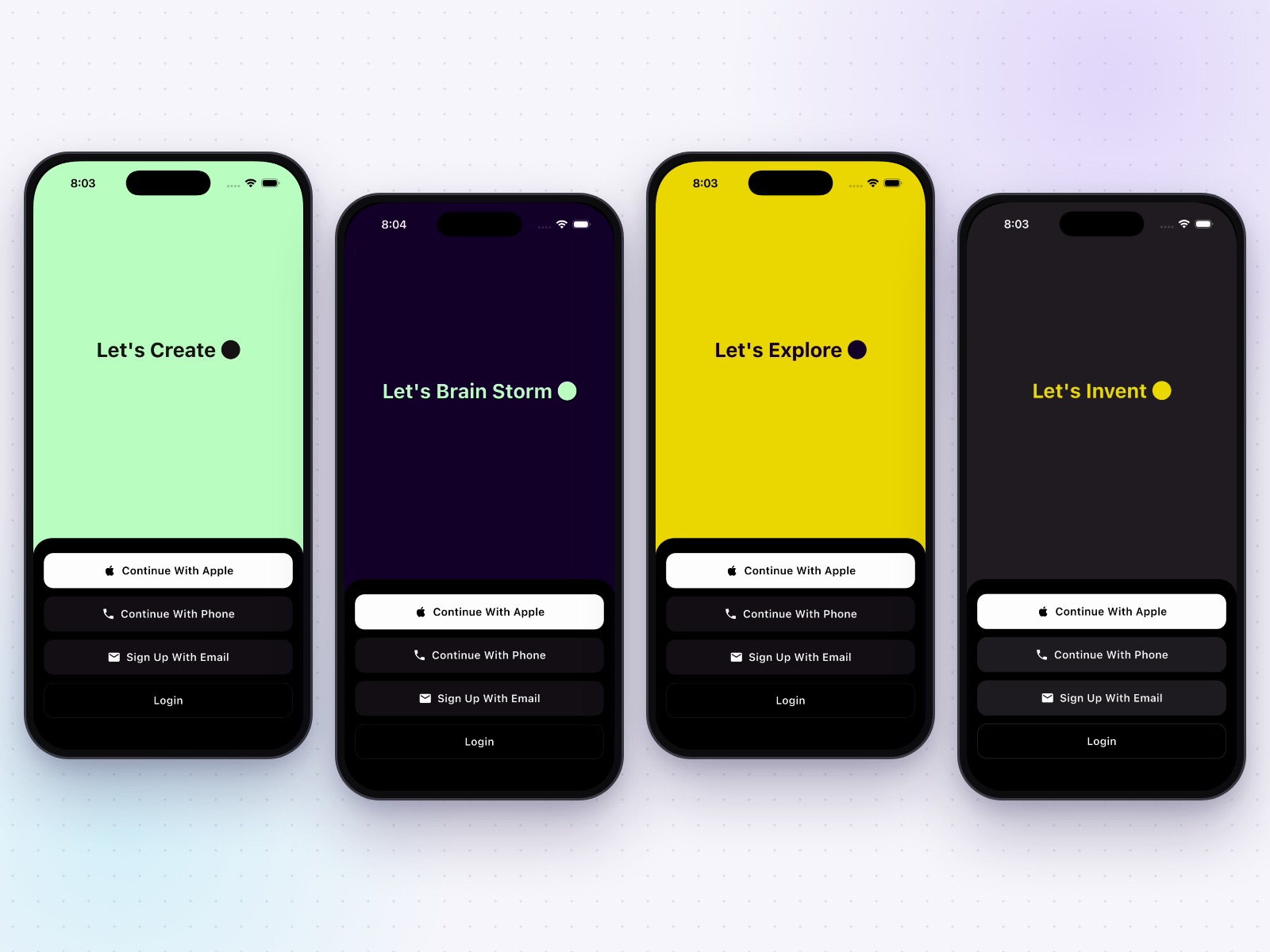
Animated Al app onboarding in Flutter: the headline types itself out, the background morphs through four colours, and a sign-in sheet slides up.
- #Onboarding
- #Animation
- #AI App
 Auth / Login UI
Music App Login Screen UI in Flutter
A bold neon lime login screen for a music app built in Flutter, with a headphone logo, white rounded input fields, black Login button and colorful social login icons.
- #Login
- #Authentication
- #Music App
 Auth / Login UI
Teal Login Screen with Sign Up Toggle in Flutter
A modern dark teal login screen built in Flutter, with a gradient background, Login/Sign Up toggle, rounded input fields and a bottom-anchored mint Log Me In button.
- #Login
- #Sign Up
- #Authentication