360° Rotating 3D Shoe in Flutter
Interactive 360° rotating 3D shoe animation built with Flutter, featuring smooth gestures and a modern product-view experience.
- #Flutter
- #3D Animation
- #Shoe UI
- #Product UI
- #Animation
- #Interactive UI
- #E-commerce UI
- #Flutter Animation
Free for everyone. Sign in with Google, no password needed.

Overview
This project is an interactive sneaker product page built with Flutter, where the shoe is a real 3D model that you can rotate a full 360 degrees with your finger. It shows how an online store can go beyond flat product photos and let shoppers look at a product from every side, similar to the 3D viewers used by modern e-commerce and sneaker apps.
The 3D view is powered by the model_viewer_plus package, which wraps Google’s model-viewer web component, and it works on Android, iOS and the web. The default model is the “Materials Variants Shoe” from the Khronos glTF Sample Assets collection, created by Shopify and released under the CC BY 4.0 license, so if you publish an app with it you should keep the attribution. The viewer is set up for products, not games: camera controls are on, zoom is disabled, the vertical angle is locked so the shoe always sits at a nice viewing height, and after a short delay the shoe starts slowly auto-rotating on its own.
Flutter and the 3D viewer talk to each other through a JavaScript channel. The viewer reports loading progress and errors back to Flutter, and Flutter can send commands to rotate the camera to a specific angle. While the model loads, a soft placeholder is shown. If the model fails to load, or no progress is reported within a timeout, the screen automatically switches to a 2D fallback, so the user never sees an empty box. The fallback also runs on platforms that the 3D viewer does not support, such as desktop.
The 2D fallback is a small trick worth studying. It takes a single product image and applies a perspective Matrix4 transform, rotating it around the Y axis as you drag horizontally. The rotation is clamped, springs back to its resting angle when you let go, and a gentle floating animation keeps the product alive. Under the shoe, a custom painter draws a thin elliptical orbit line, darker at the front and fading at the back, which makes it look like the product is standing on a turntable.
Below the viewer is a row of angle thumbnails: Side, Front angle, Back, Top and Sole. Tapping one turns the camera to that preset view, always rotating the shorter way around. The thumbnails themselves are generated from the same single image using transforms, and the sole preview is painted with a CustomPainter, so no extra images are needed.
The product details section shows the shoe name, a formatted price with thousands separators, info chips for pairs left, number sold and star rating with review count, and a favorite button that shows a confirmation snackbar. A “Select Size” row offers scrollable size pills, and a “Size chart” link opens a bottom sheet with US, UK, EU and CM conversions.
At the bottom is a fixed action bar with a chat button, Add to Cart and Buy Now. The purchase buttons stay disabled until a size is selected, and if the user taps them anyway, a helper widget catches the tap and shows “Please select a size first” instead of silently ignoring it. This is a small but important usability detail many shopping apps miss.
All product data comes from a simple Product model, so you can plug in your own products, prices, sizes and .glb or .gltf model URLs. Text uses the Plus Jakarta Sans font through google_fonts.
To run it, clone the repository, run flutter pub get and flutter run on an Android or iOS device or in Chrome. The model is loaded from the internet, so the device needs a connection. This project is a great reference for sneaker stores, fashion and furniture e-commerce, product configurators and anyone who wants to learn 3D model viewing, JavaScript channels and Matrix4 transforms in Flutter.
Watch the build
Keep exploring
Related projects
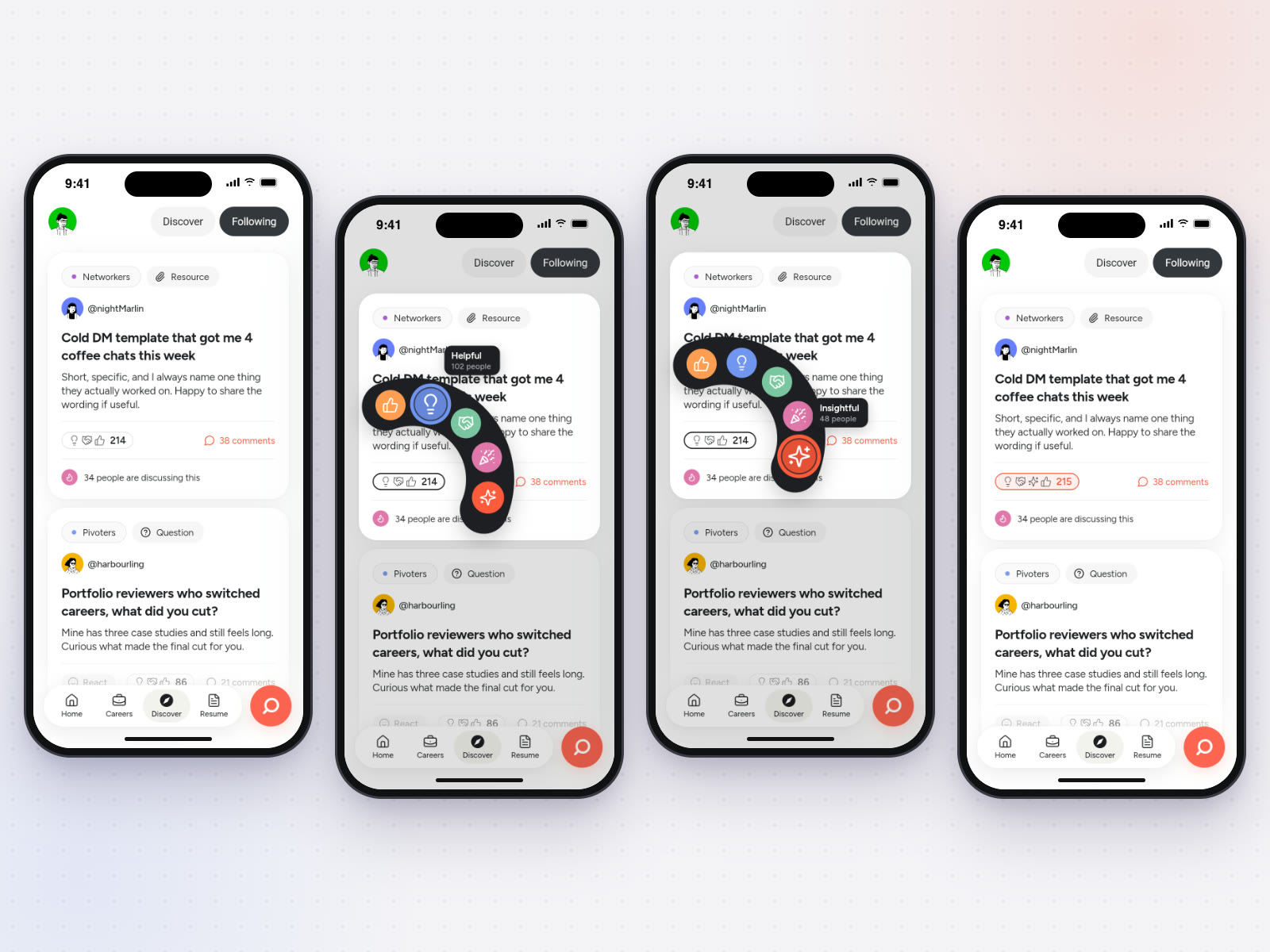 Social & Chat UISource Club
Reaction Picker Animation in Flutter
A community feed with a long-press reaction picker in Flutter: an arc of reactions, slide to choose, and the reaction flies into the pill with a rolling count.
- #Animation
- #Reactions
- #Long Press
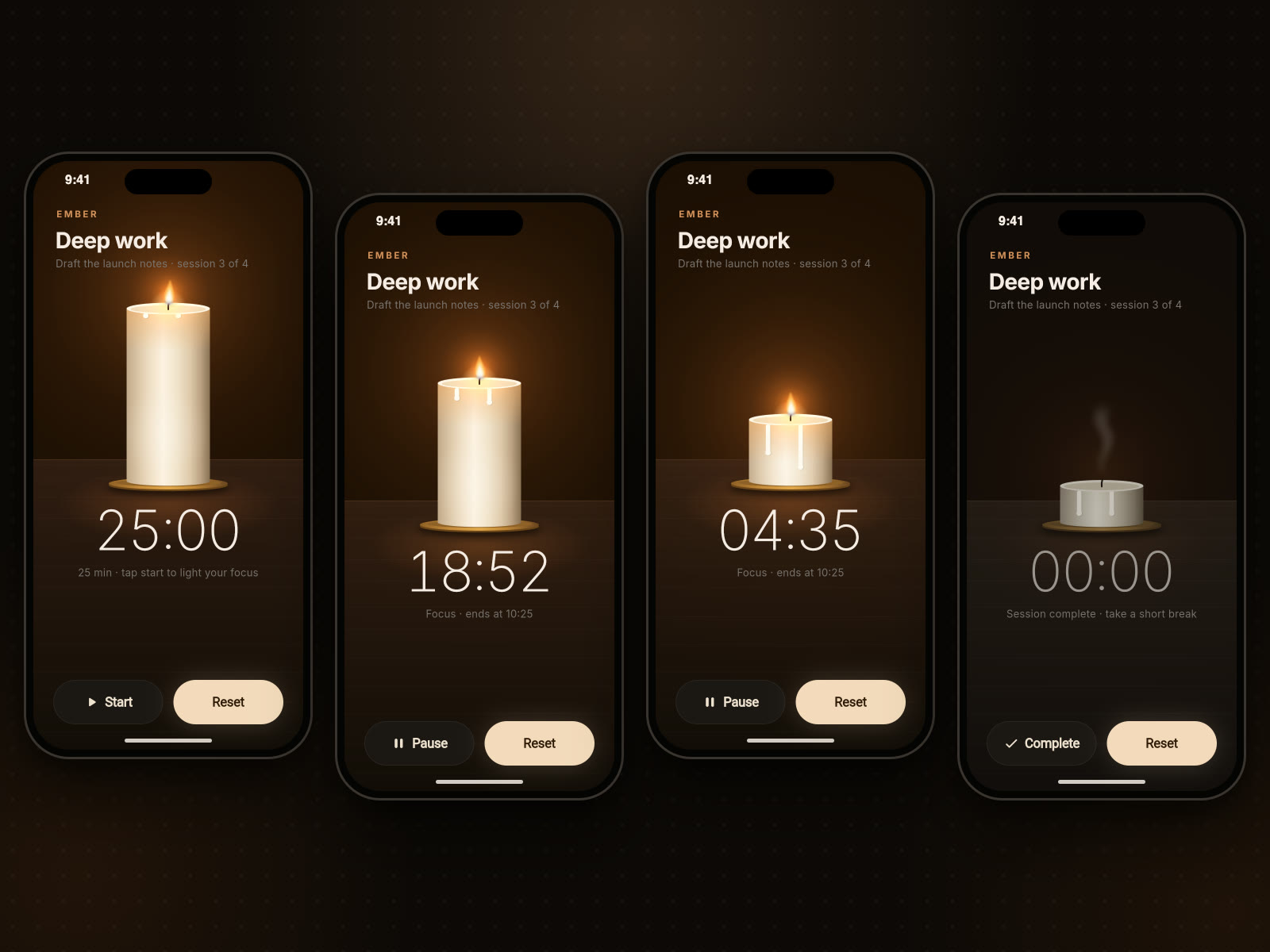 Productivity UISource Club
Candle Focus Timer UI in Flutter
A calm Pomodoro focus timer in Flutter: a candle lights itself and melts while you focus, the digits roll, and the flame goes out with a curl of smoke when the session ends.
- #Pomodoro
- #Focus Timer
- #Candle
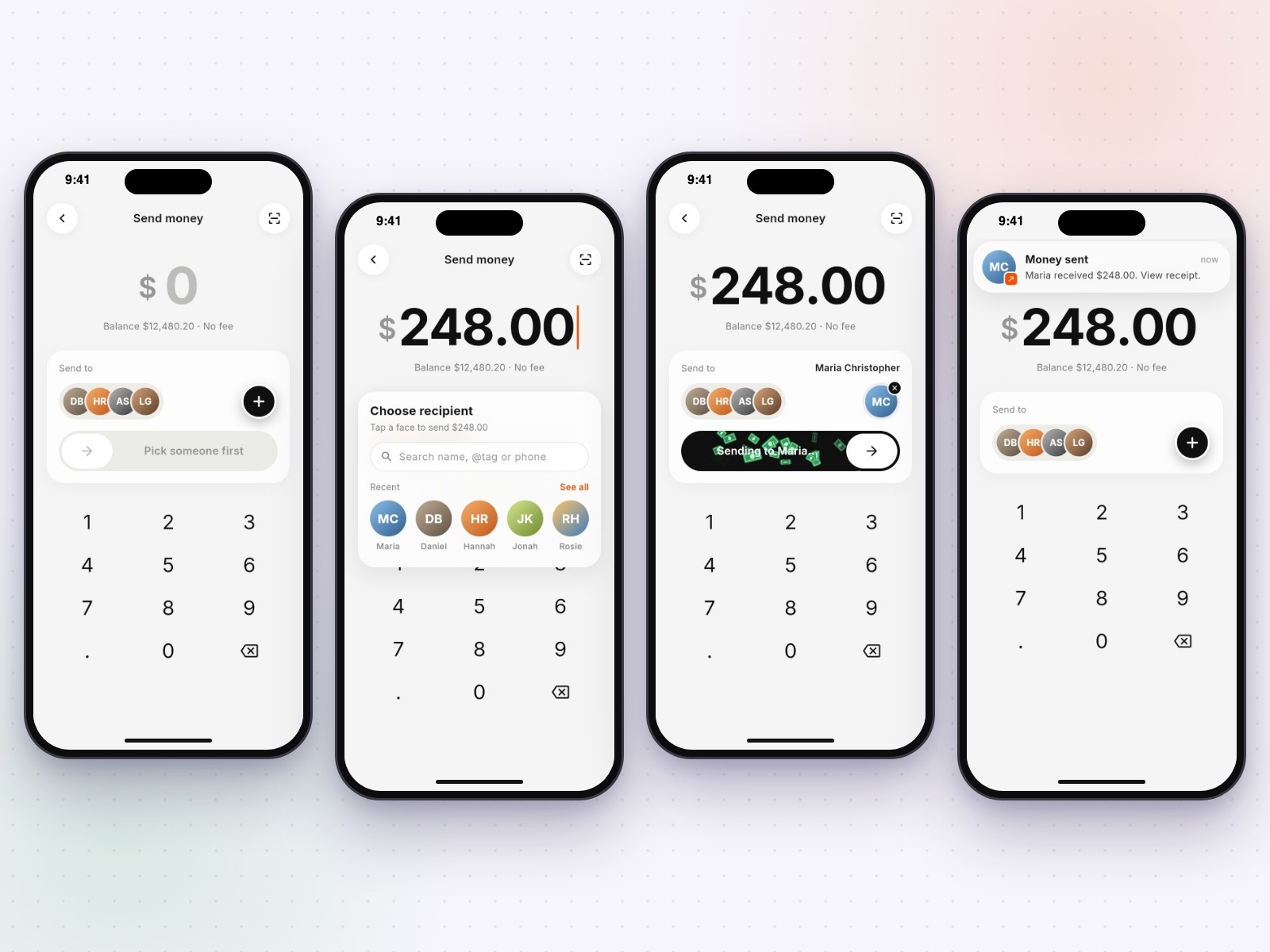 E-commerce UISource Club
Send Money App UI in Flutter
A smooth send money flow in Flutter: type an amount, pick a contact from a card that grows out of the + button, flow in Flutter: fly then swipe to send and watch the money fly.
- #Fintech
- #Payment App
- #Send Money